New article
Recently updated
Conducting a risk assessment

Who is this article for?Users assigned as assessors on a risk assessment.
Assessor permissions are required.
To ensure you satisfy all compliance requirements, it's important that you conduct regular risk assessments on your machines.
This article walks you through the process of carrying out a scheduled risk assessment.
1. Conducting an assessment
To conduct a risk assessment:
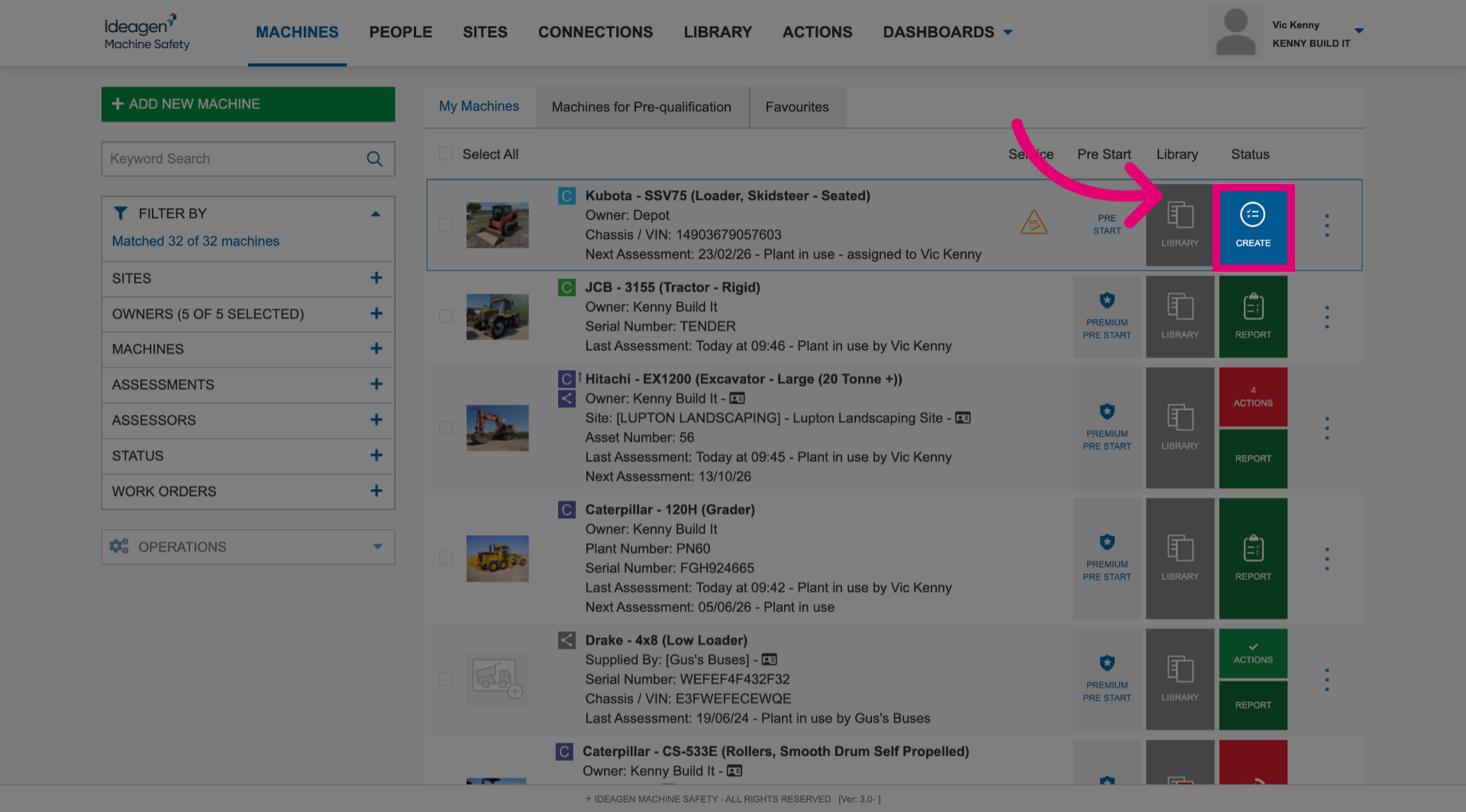
- Click Create next to the machine the assessment is for.
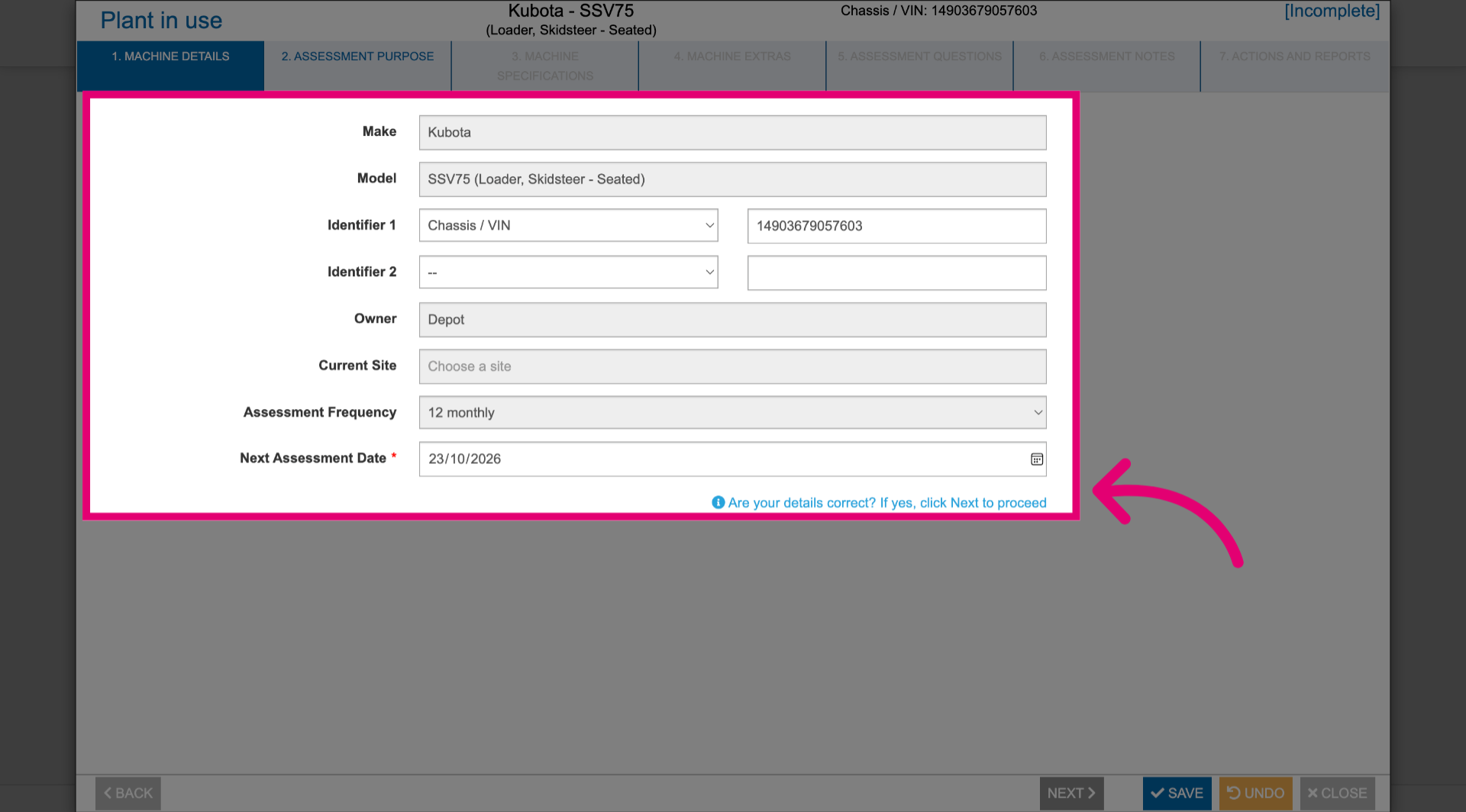
- Review the machine details.
- Update the details as needed.
- Click Next.
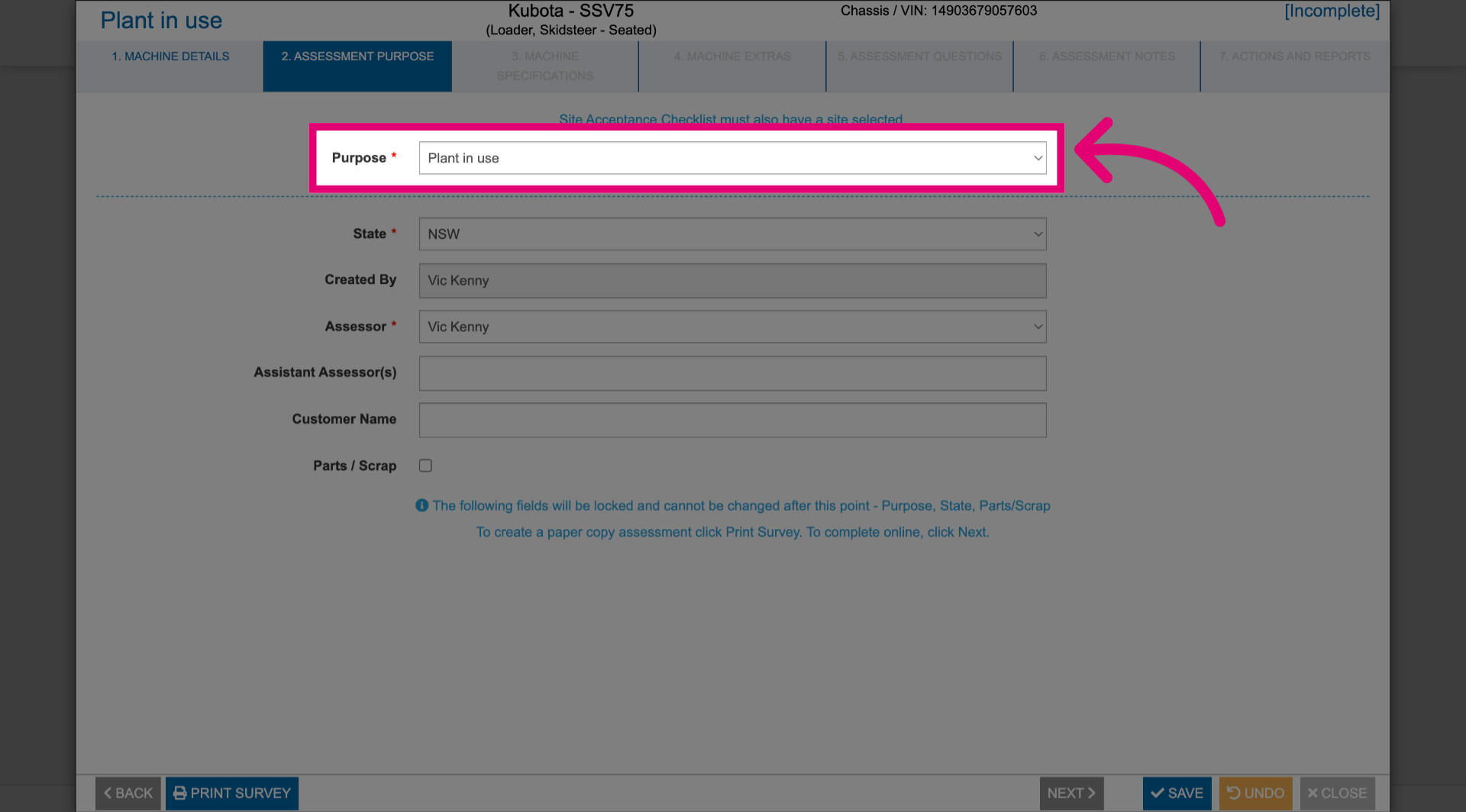
- Select a Purpose.
Please take note that you cannot change the purpose after this point.
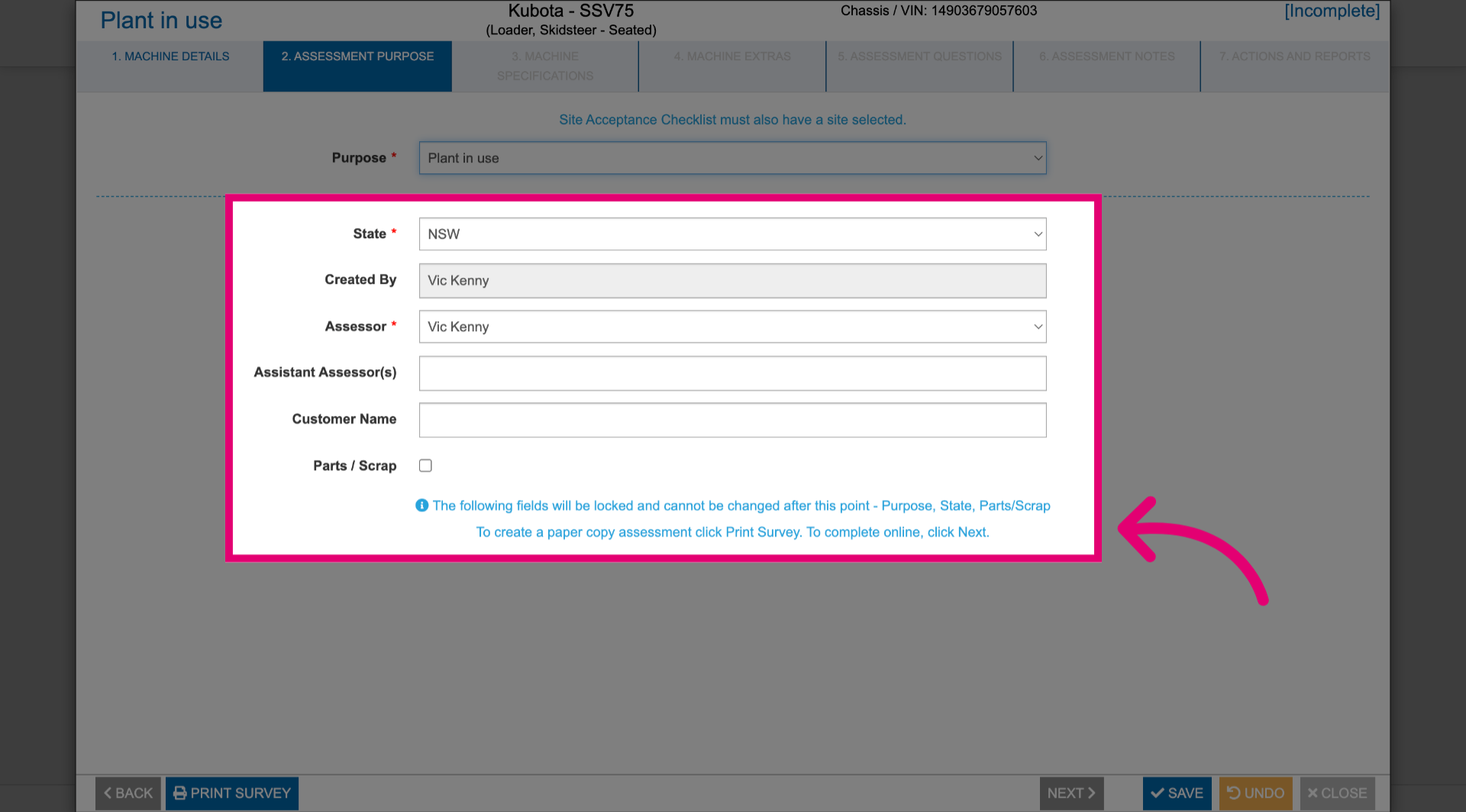
- Review the assessment details.
- Update the details as needed.
- Click Next.
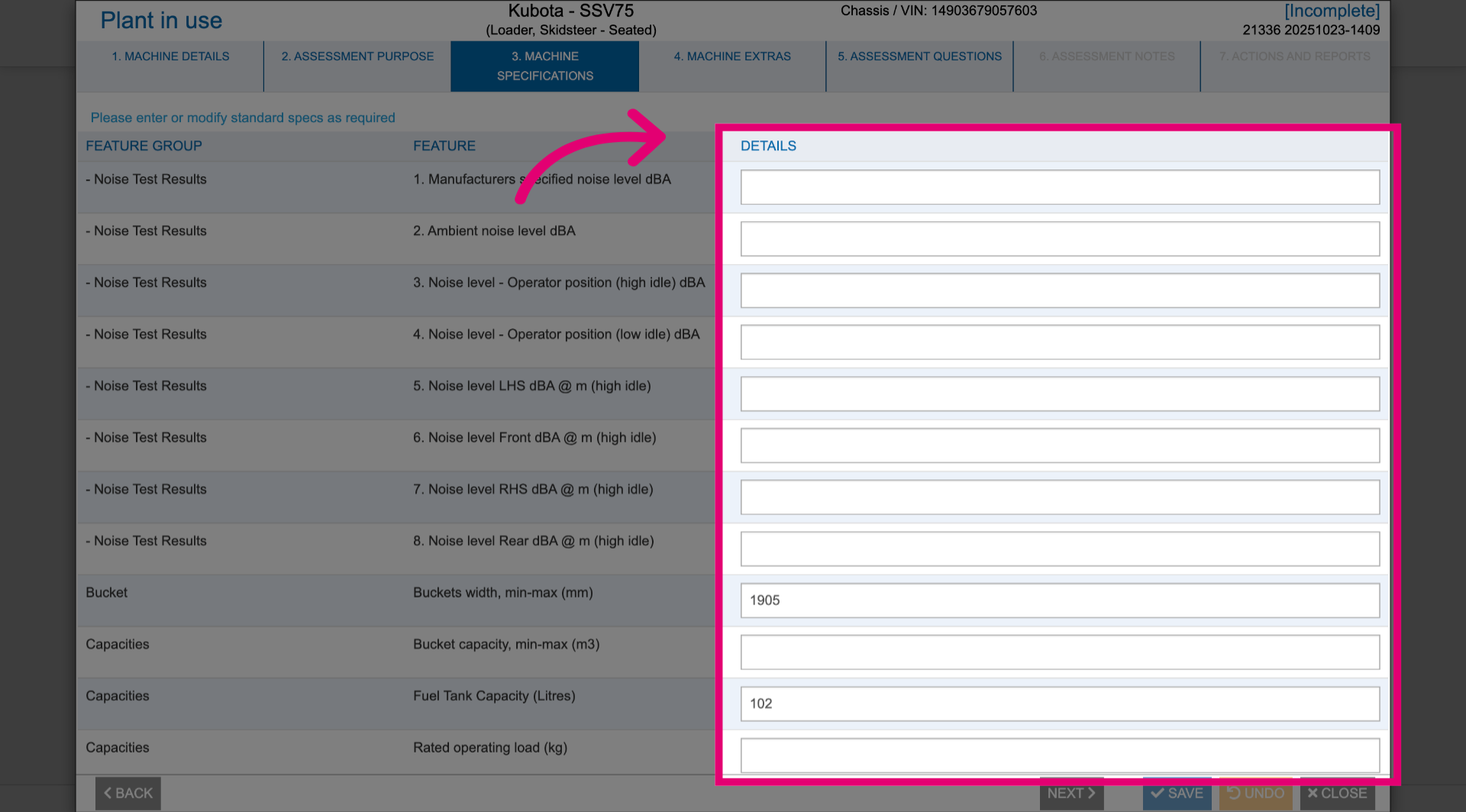
- Fill out feature Details.
- Click Next.
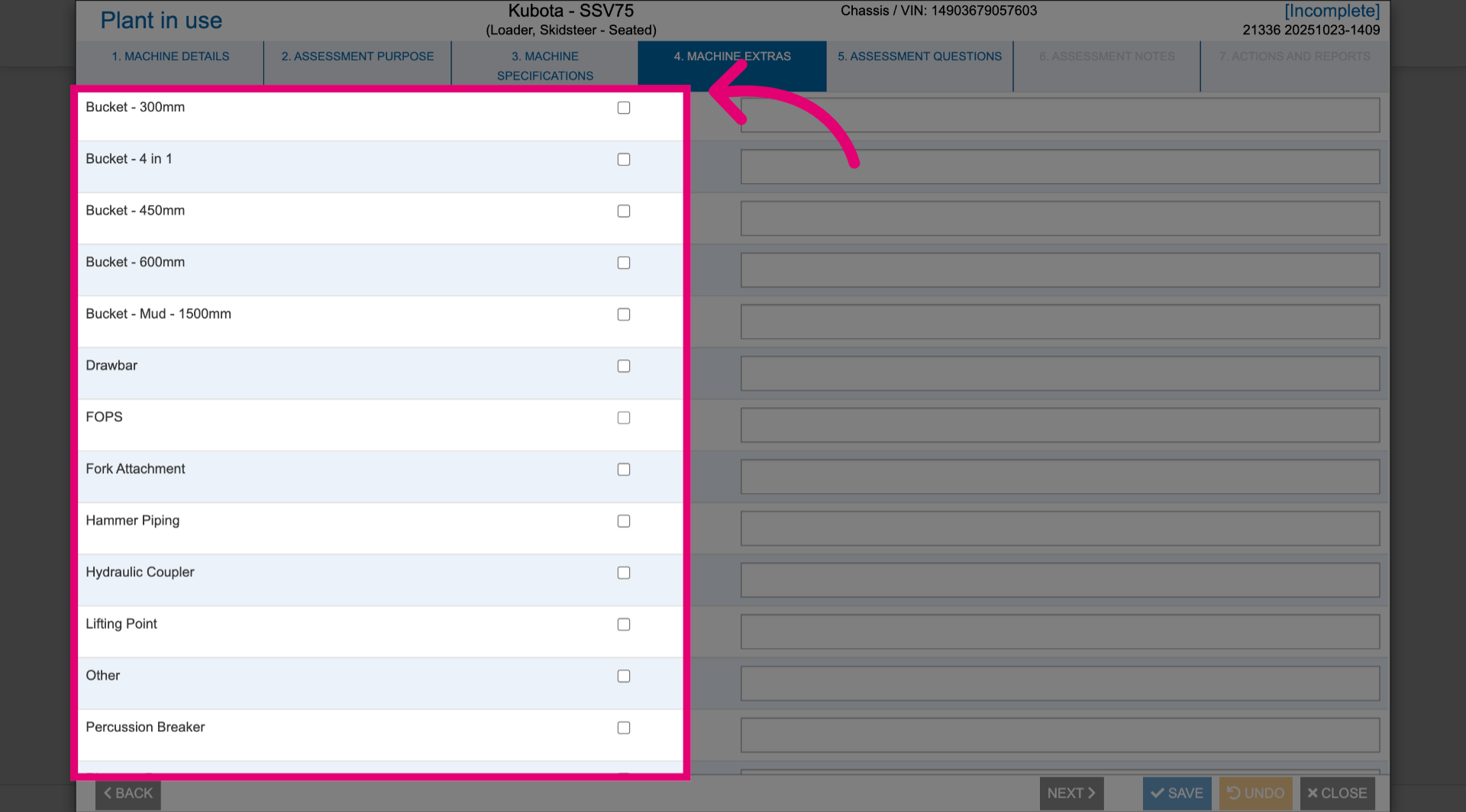
- Tick each Feature that needs to appear on the assessment.
- Click Next.
- Answer assessment questions.
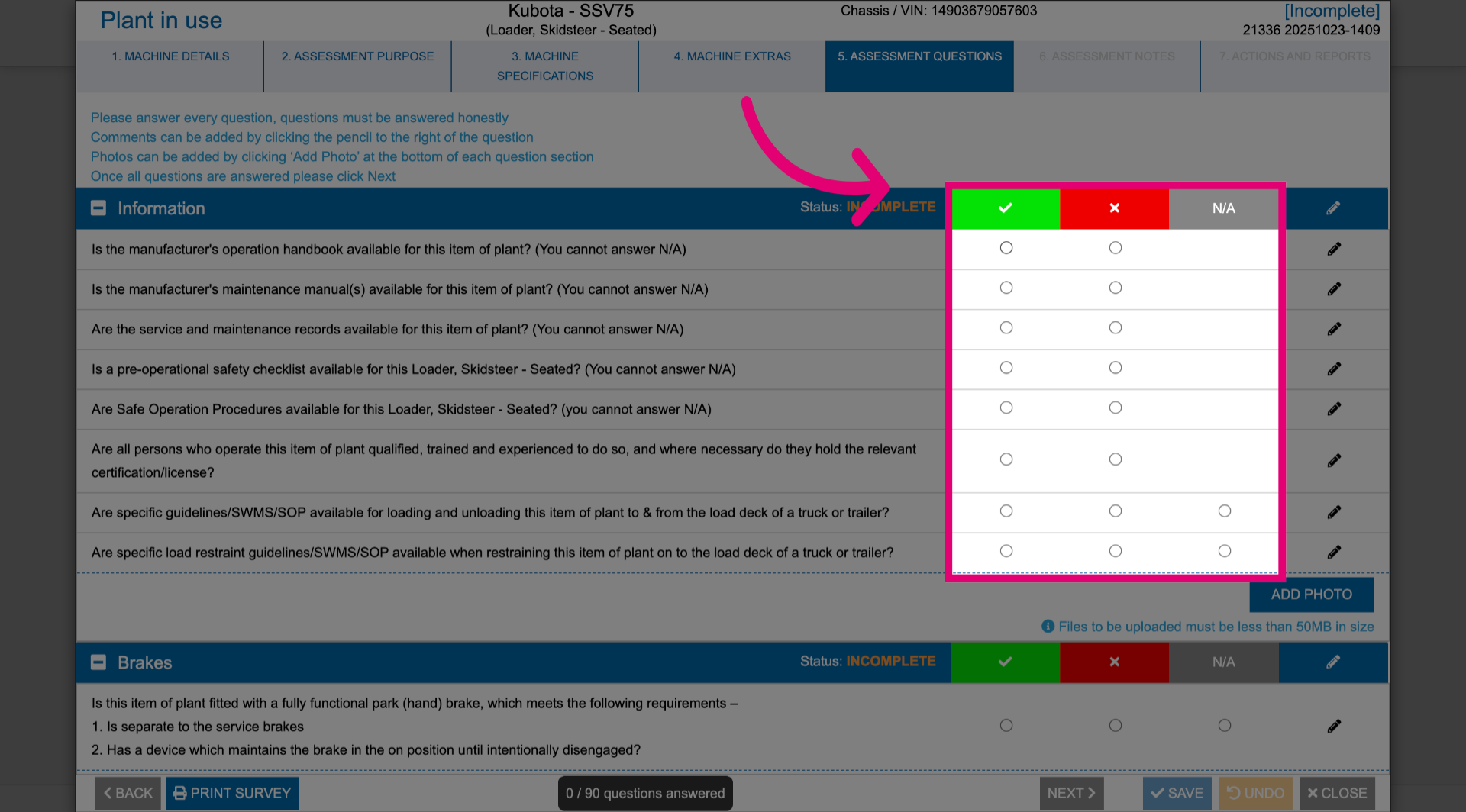
- Click the Pencil icon to add a comment.
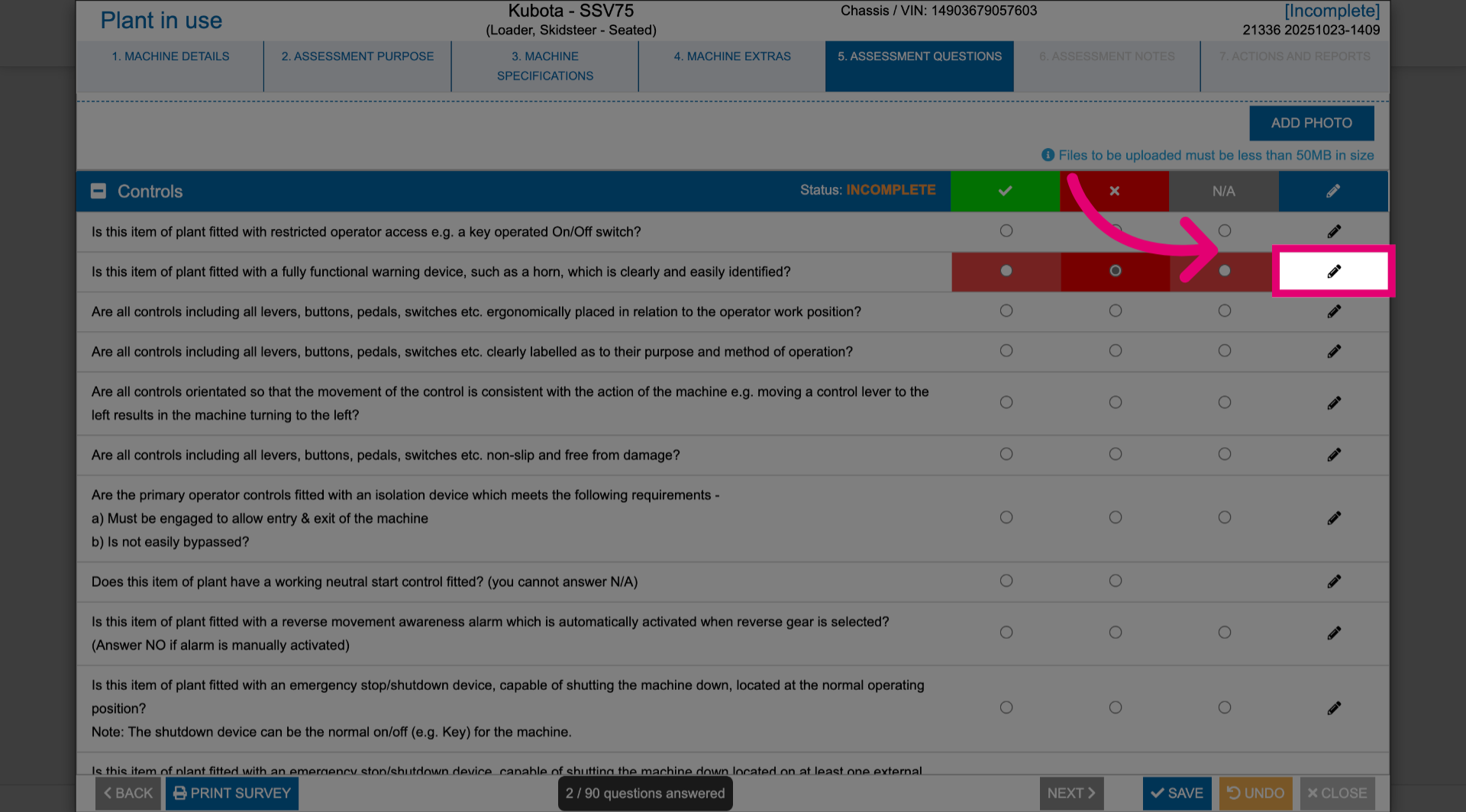
- Click Add Photo to upload an image that supports the assessment findings.
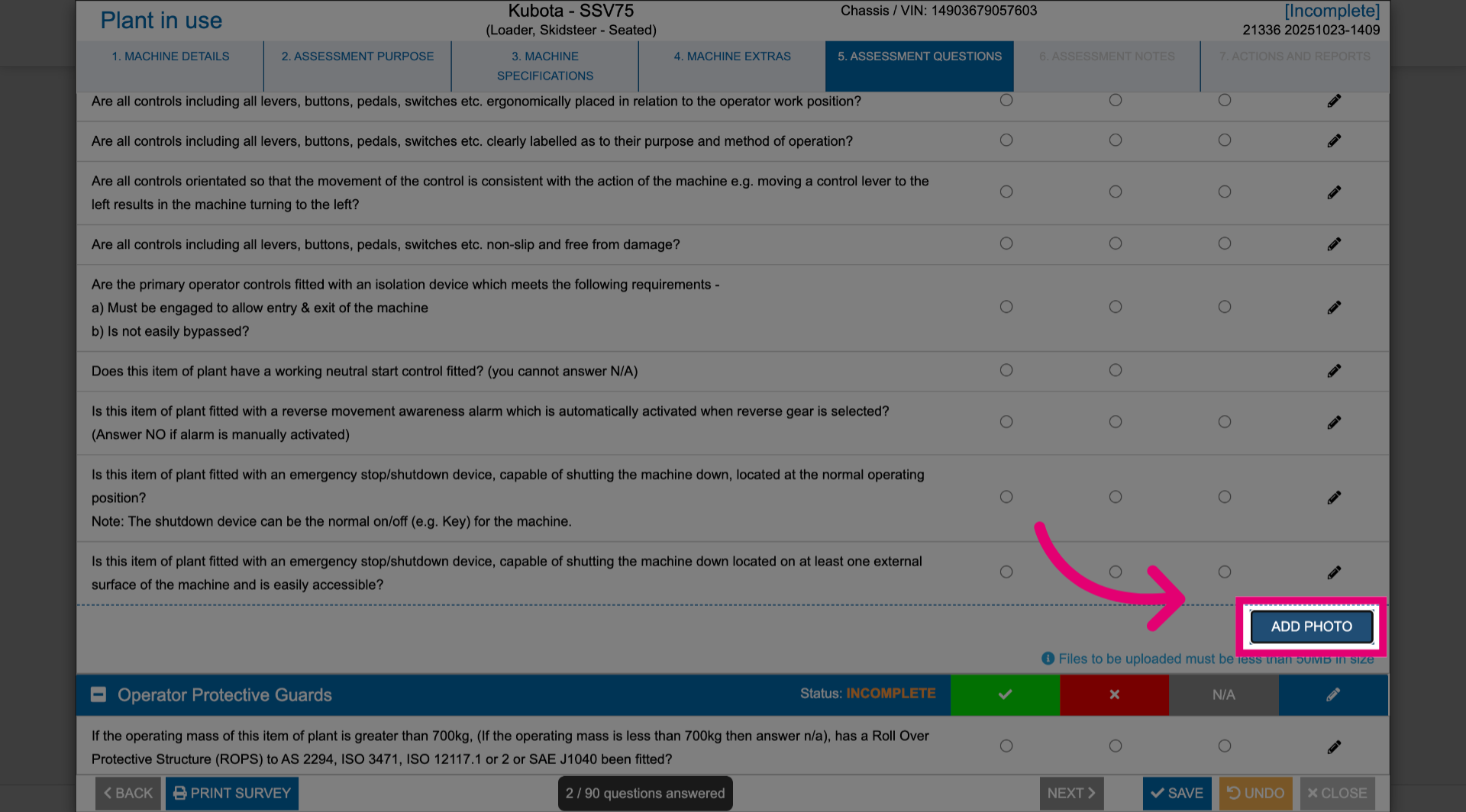
- Click Next.
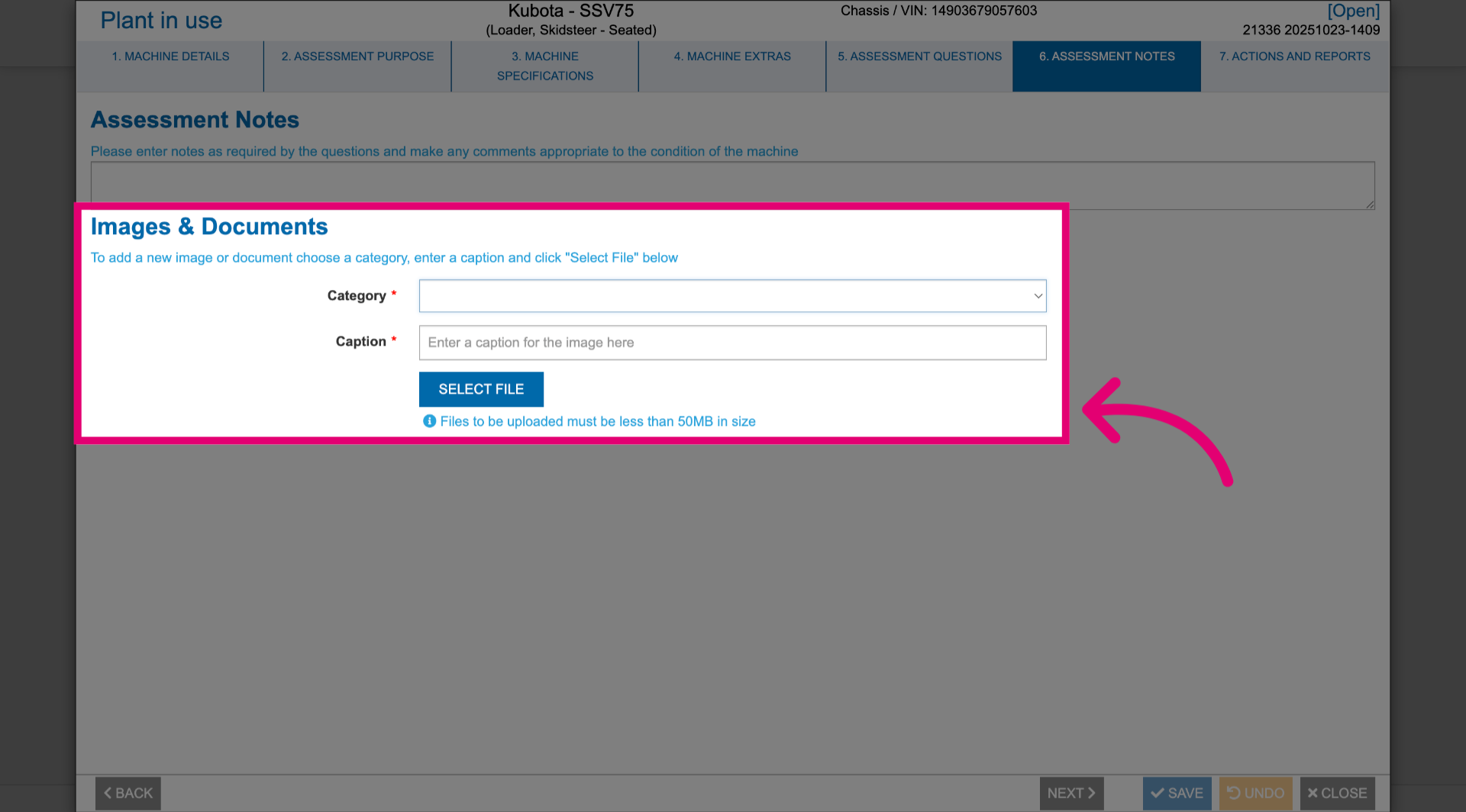
- Add Assessment Notes as needed.
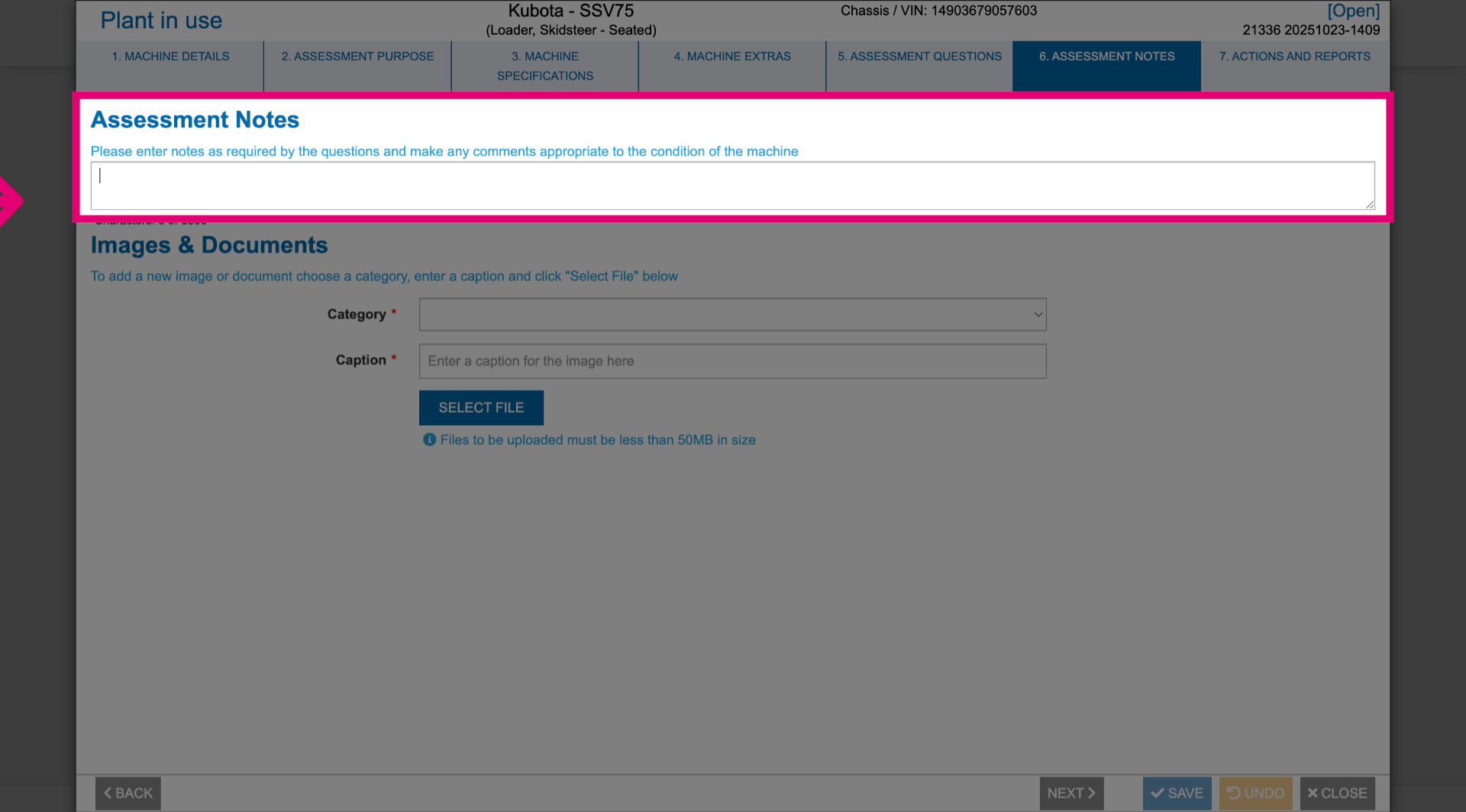
- Add Images and Documents to support your findings.
These need to be given a Category and Caption for reference.
- Click Next.
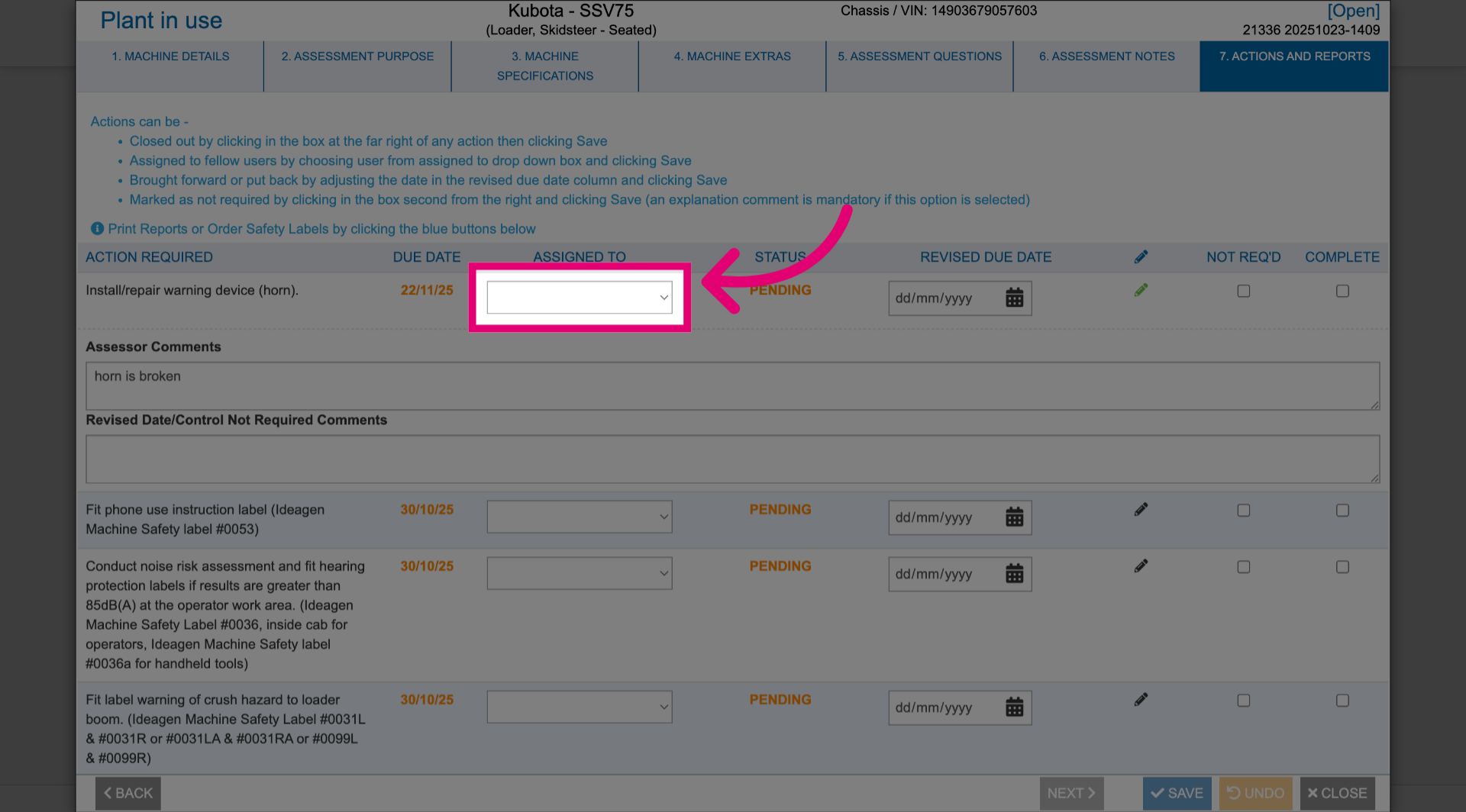
- Select a user from the Assigned to dropdown for each action identified.
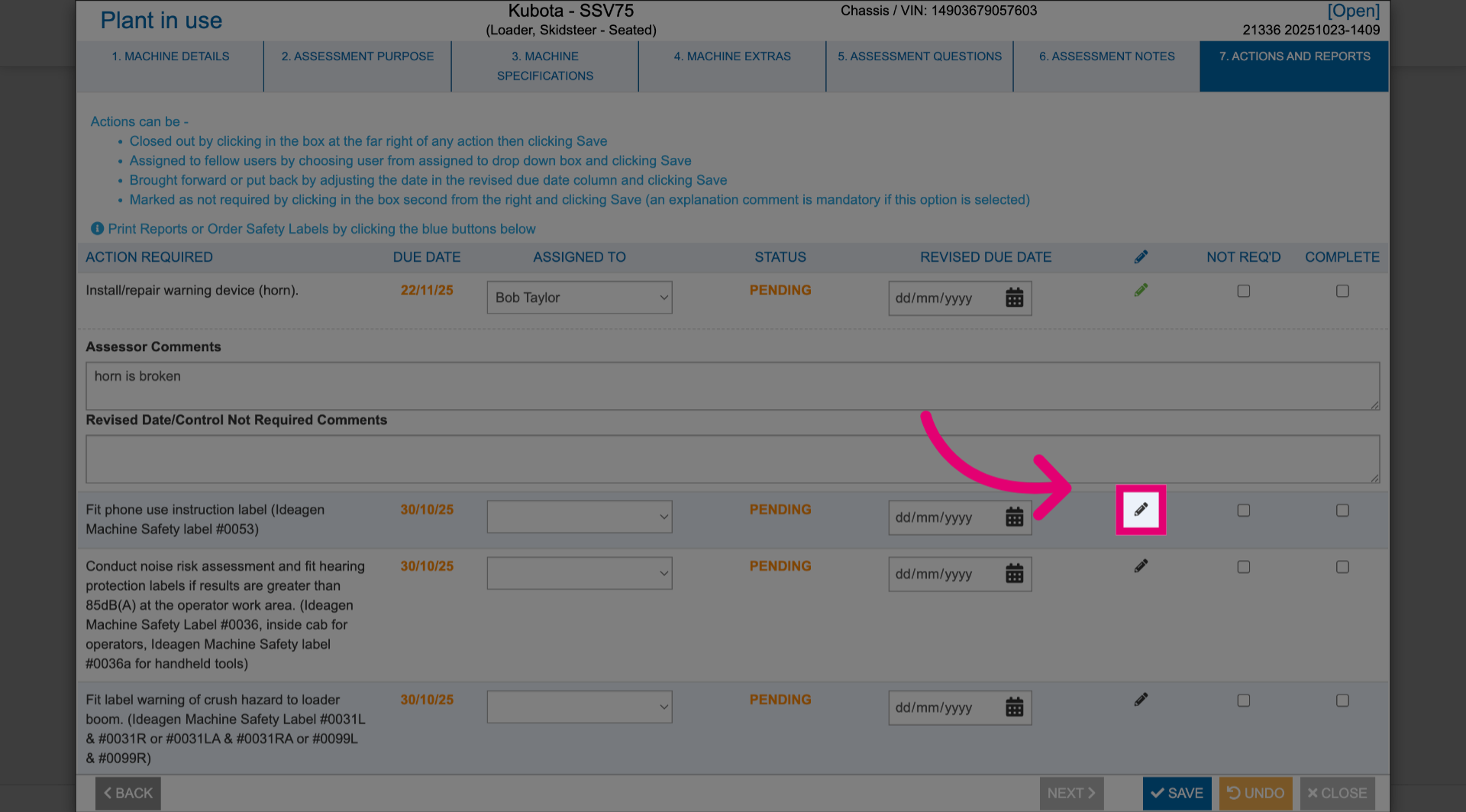
- Click the Pencil icon to add comments.
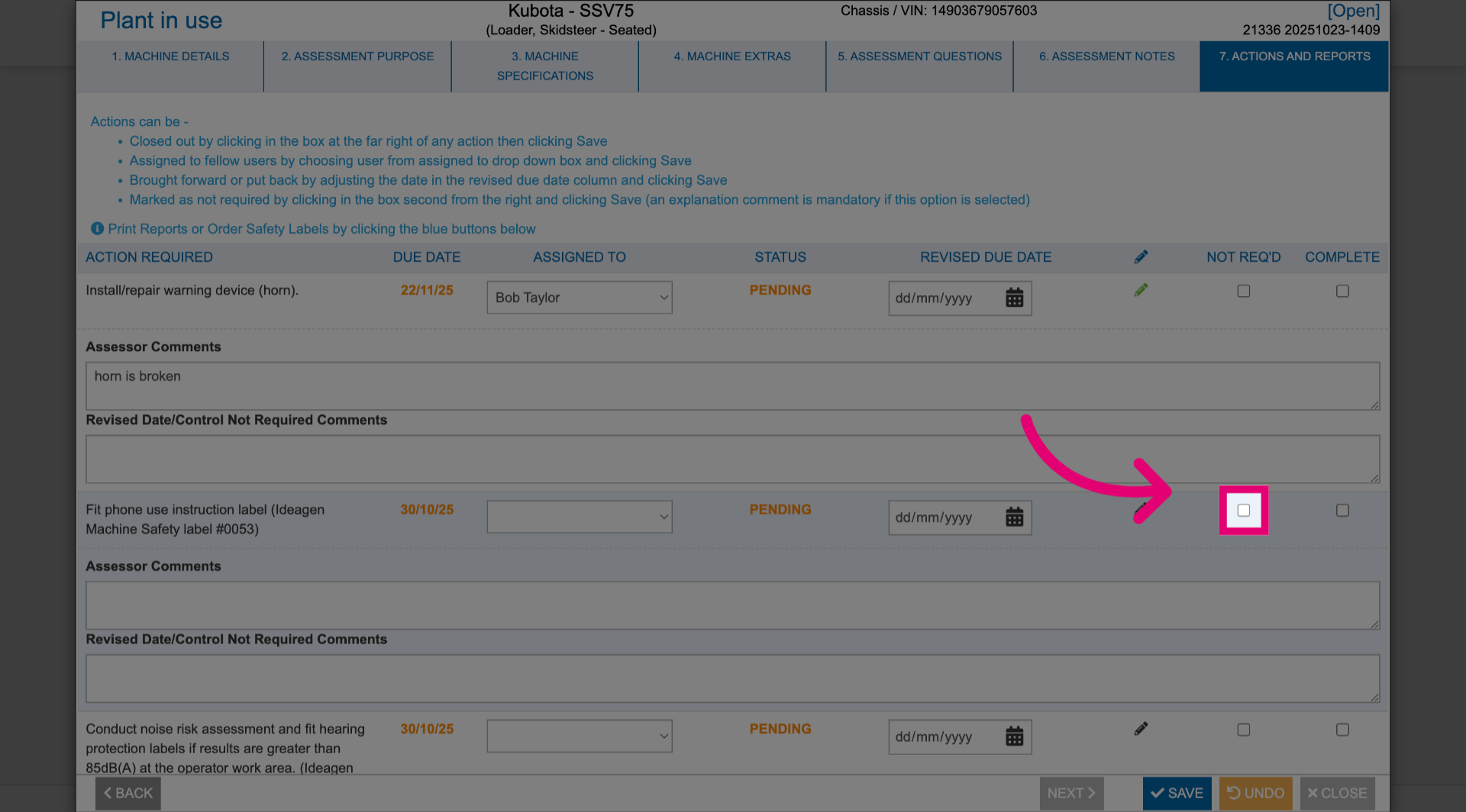
- Tick Not req'd If the action is not required.
You will be asked to add a mandatory comment explaining why it's not required.
- Tick Complete to mark the action as done.
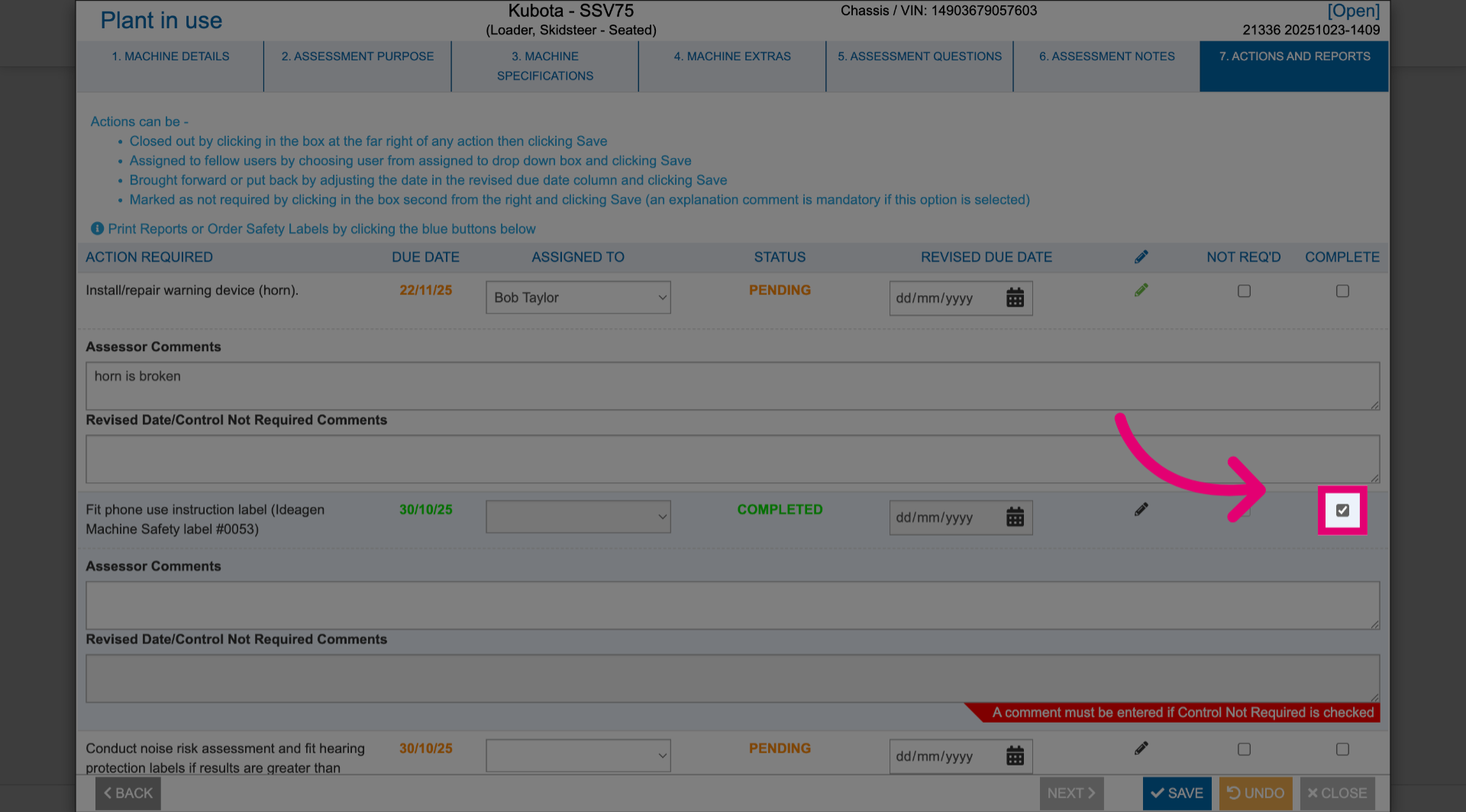
You can also manage outstanding actions outside of a risk assessment
2. Using additional options
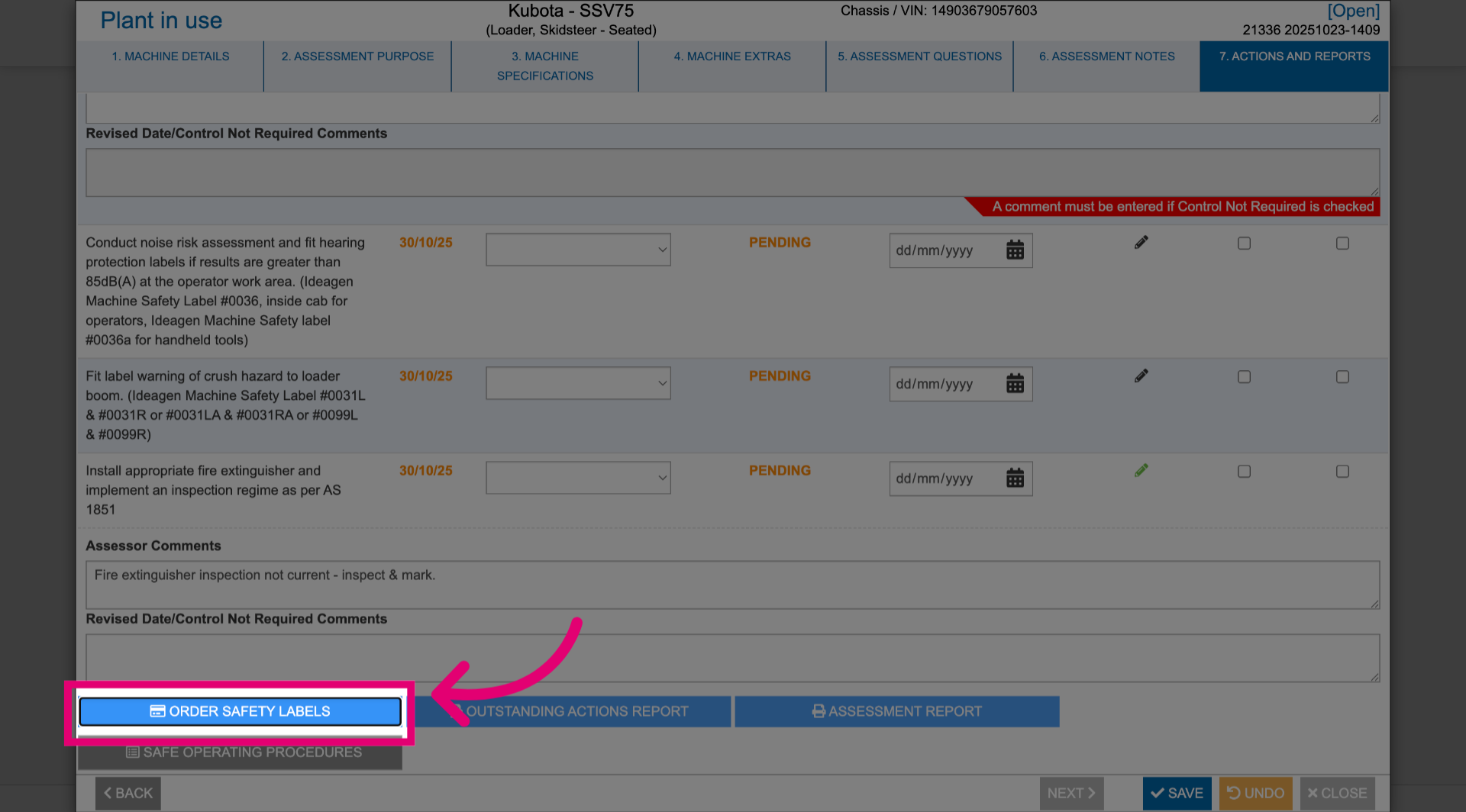
2.1. Order Safety Labels
To request labels for hazard warnings, click Order Safety Labels.
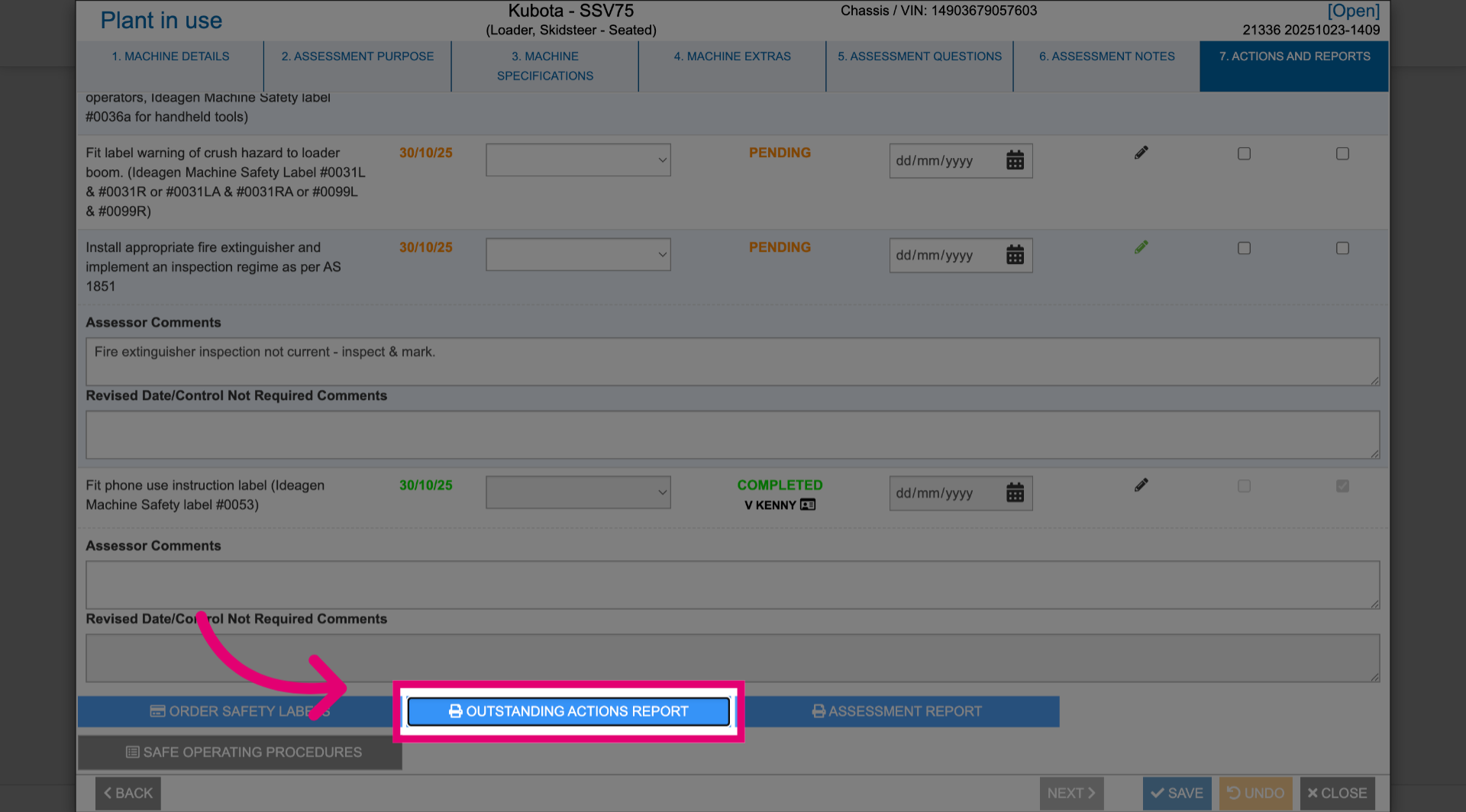
2.2. Oustanding Actions Report
To review pending tasks from the assessment, click Oustanding Actions Report.
 This will take you to a report that will help you easily identify what tasks still need completing.
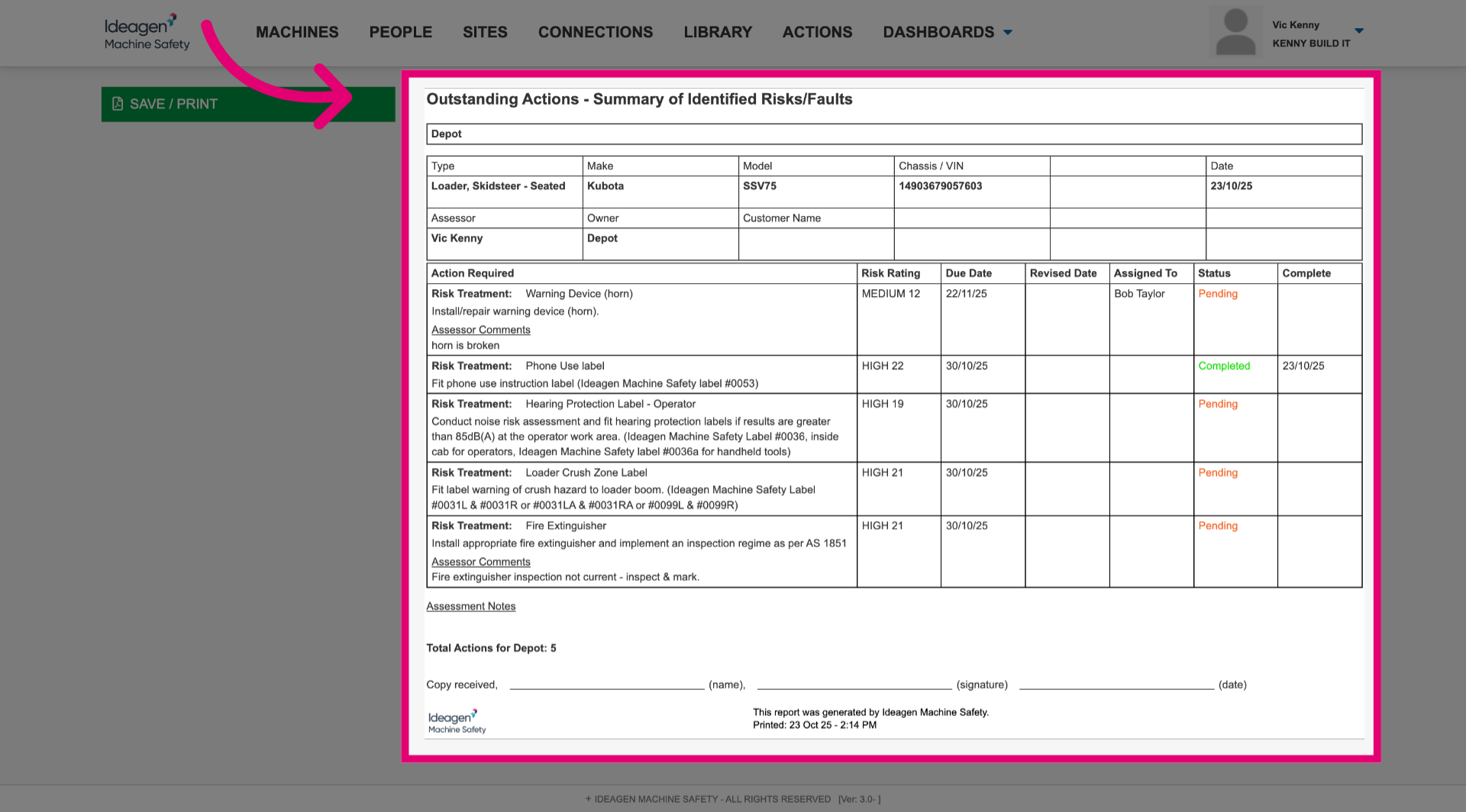 You can save the report by clicking Save/Print.
2.3. Assessment Report
To view a completed risk assessment, click Assessment Report.
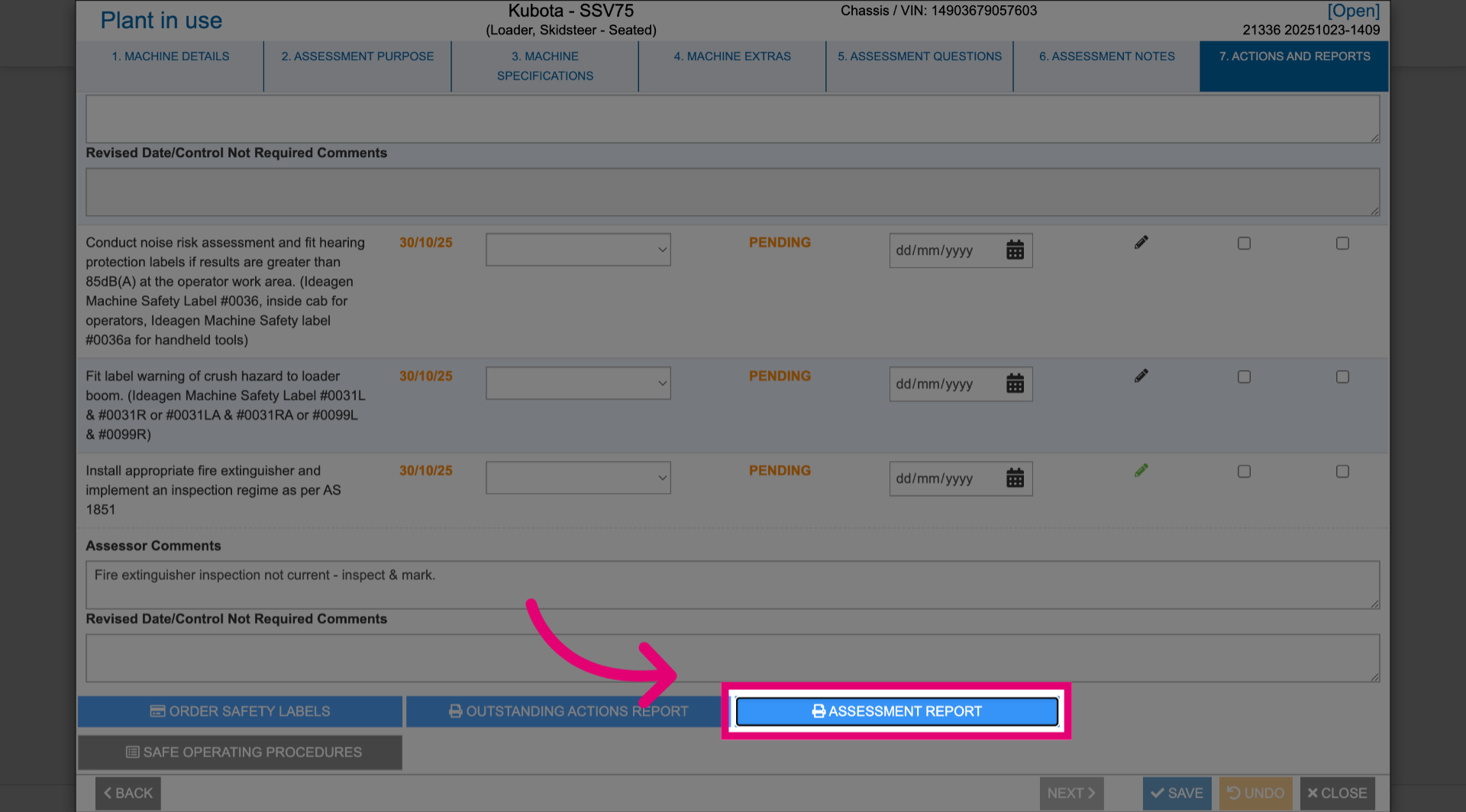
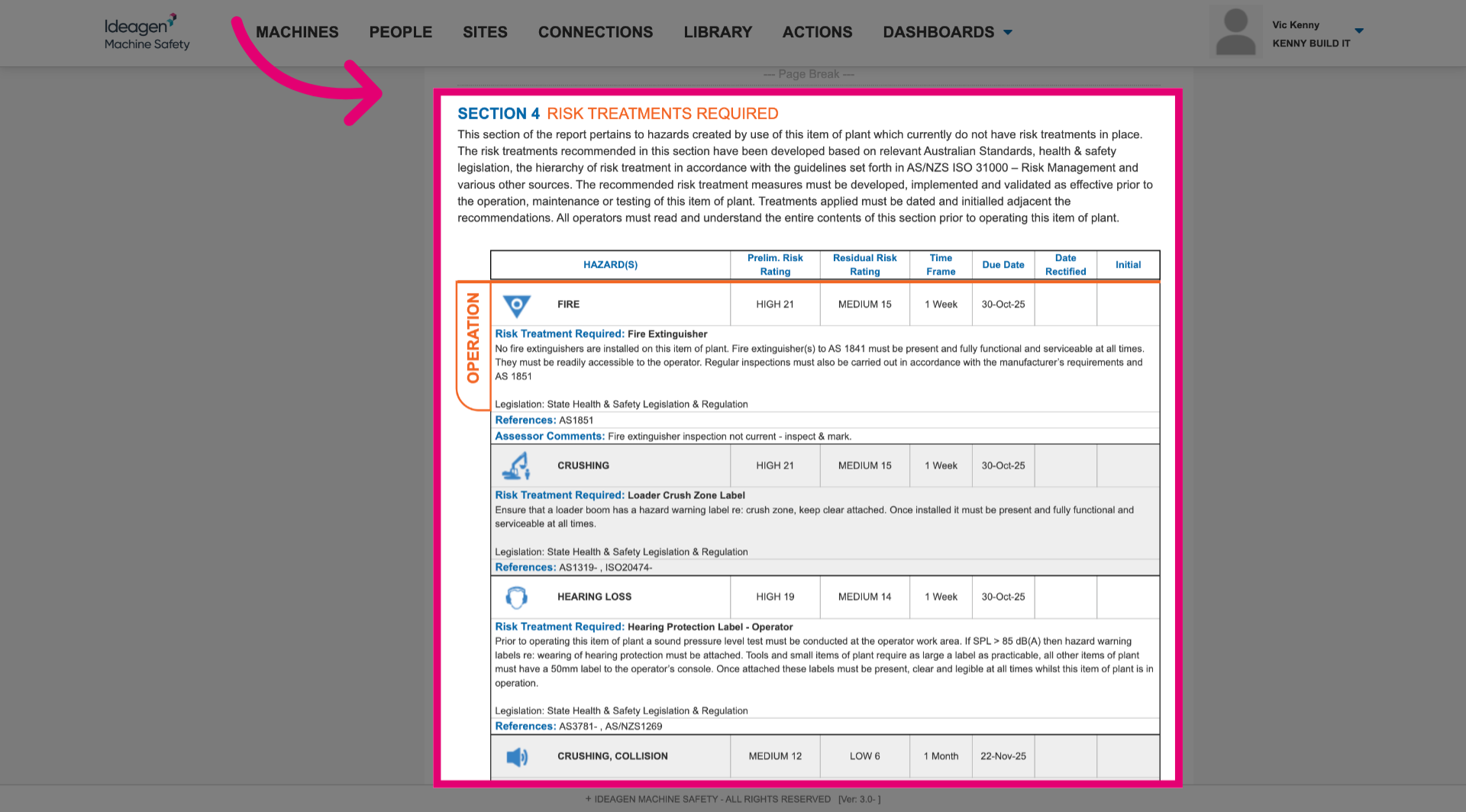
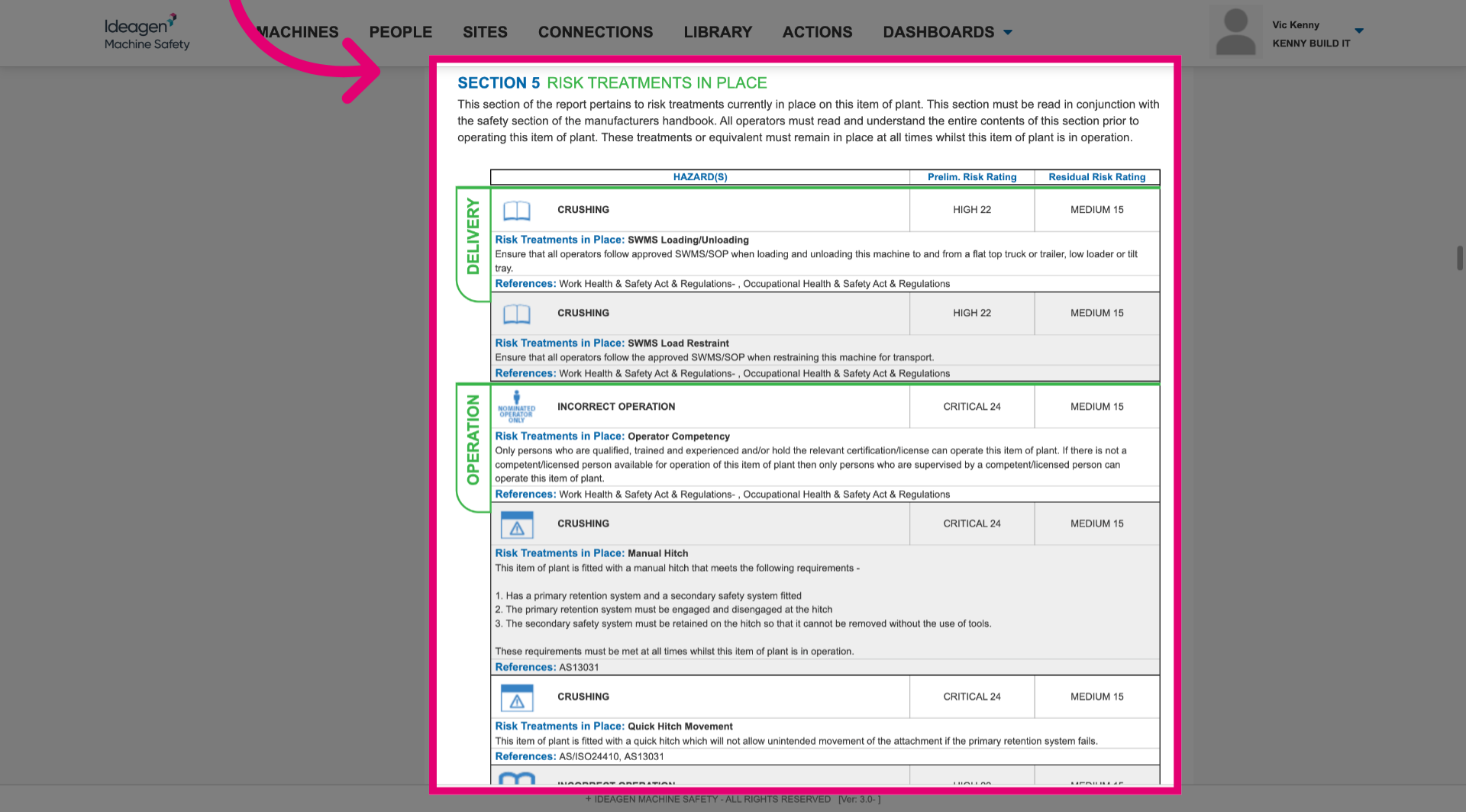
This will take you to the completed risk assessment in a structured report form where you can review risk treatments that need to be put in place or are already in place.