New article
Recently updated
Managing outstanding actions

Who is this article for?
Users responsible for managing risk control actions.
Manage actions permissions are required.
An action is a risk control process or plan that arises from answering assessment questions. You can assign these actions to users with due dates and comments for more context.
This article shows you where you can manage these actions on an individual (single machine) or bulk (multiple machines) basis.
1. Managing actions for individual machine
You can manage outstanding actions from a couple of sections within the system.
1.1. Machines section
To manage outstanding actions:
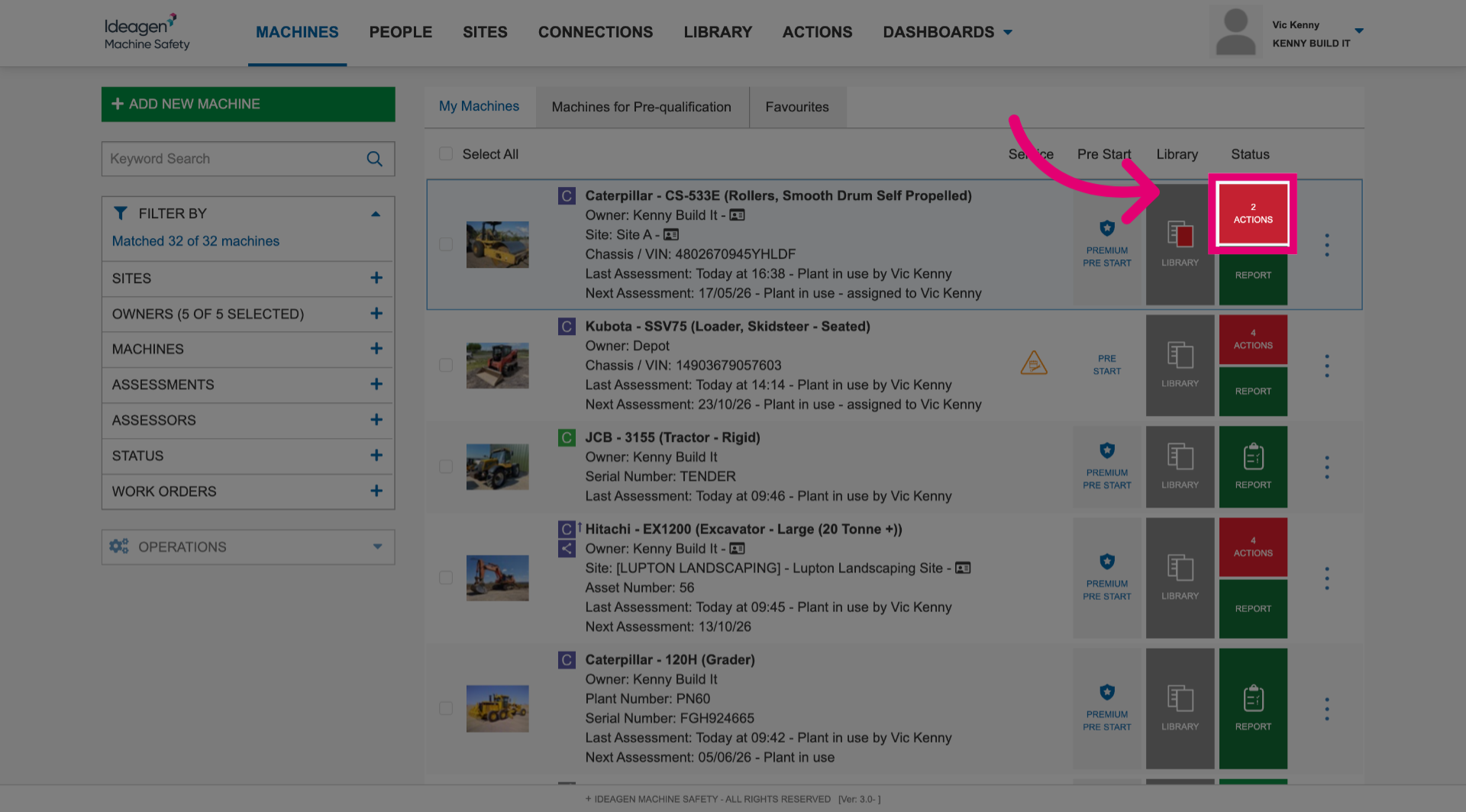
- Click Actions next to the machine.
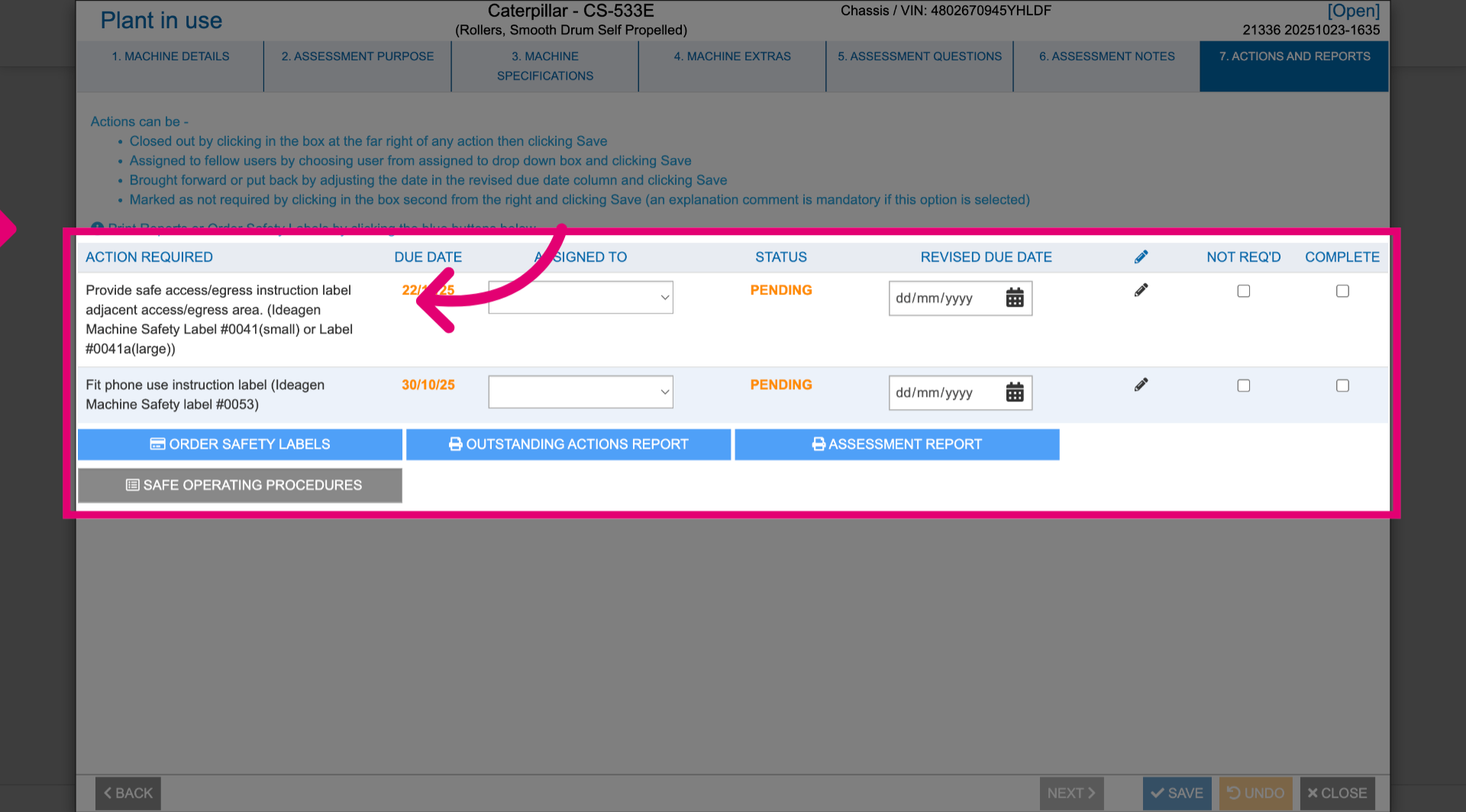
- Review outstanding actions.
- Update details as needed.
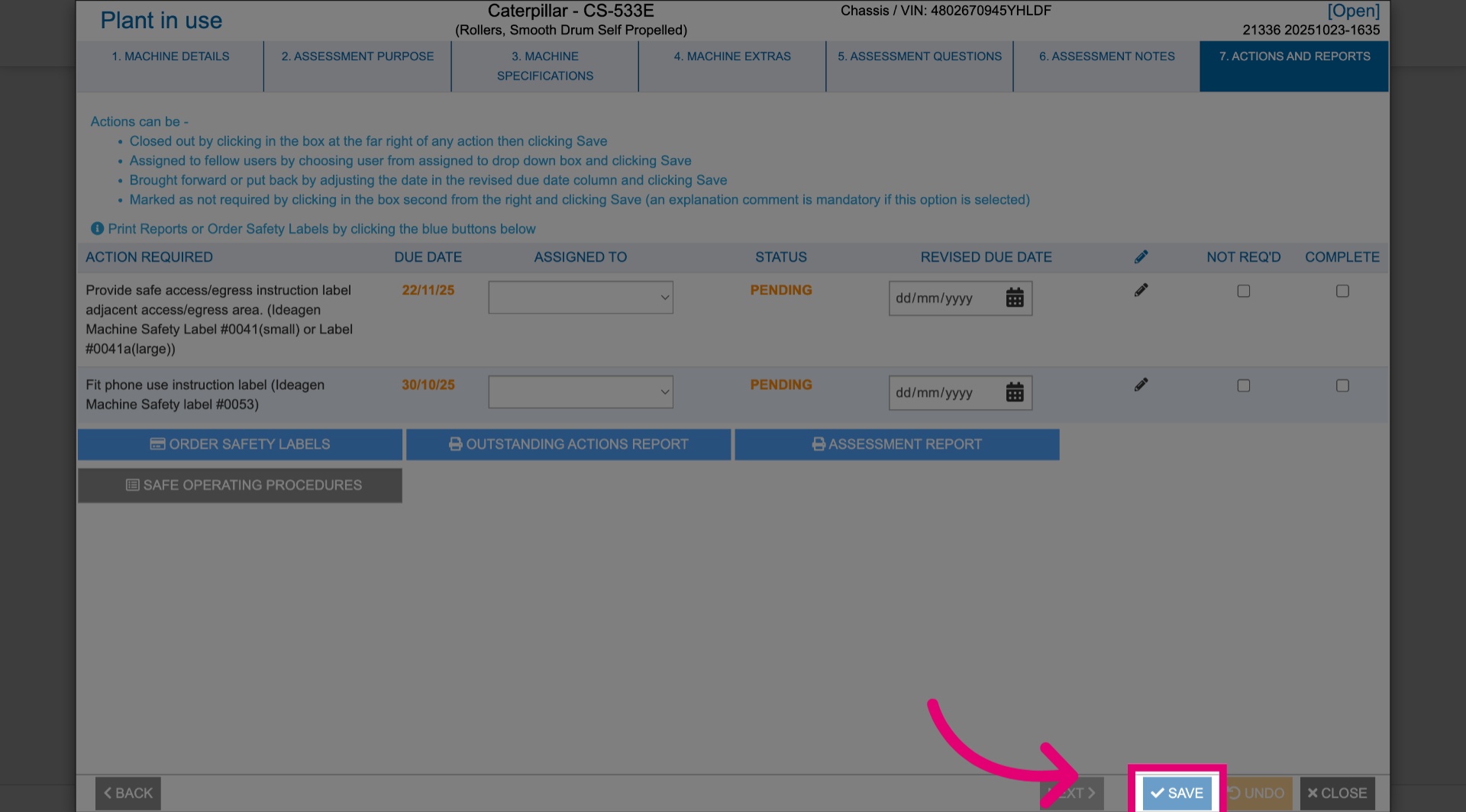
- Click Save.
1.2. Actions section
To manage outstanding actions:
- Navigate to the Actions section.
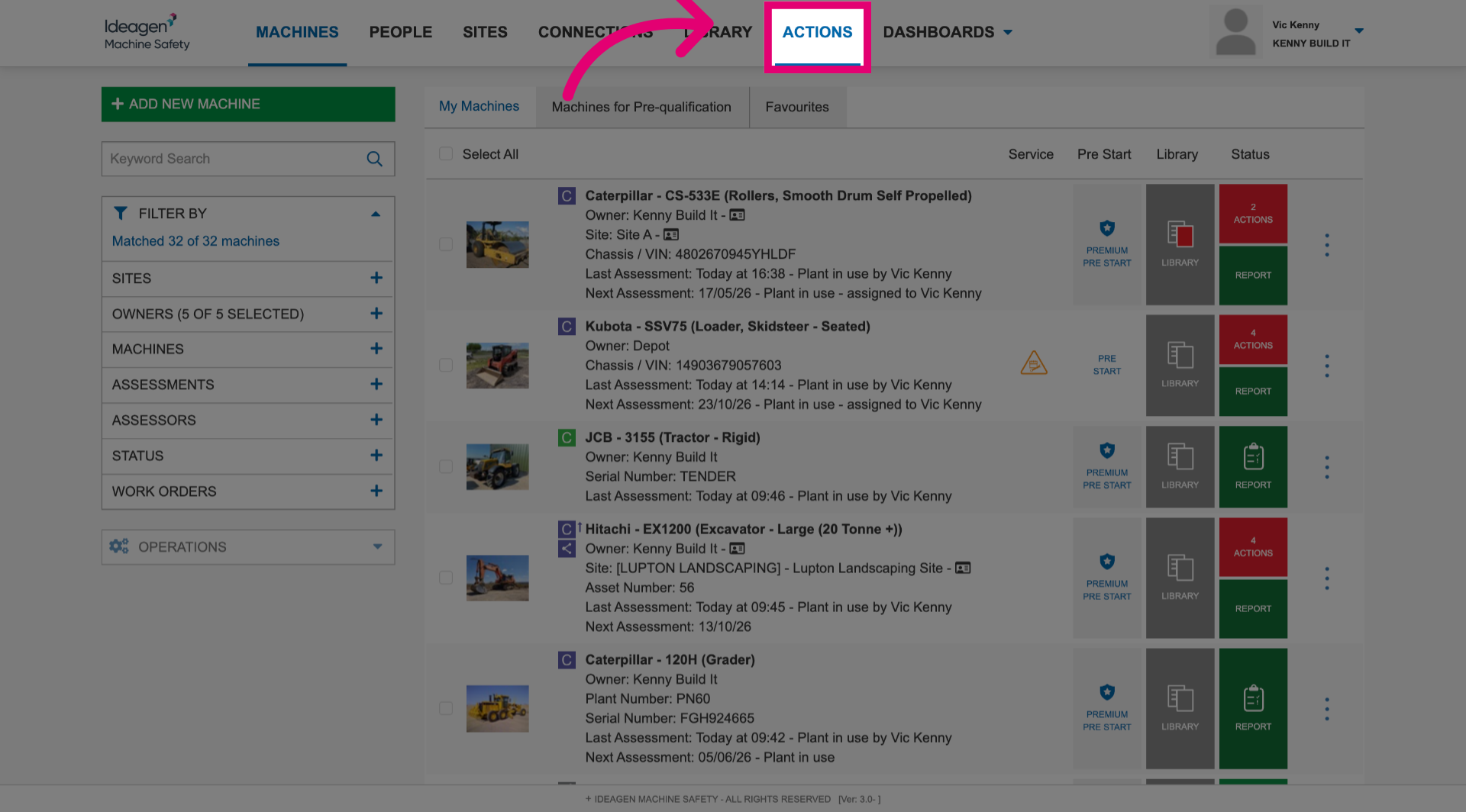
- Click Actions next to a specific machine.
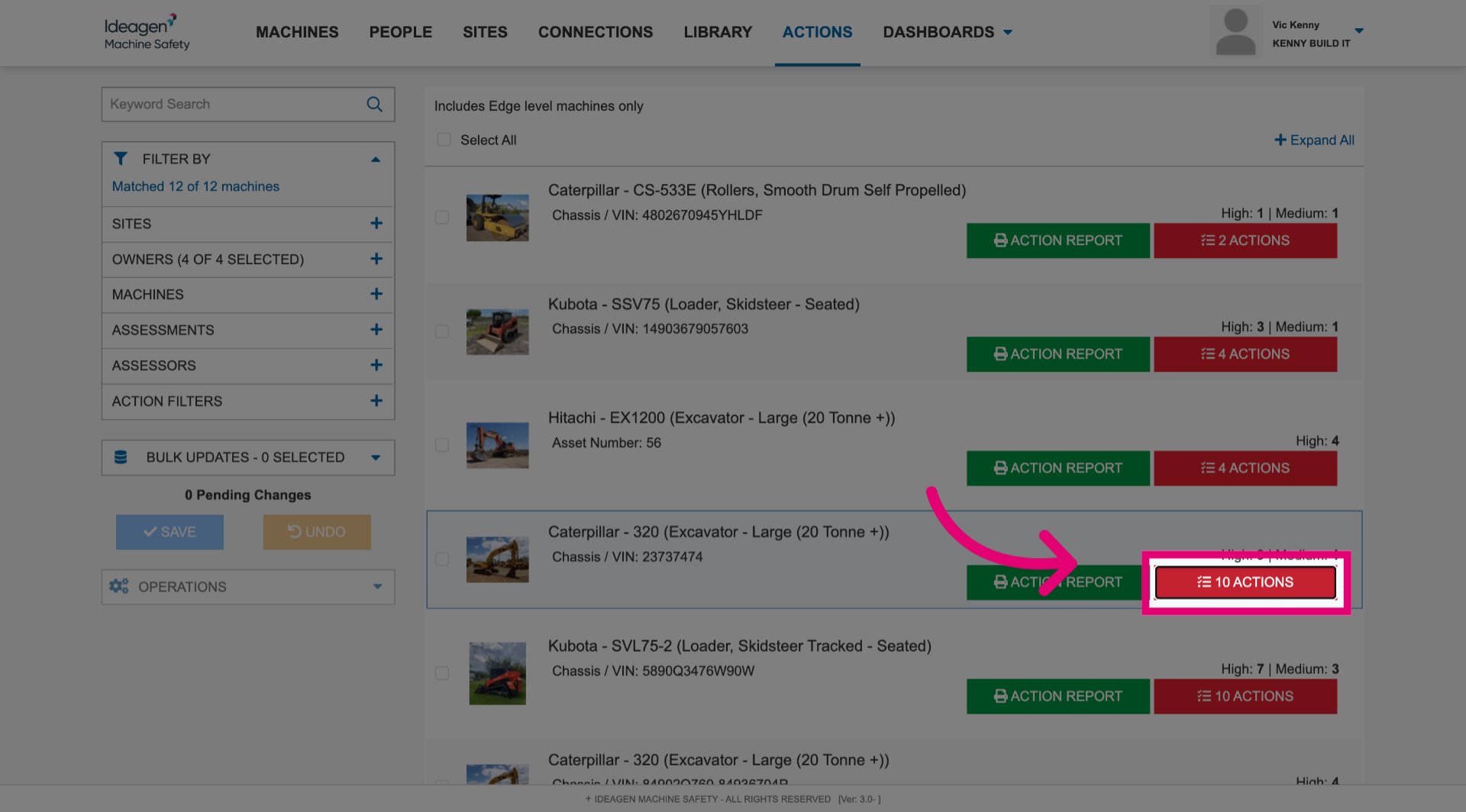
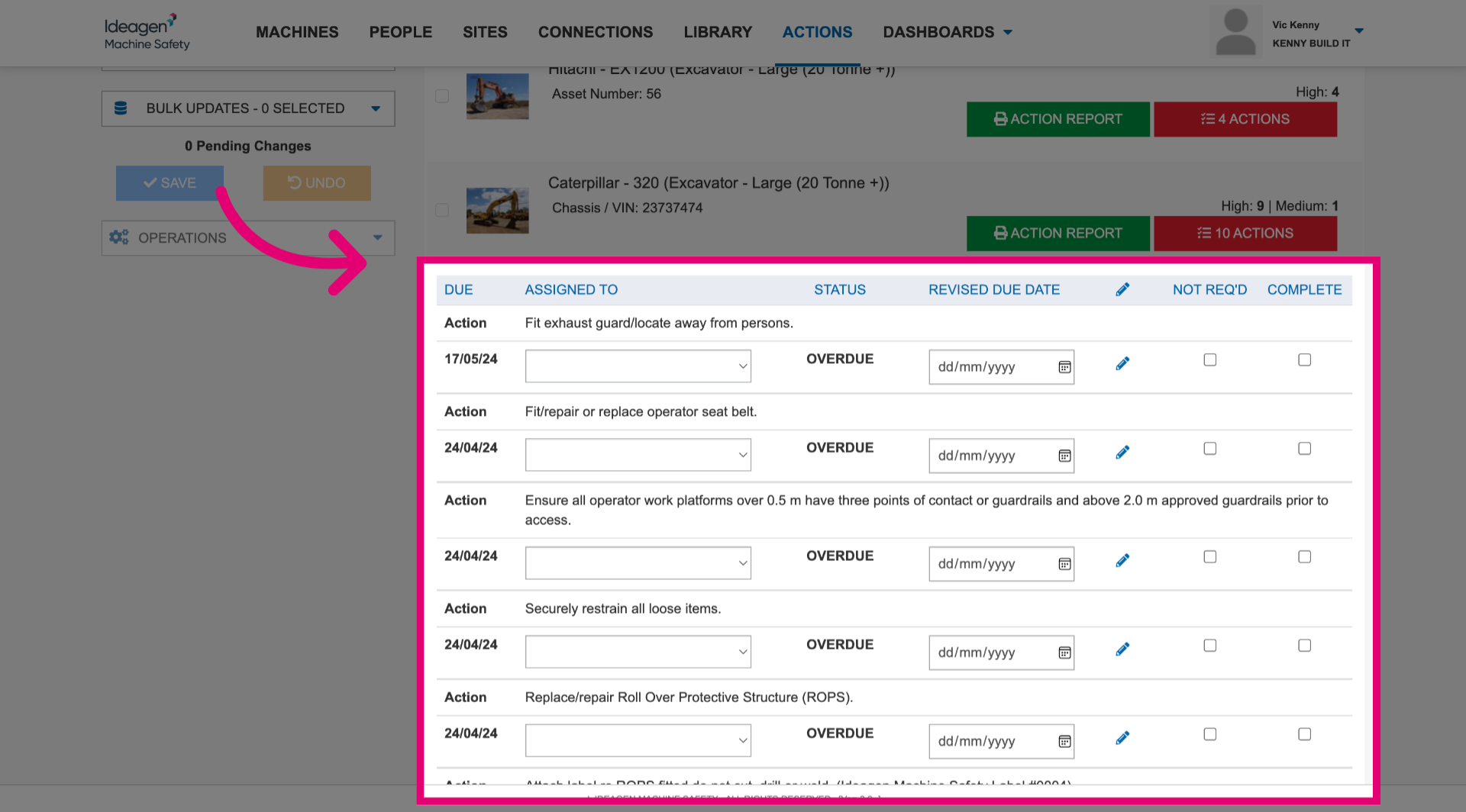
- Review outstanding actions.
- Update details as needed.
2. Managing actions for multiple machines
To manage outstanding actions:
- Select machine(s).
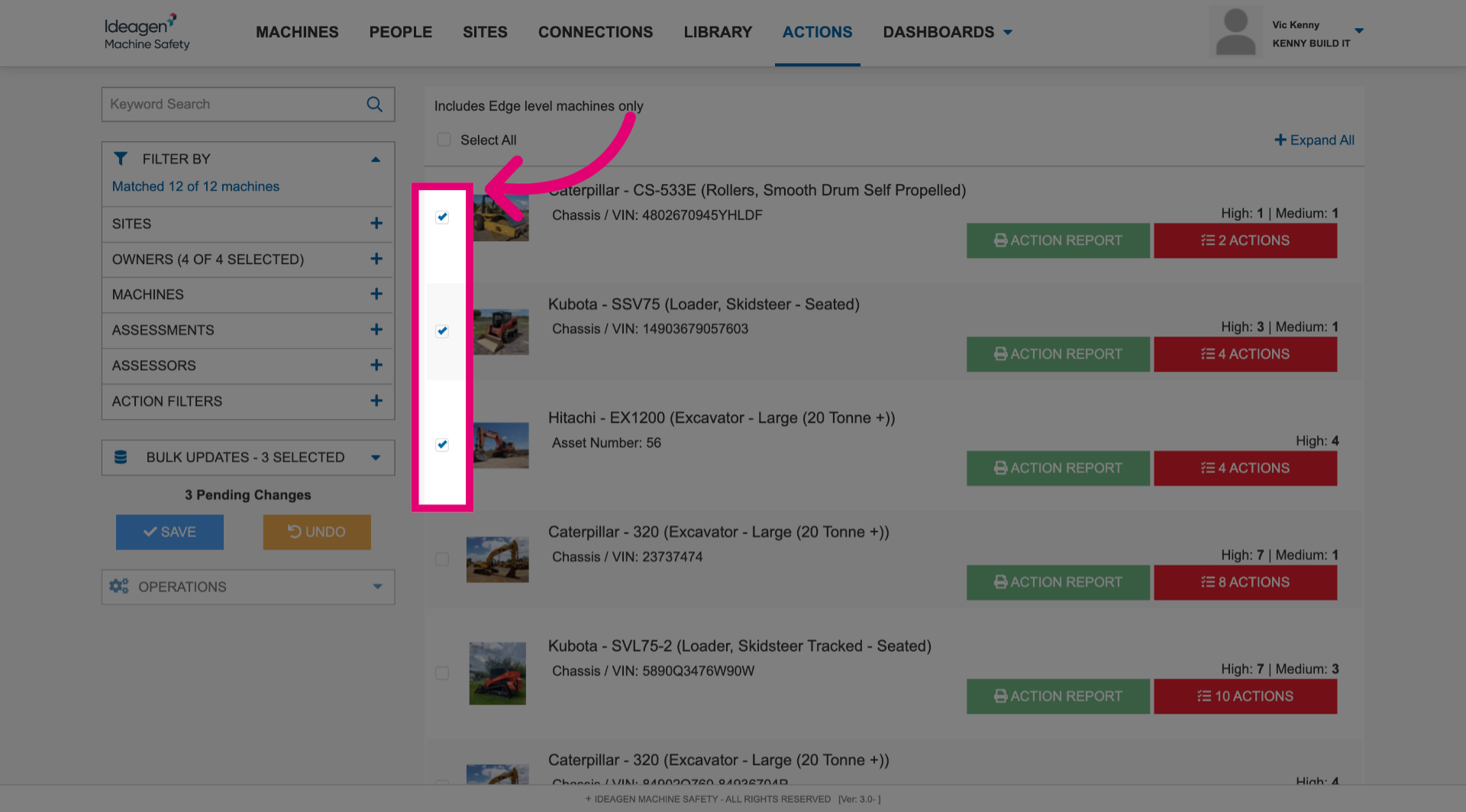
- Click Operations to open the menu.
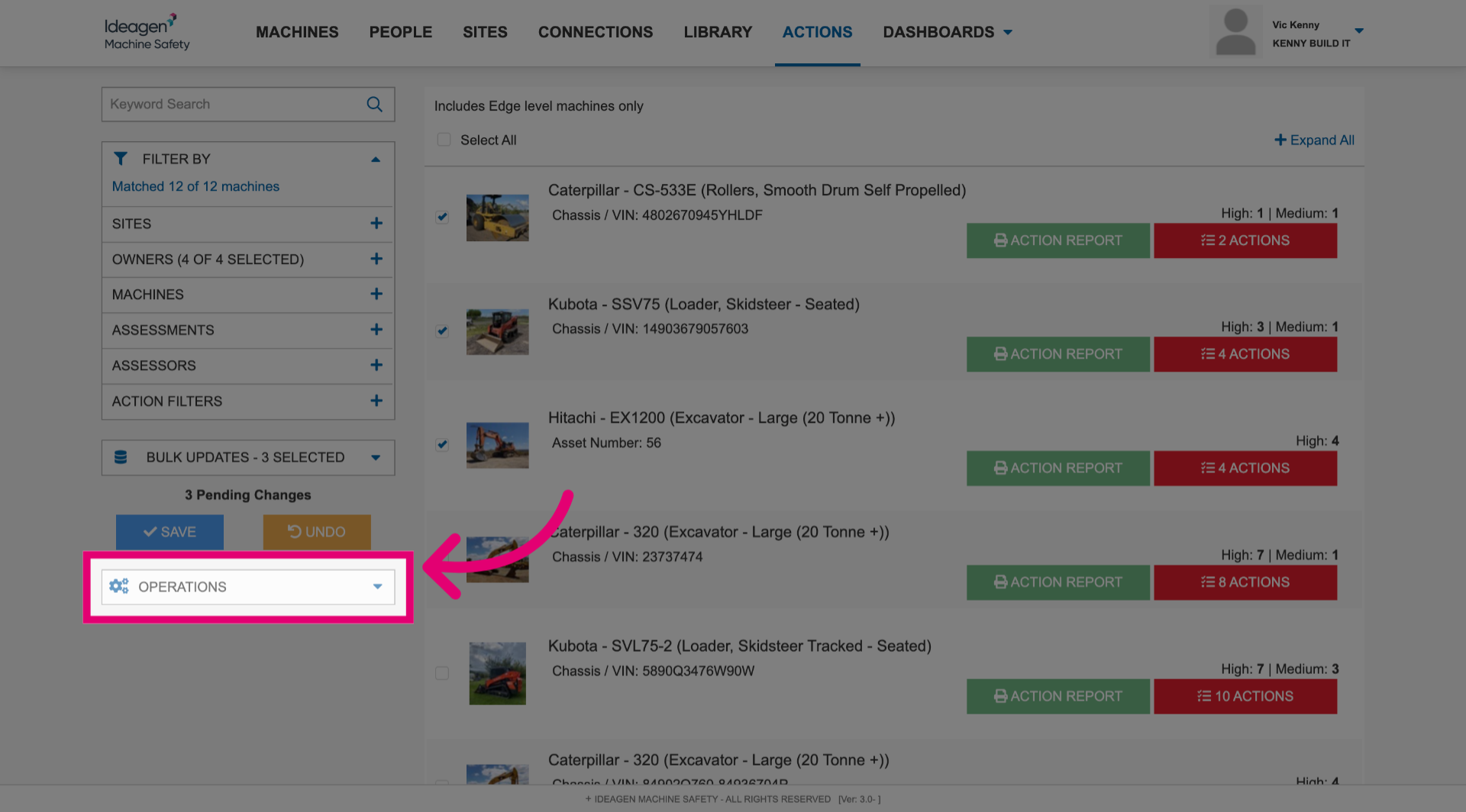
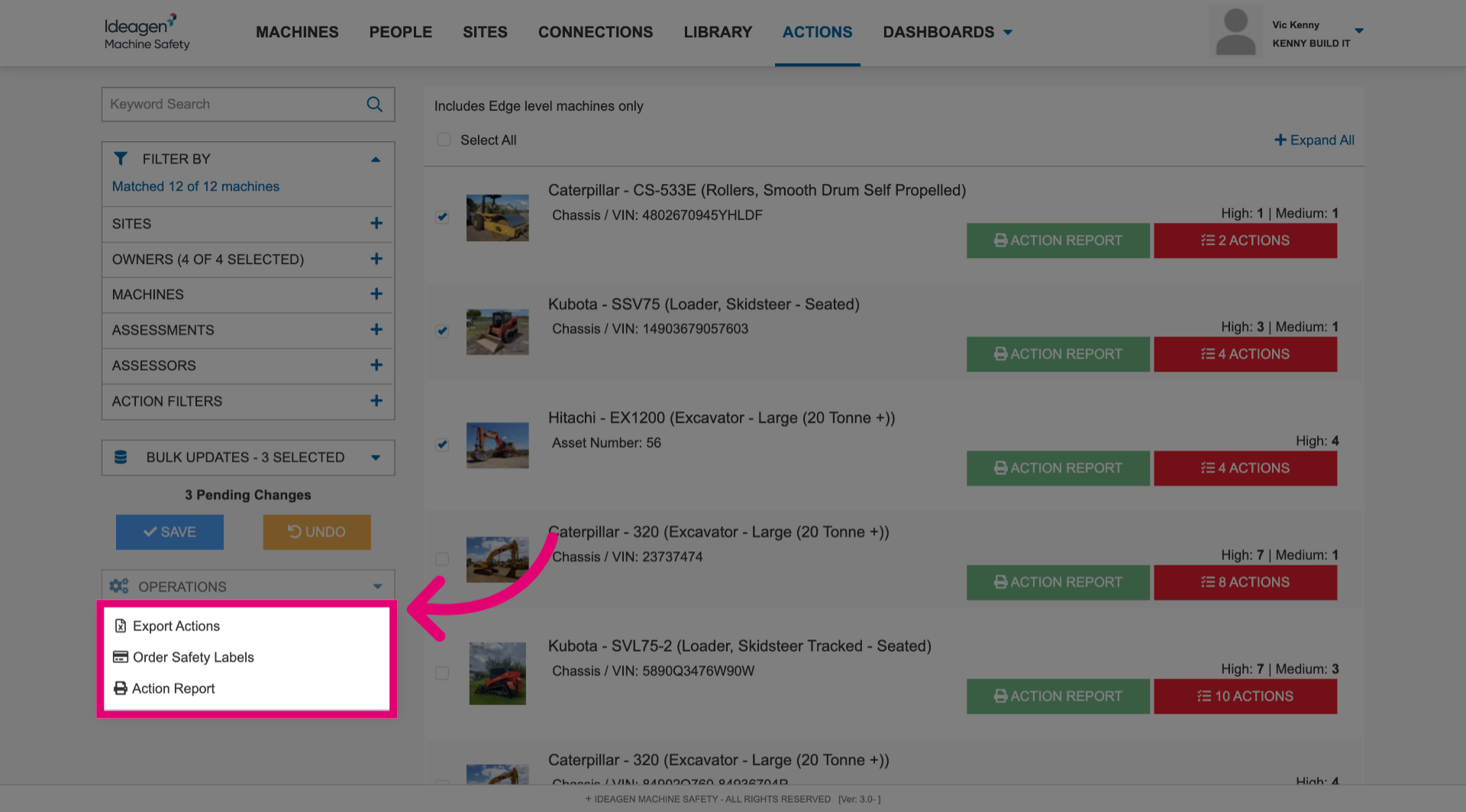
- Select relevant menu option.
This will perform the task against all selected machines.
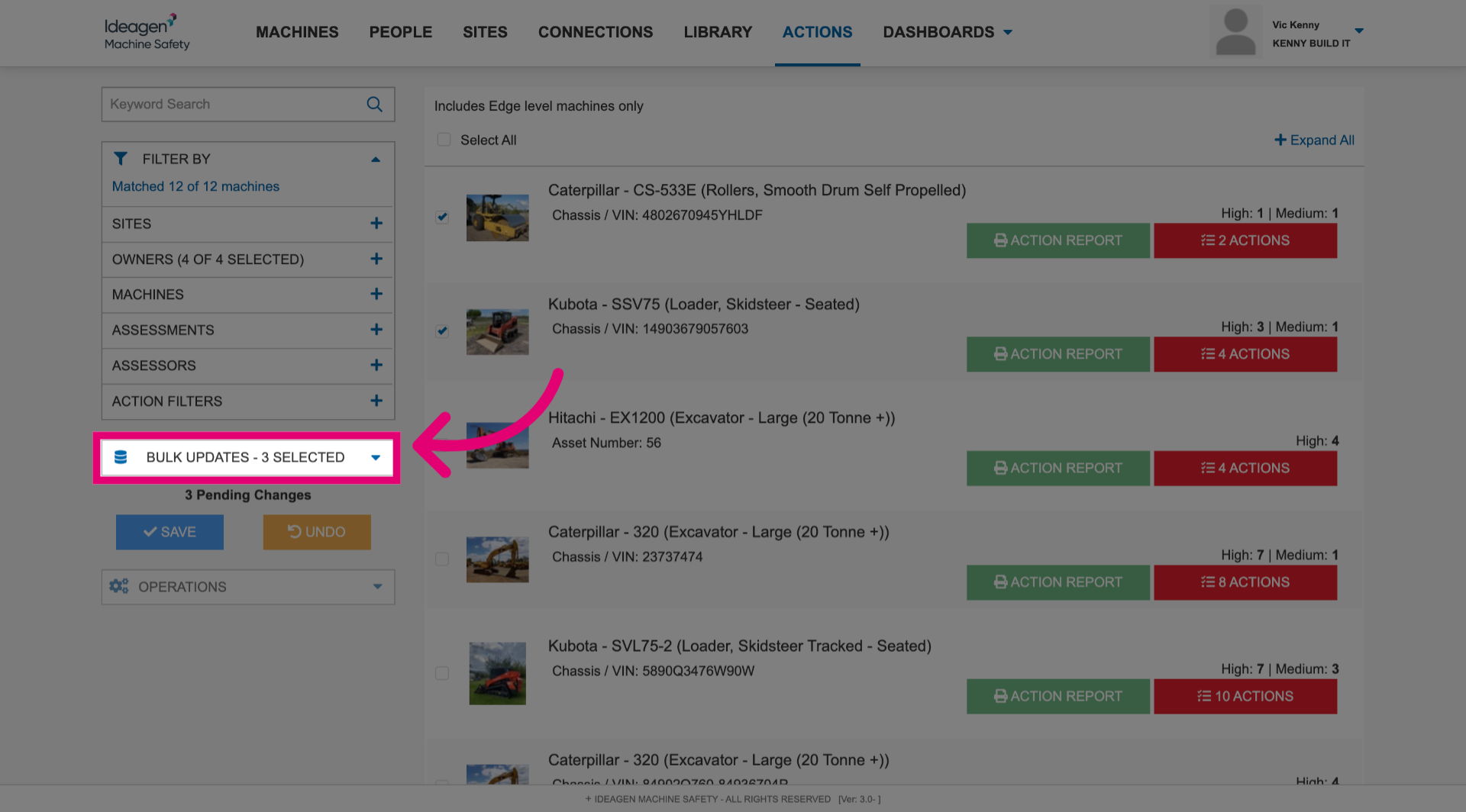
- Click Bulk Updates to open the menu.
- Make updates to relevant sections against all selected machines.
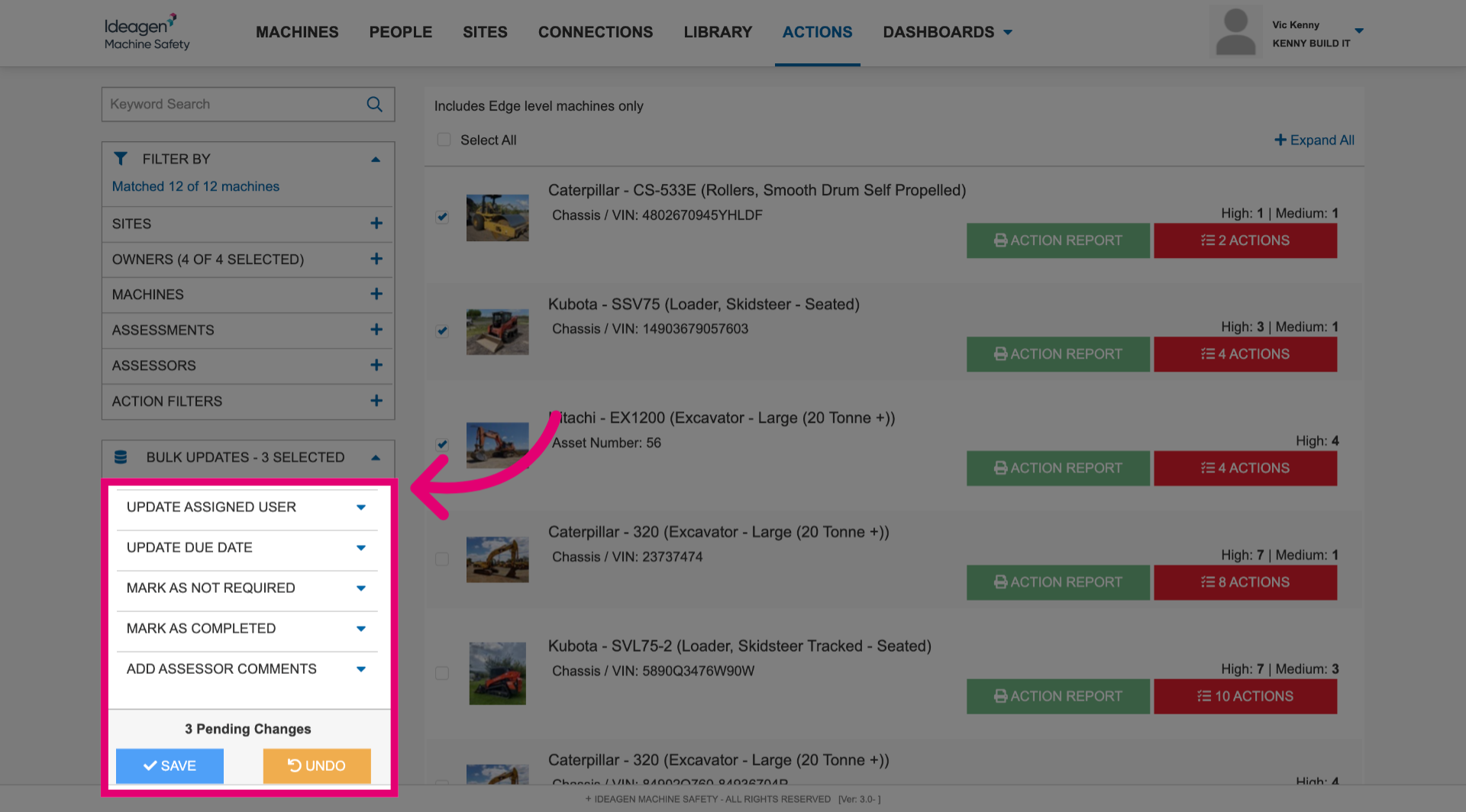
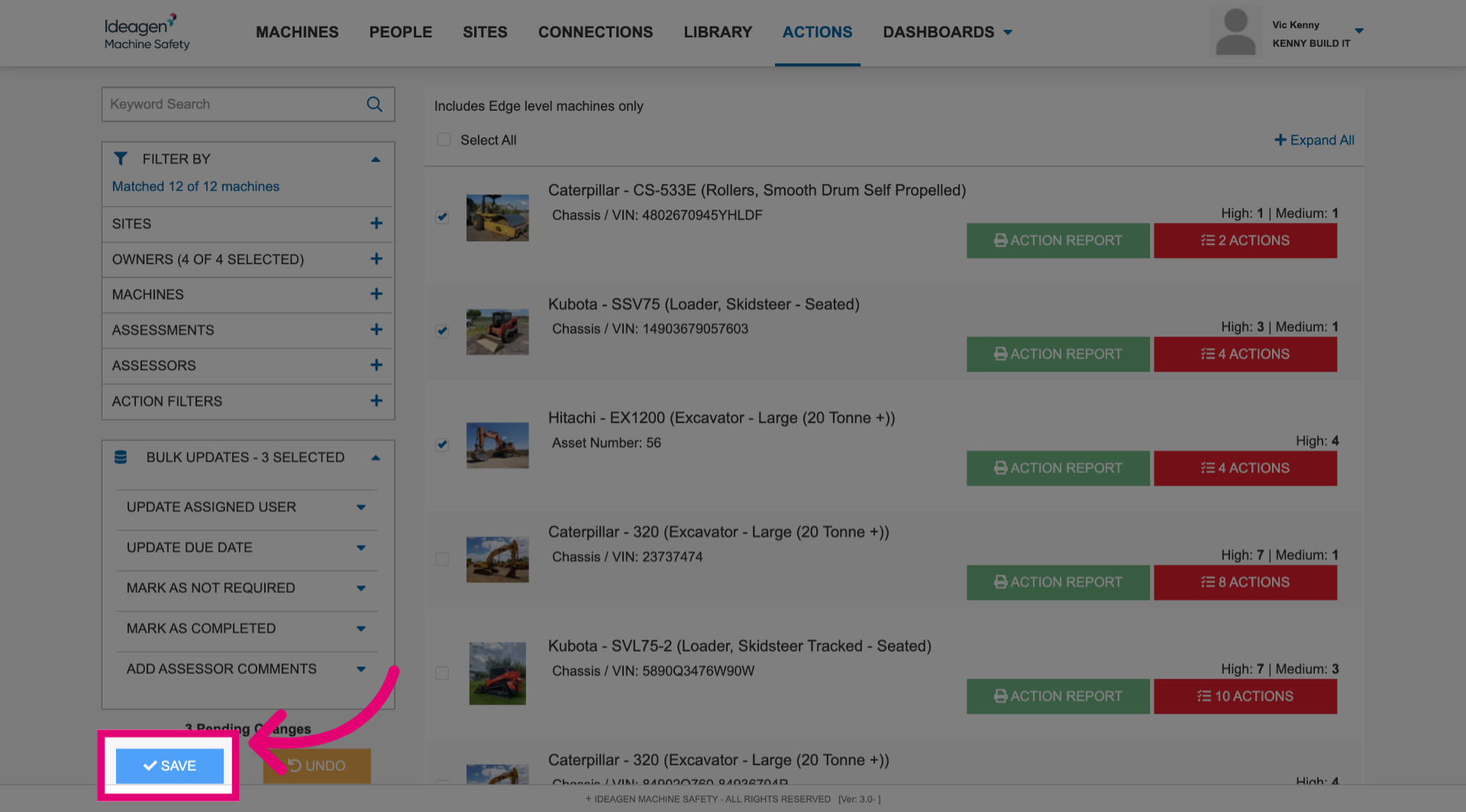
- Click Save to keep the changes.