New article
Recently updated
Adding Safe Operating Procedures (SOPs)

Who is this article for?
Users responsible for document management.
Manage machines permissions are required.
Safe Operating Procedures (SOPs) outline correct procedures to follow when using a machine. They aim to identify ways to eliminate risks associated with using plant and equipment, as well as provide a stable and consistent reference point for all WHS duty holders.
This article shows you how you can add SOP documents to a machine.
1. Adding SOPs
SOPs are available for all Pay As You Go (PAYG) and Term Commit memberships.
If you come across a machine that doesn't have a SOP available, submit a support ticket to request it. Includde the Make, Model, and Type of the machine you're requesting it for.
To add a SOP:
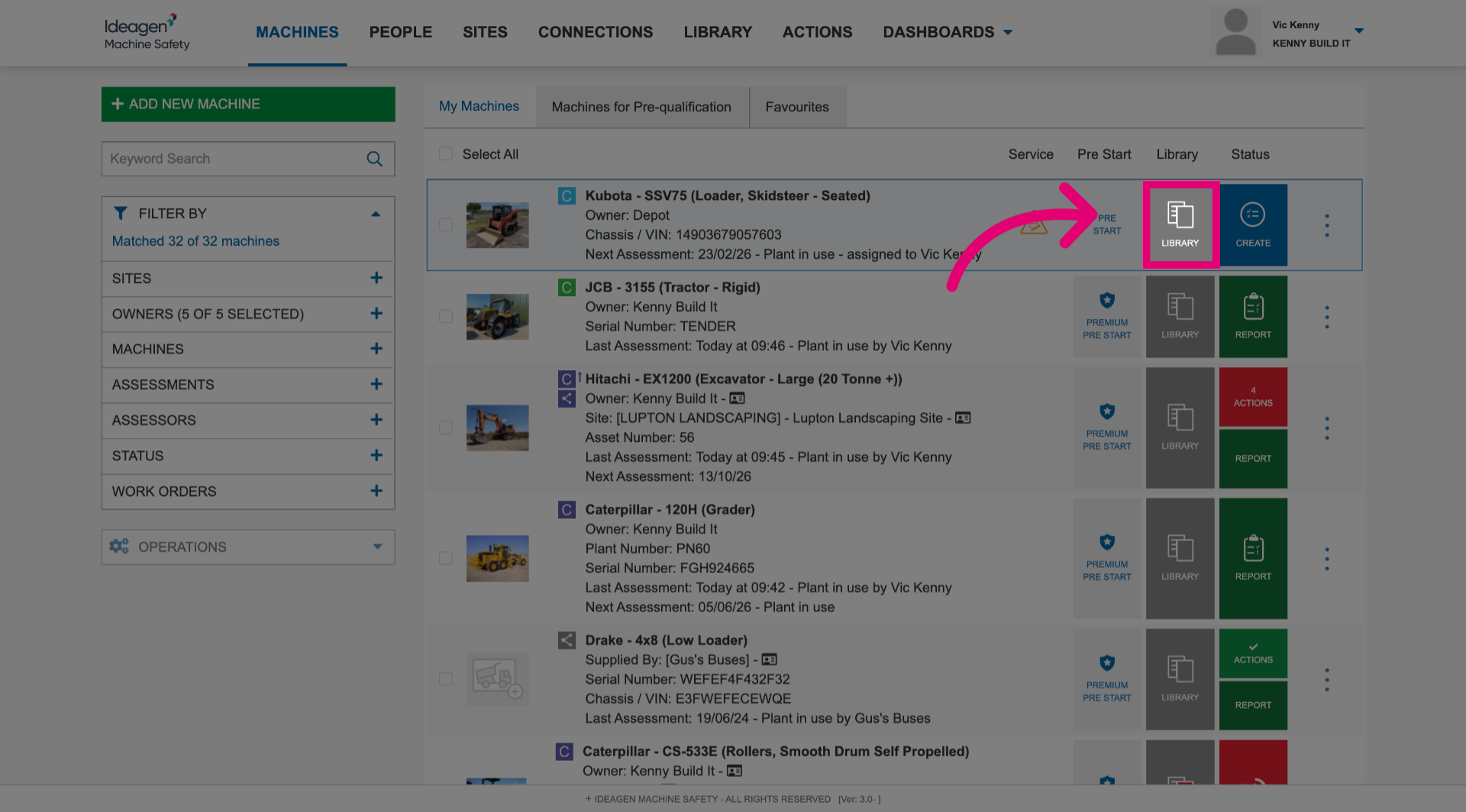
- Click Library next to the machine.
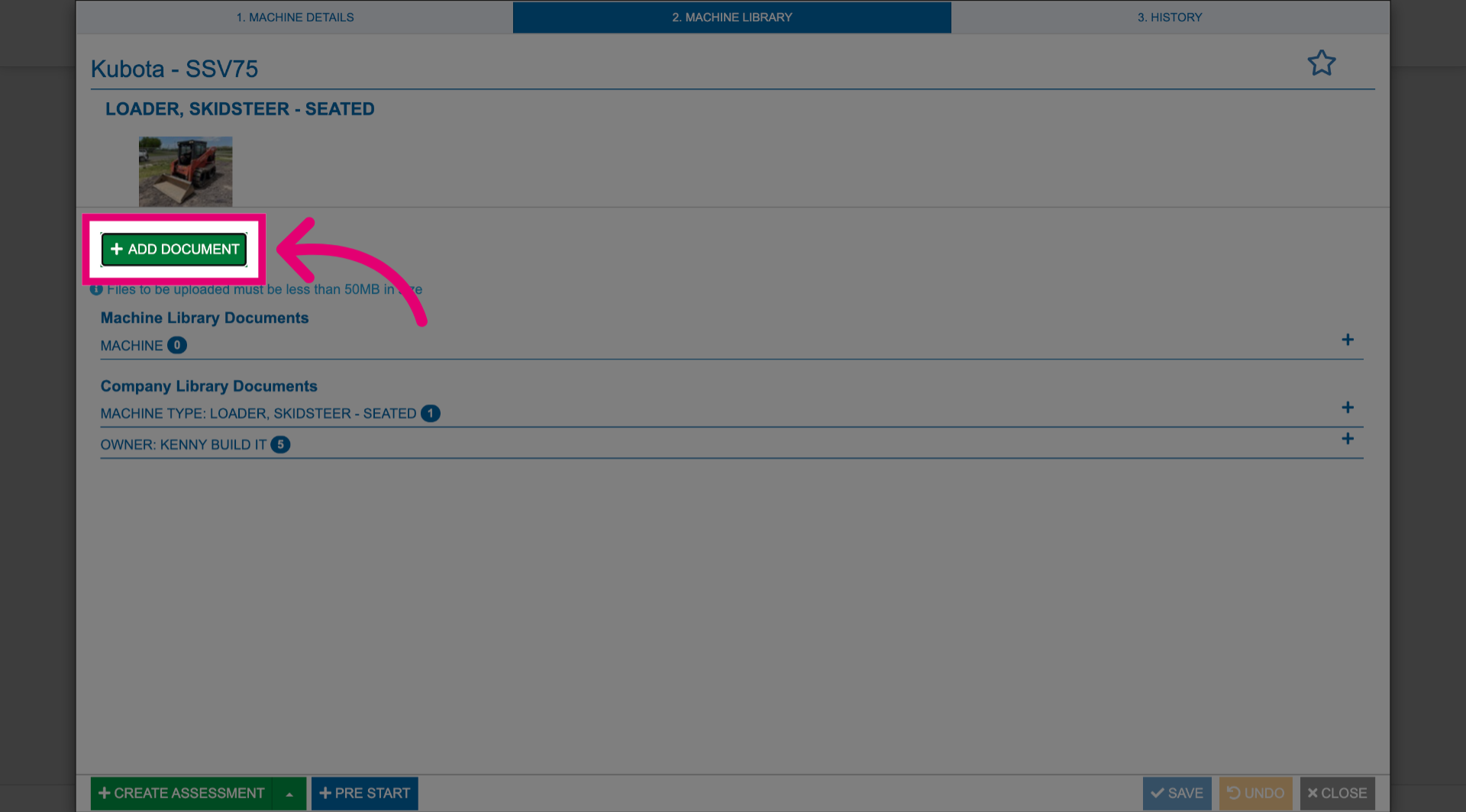
- Click Add Document.
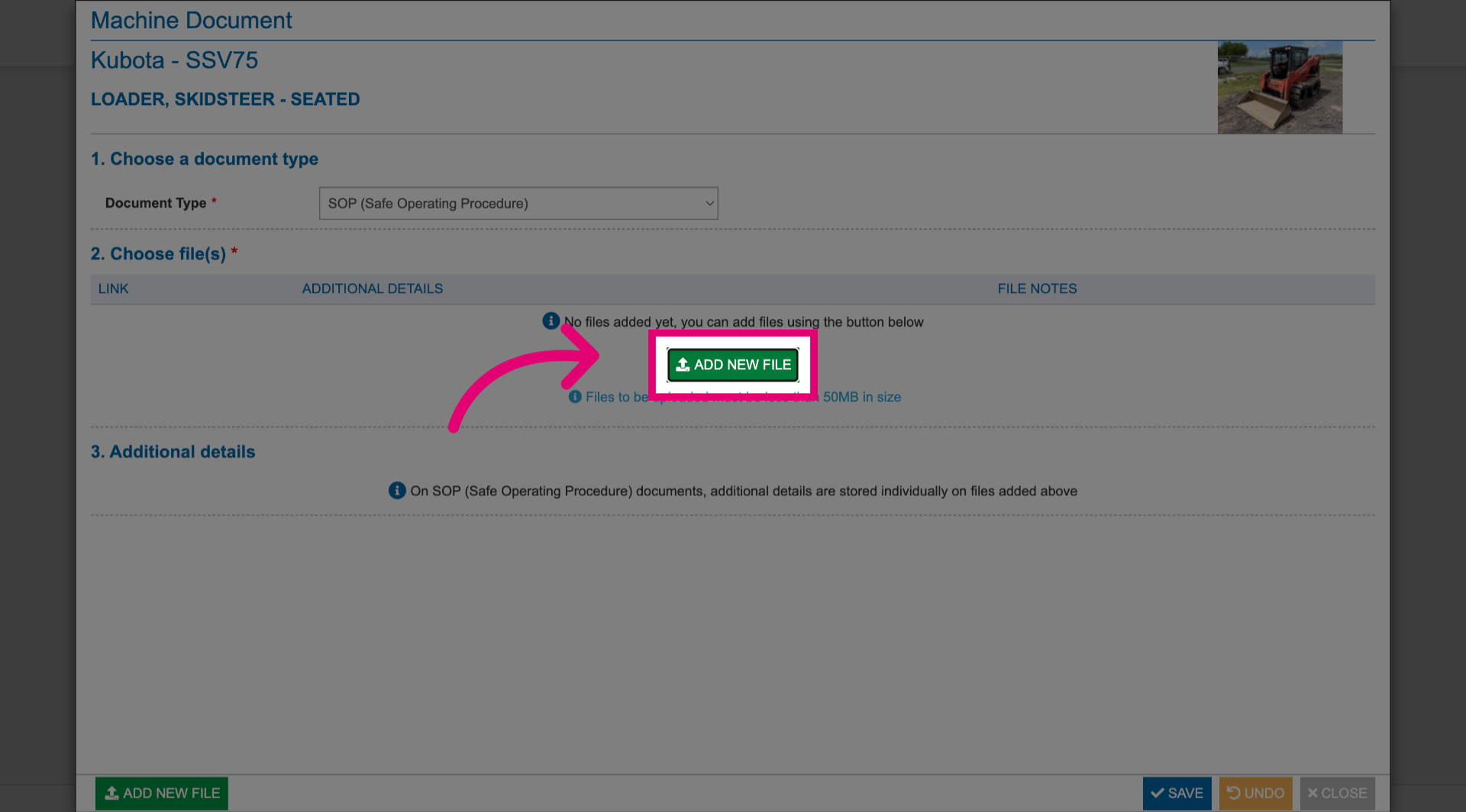
- Select Document Type.
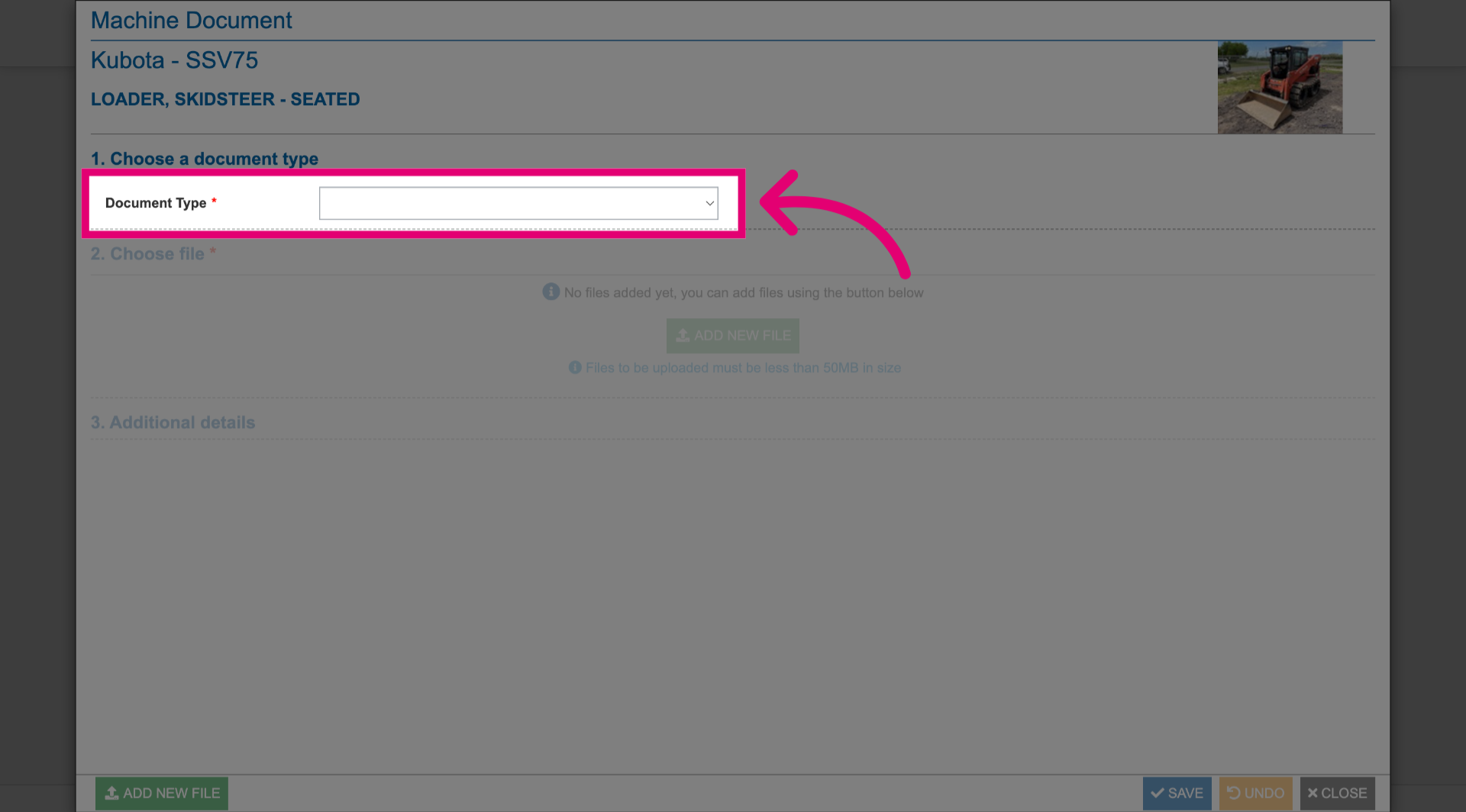
In this instance, it's Safe Operating Procedure (SOP).
- Click Add New File.
- Select a file from your computer.
- Click Save.
- Click Close.
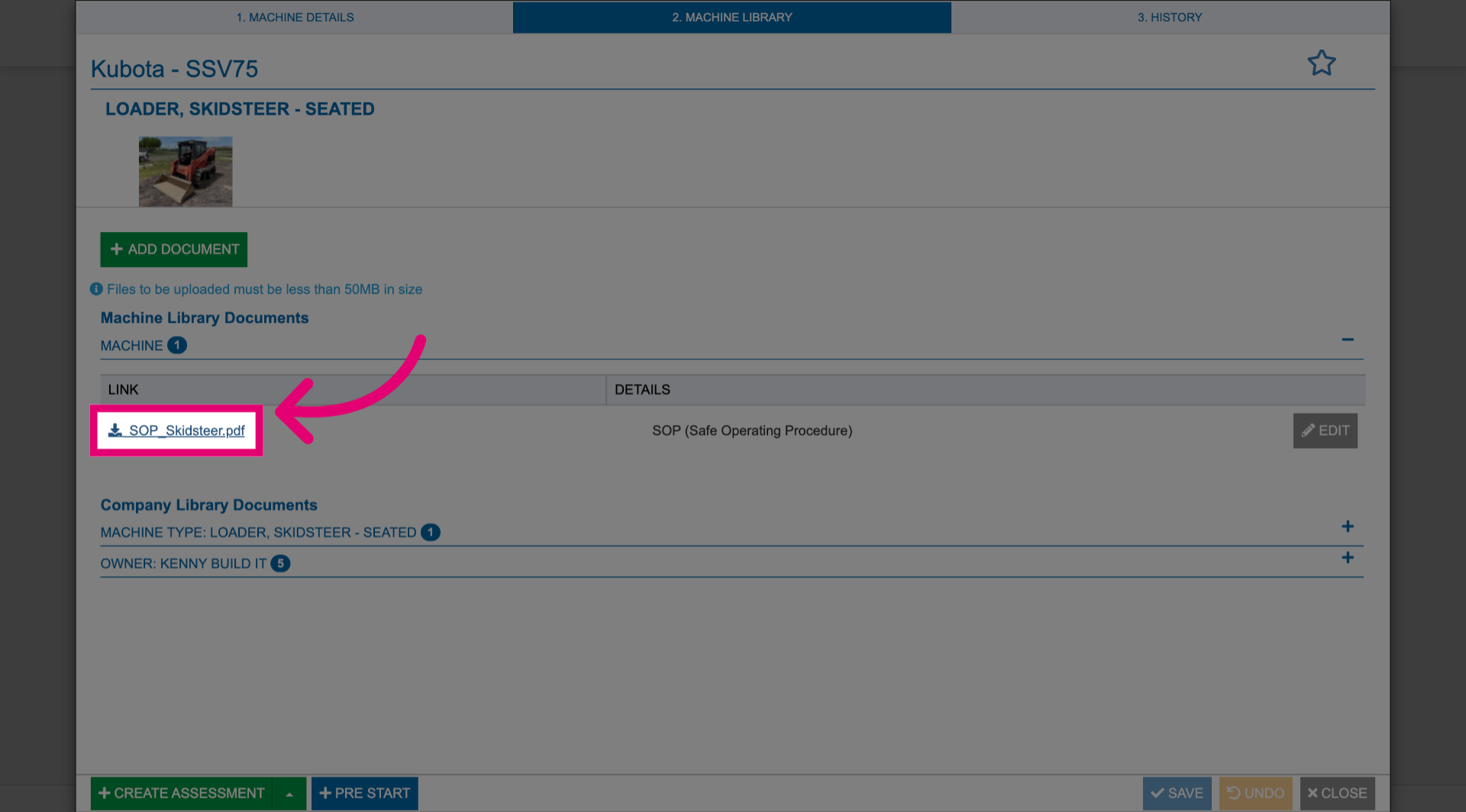
Your document will be uploaded under the category you selected as a document type.
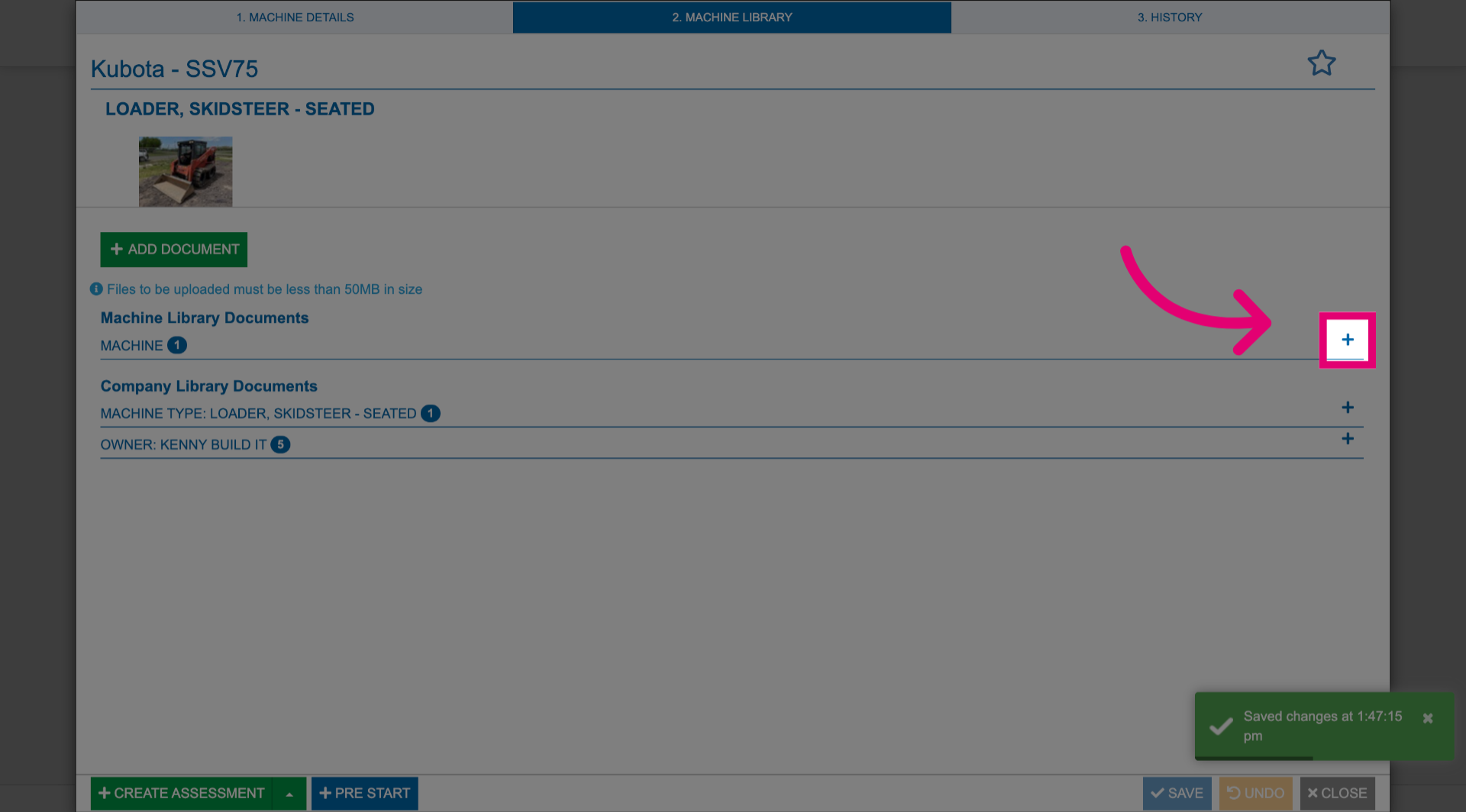
To download a local copy, click the title of the uploaded document.