


New article
Recently updated
Ordering safety labels

Who is this article for?Users looking to order more safety labels.
No special access or permissions are required.
If you need new safety labels for your machines following a risk assessment, you can order them through the system.
This article walks you through the process of ordering individual or multiple labels for your machines.
1. Ordering labels
1.1. Individual
To order labels individually:
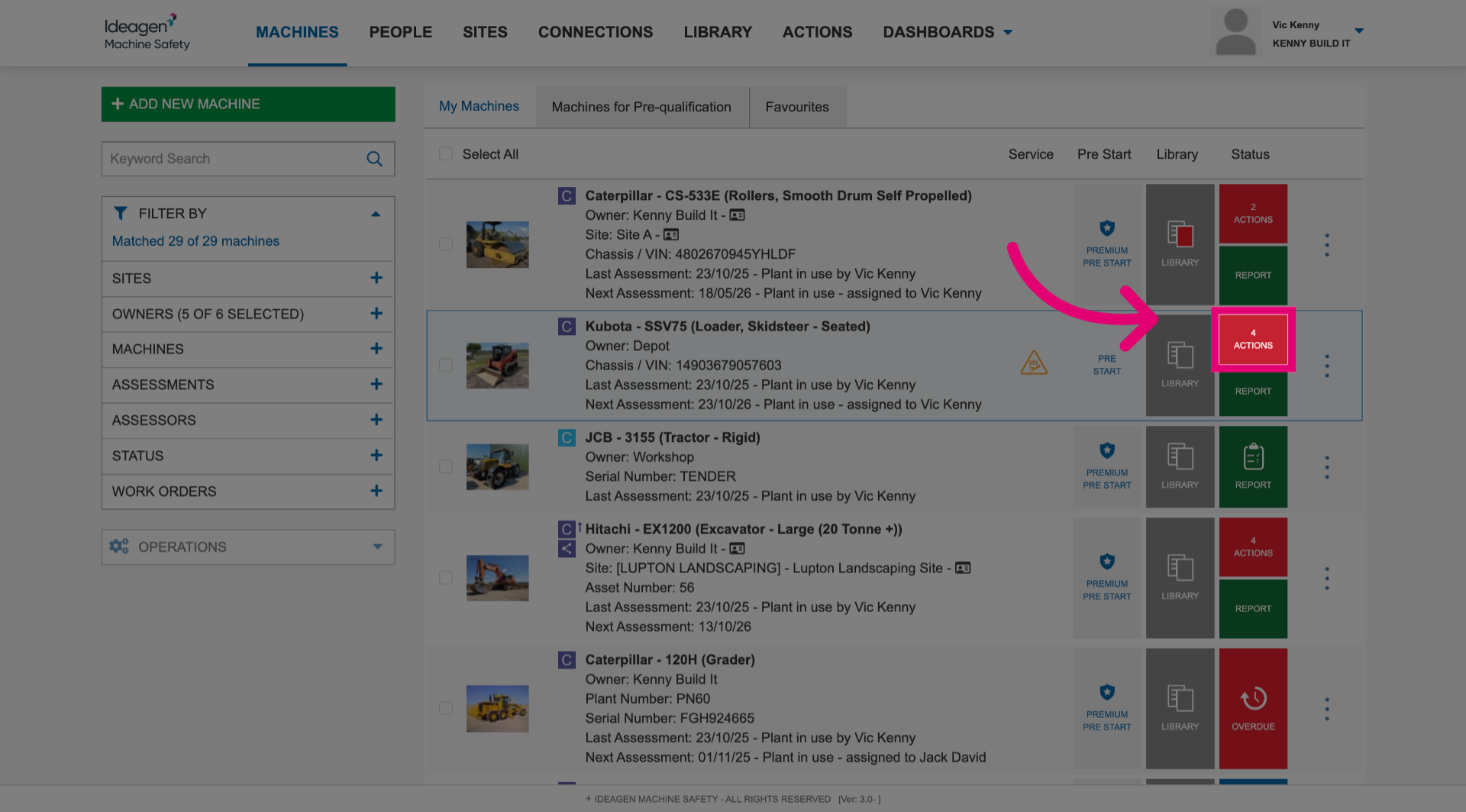
- Click the Actions button next to the machine.
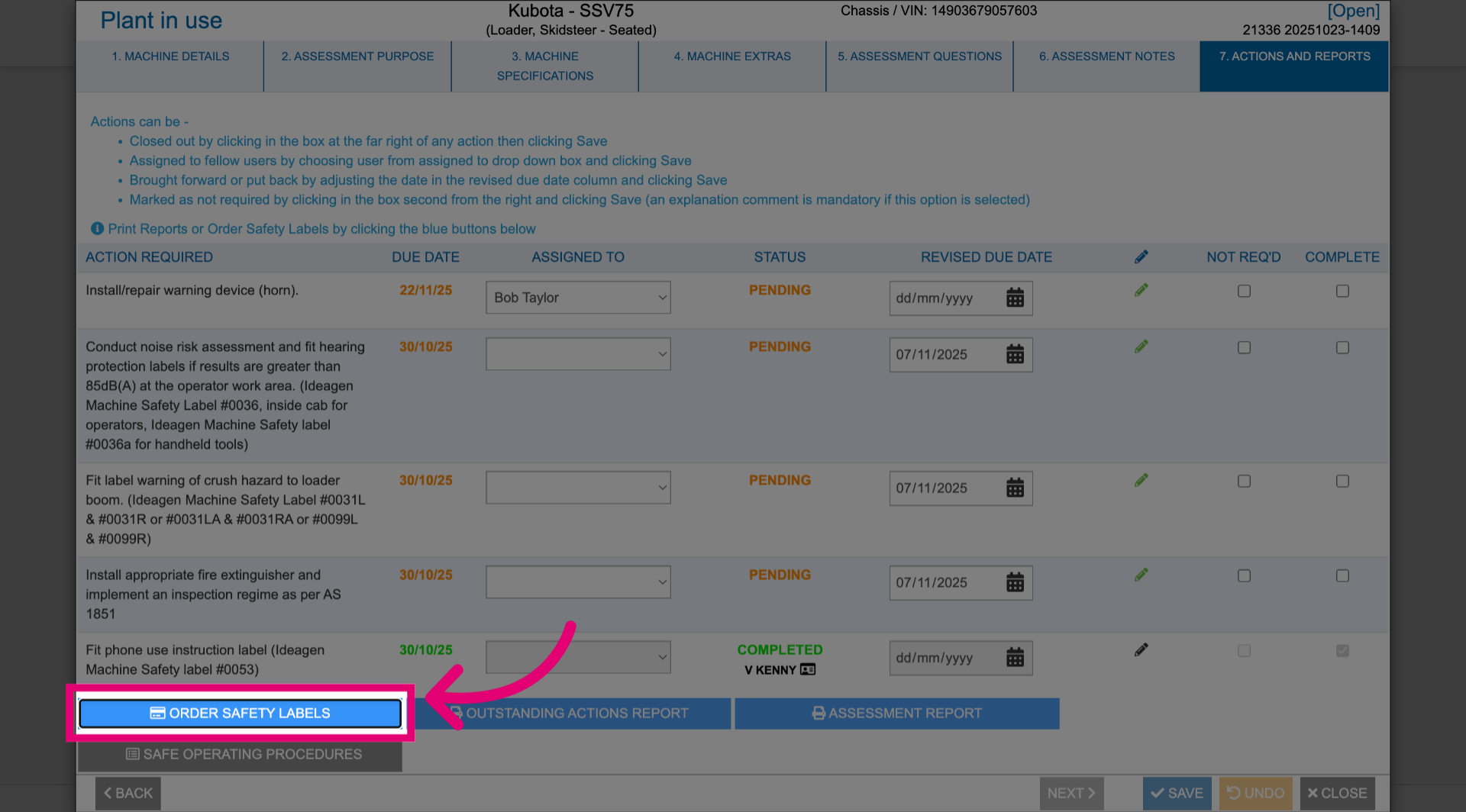
- Click Order Safety Labels.
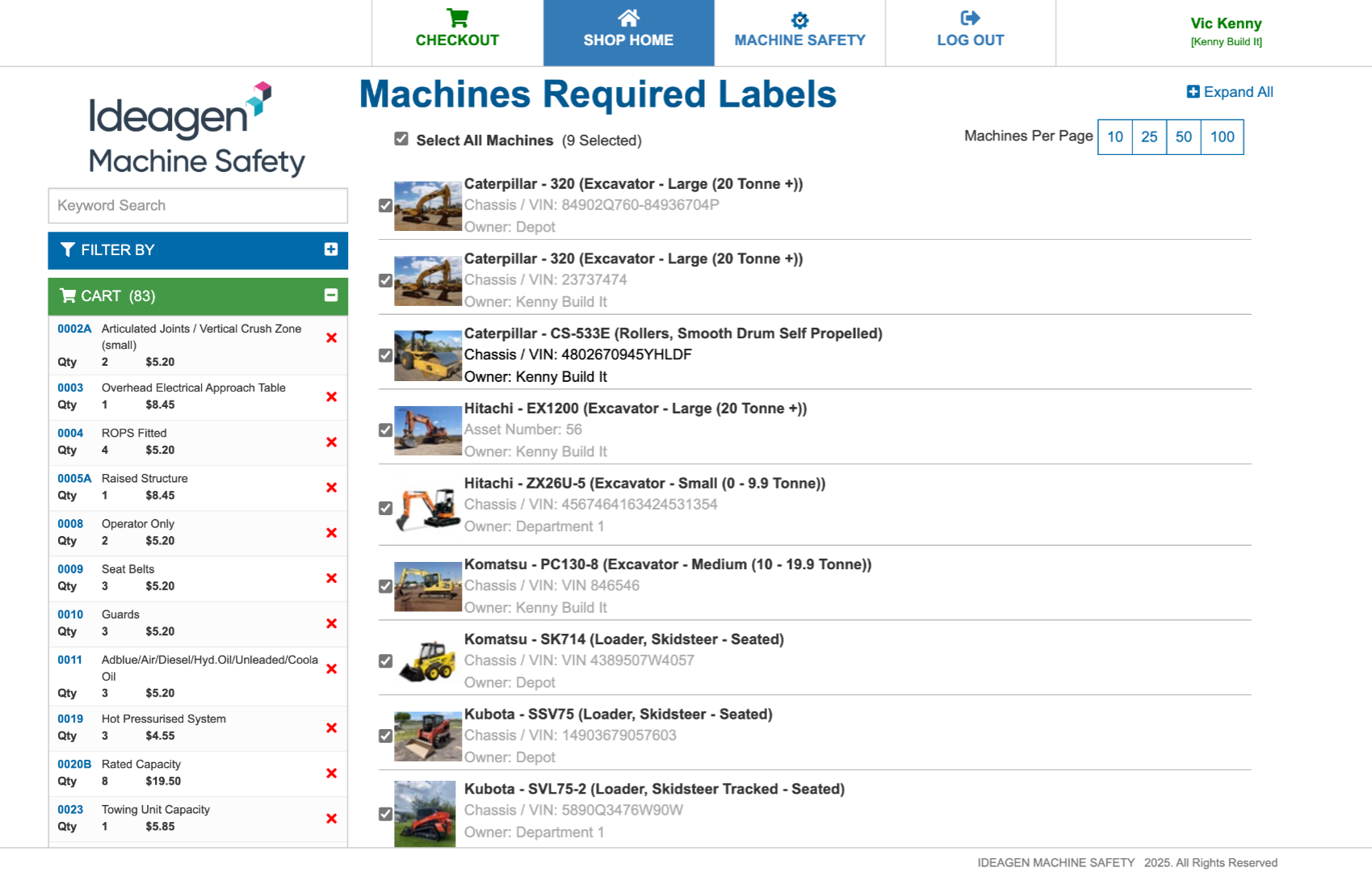
- Review your order.
- Complete the checkout.
1.2. Multiple
To order labels in bulk:
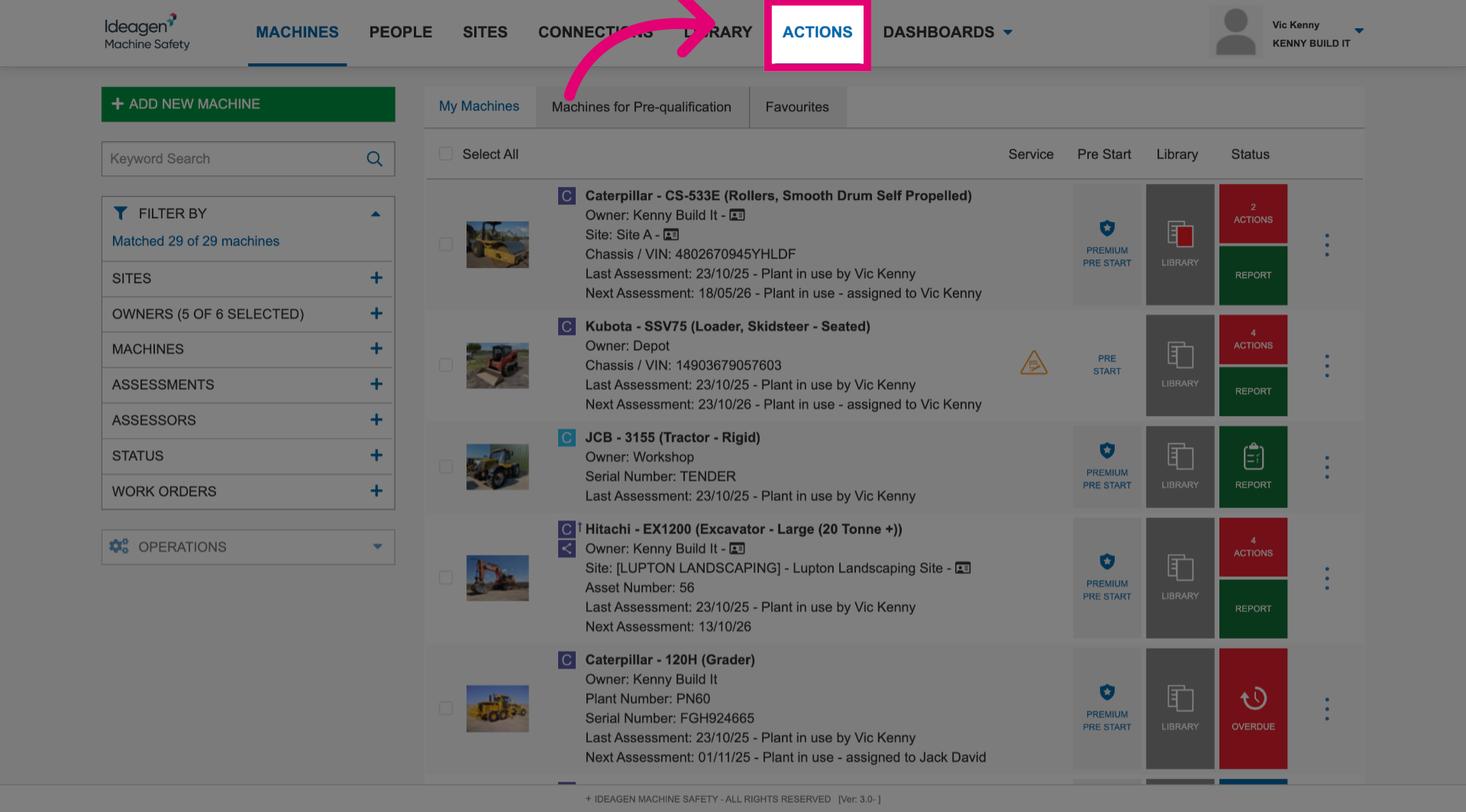
- Go to the Actions section.
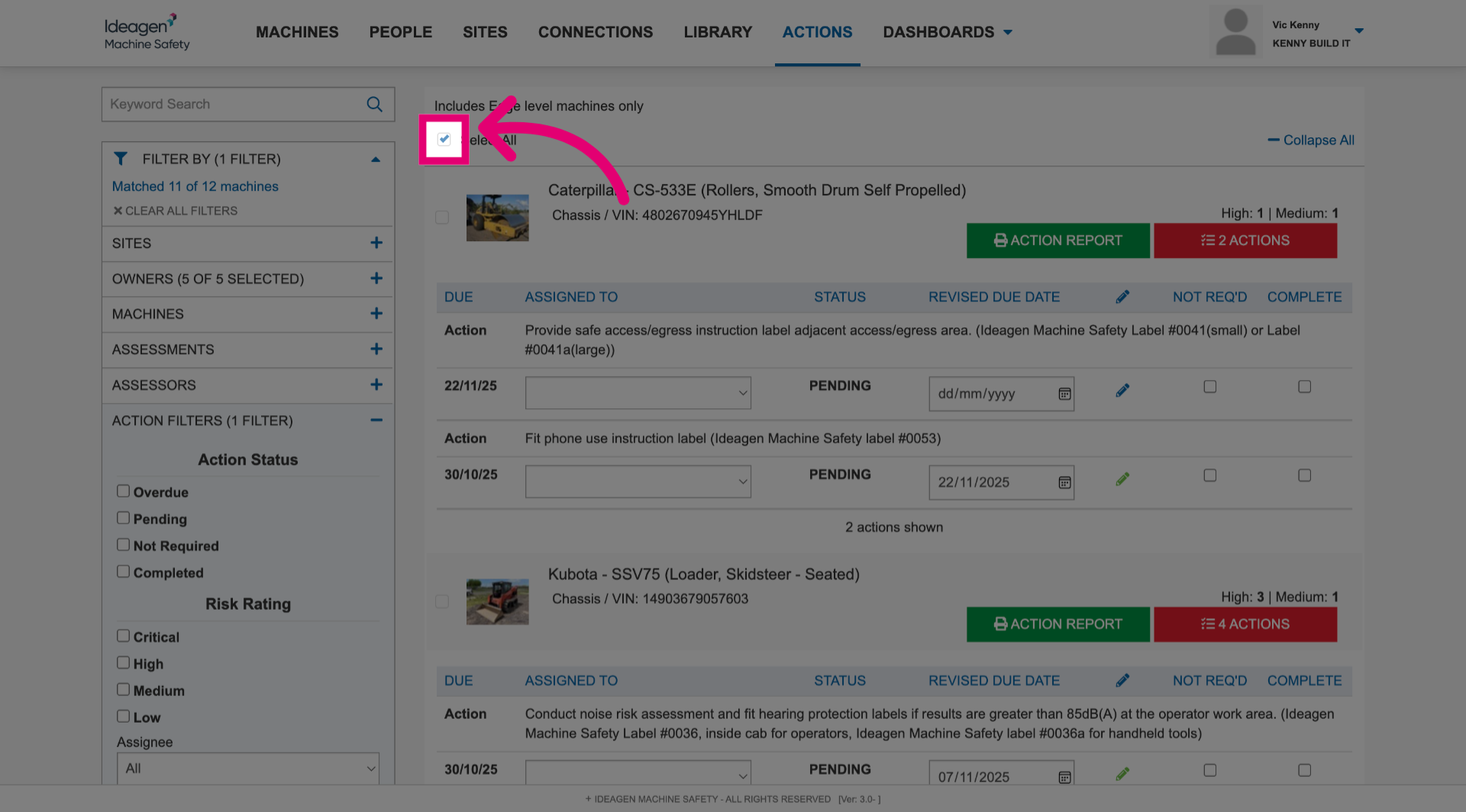
- Tick the box next to each machine you want to order a label for.
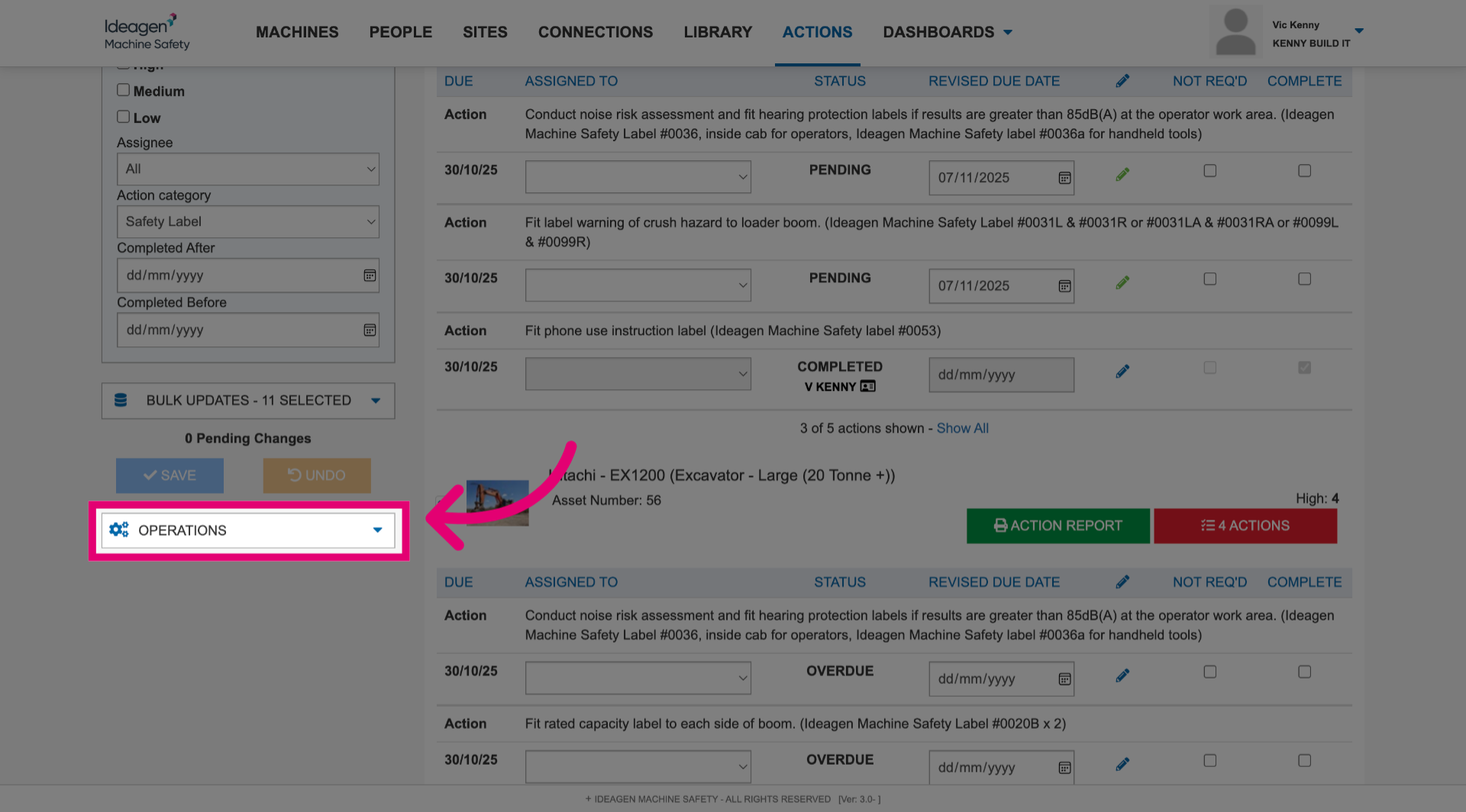
- Open the Operations menu.
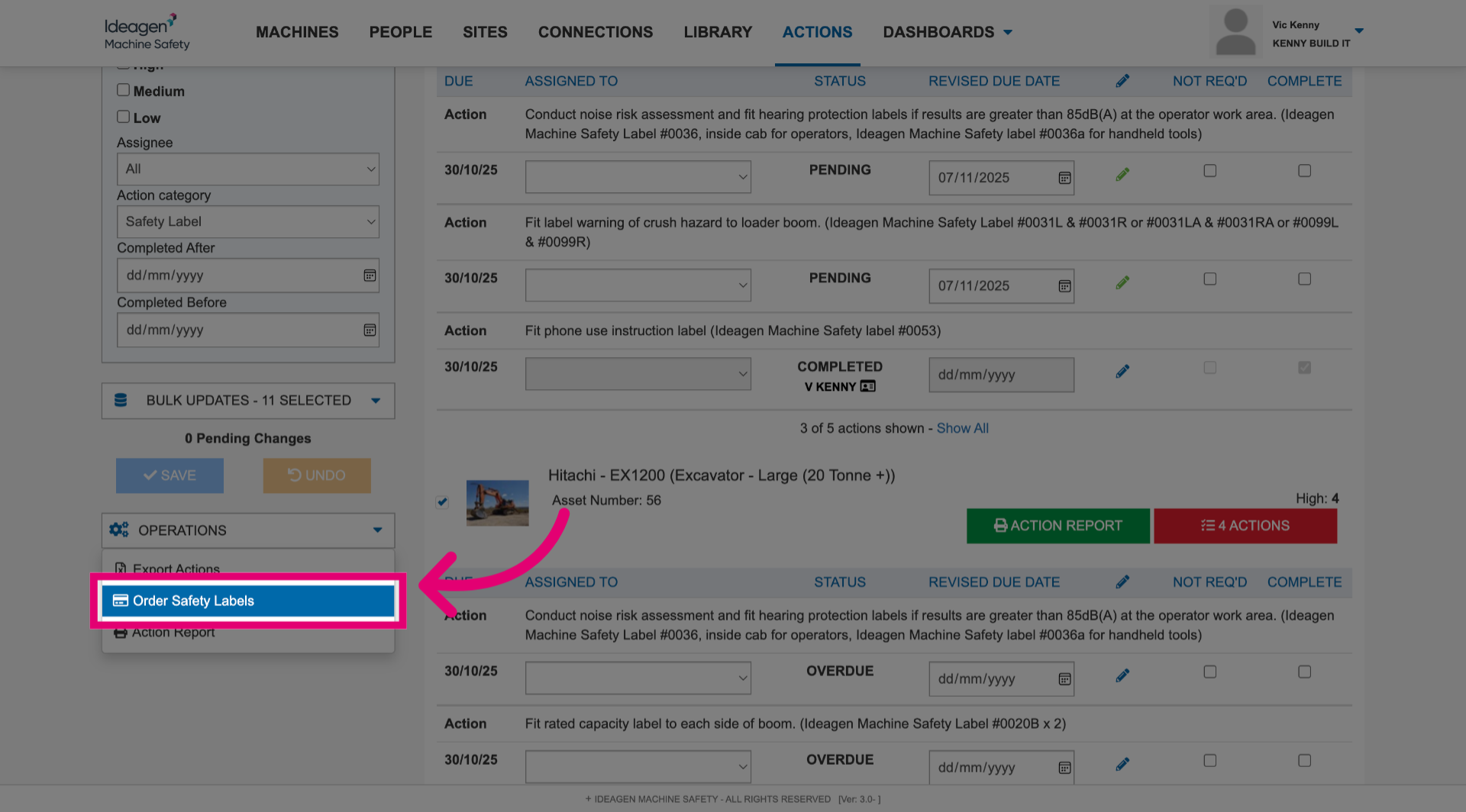
- Click Order Safety Labels.
- Review your order.
- Complete the checkout.