New article
Recently updated
Managing a document

Who is this article for?Users responsible for document management.
No special access or permissions are required.
Documents with expiry dates can be updated when renewed so you always have up-to date paperwork on file.
This article walks you through the steps to edit, update, or delete documents in the system.
1. Managing a document
To manage a document:
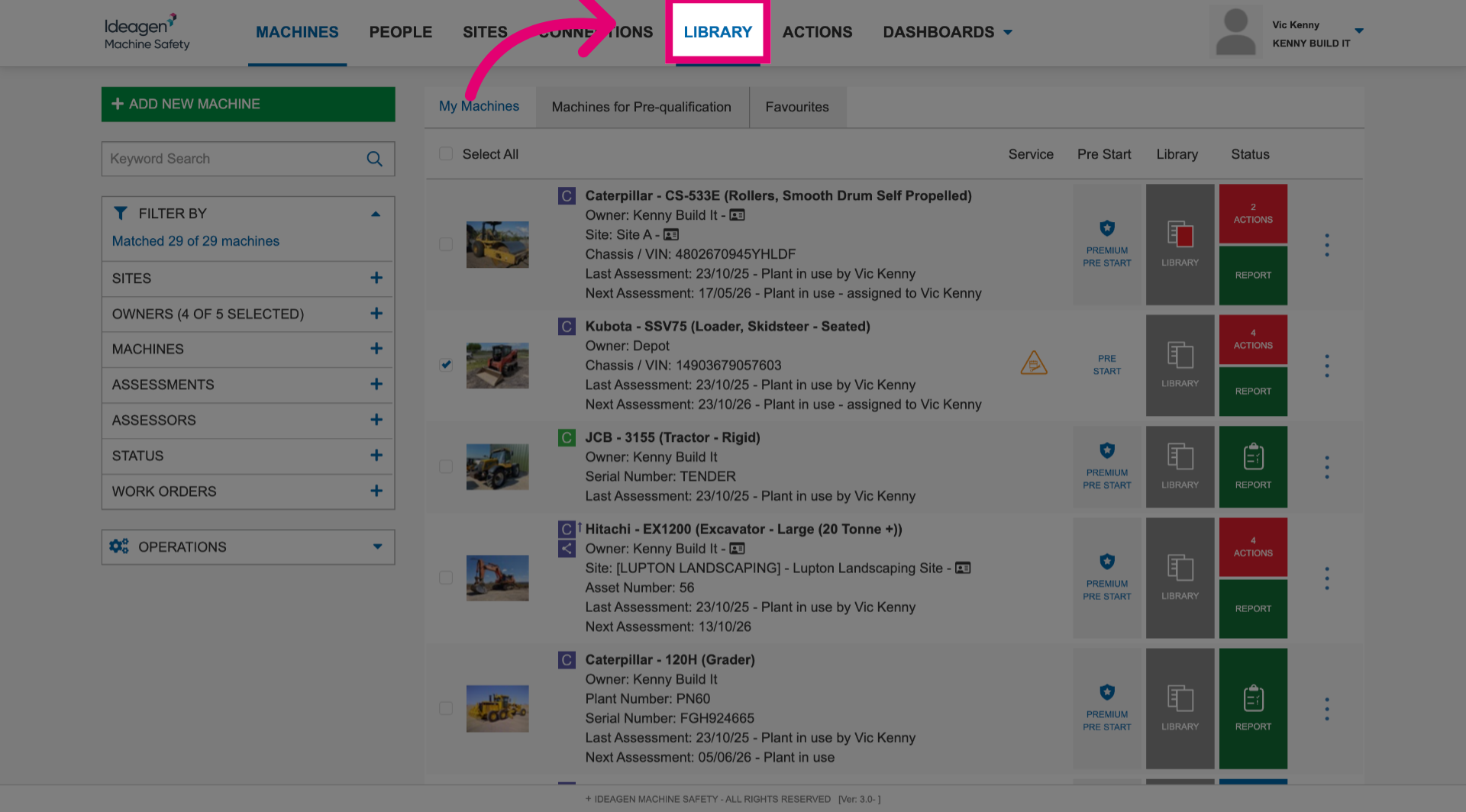
- Navigate to the Library section.
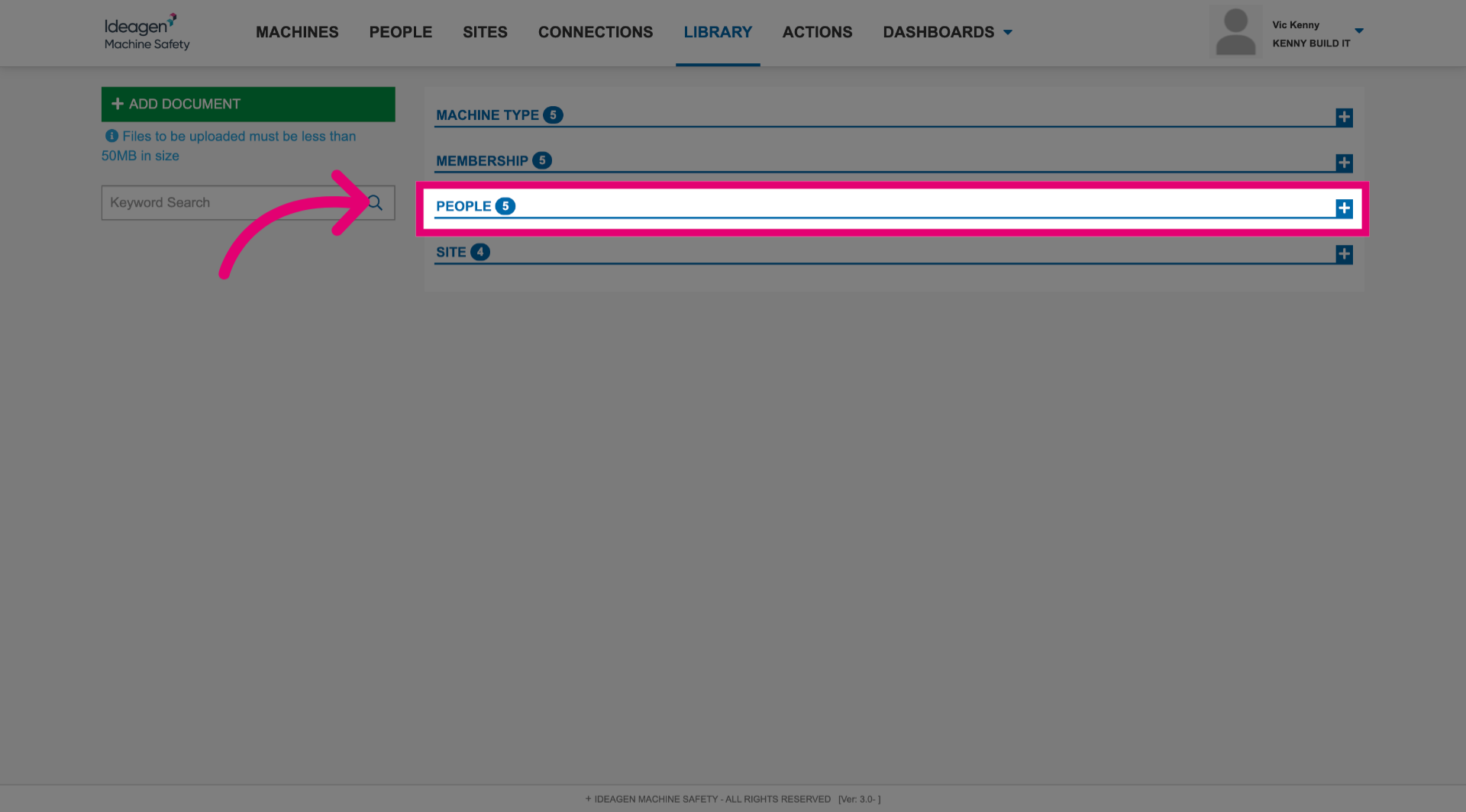
- Expand the section the document is in.
- Click Edit.
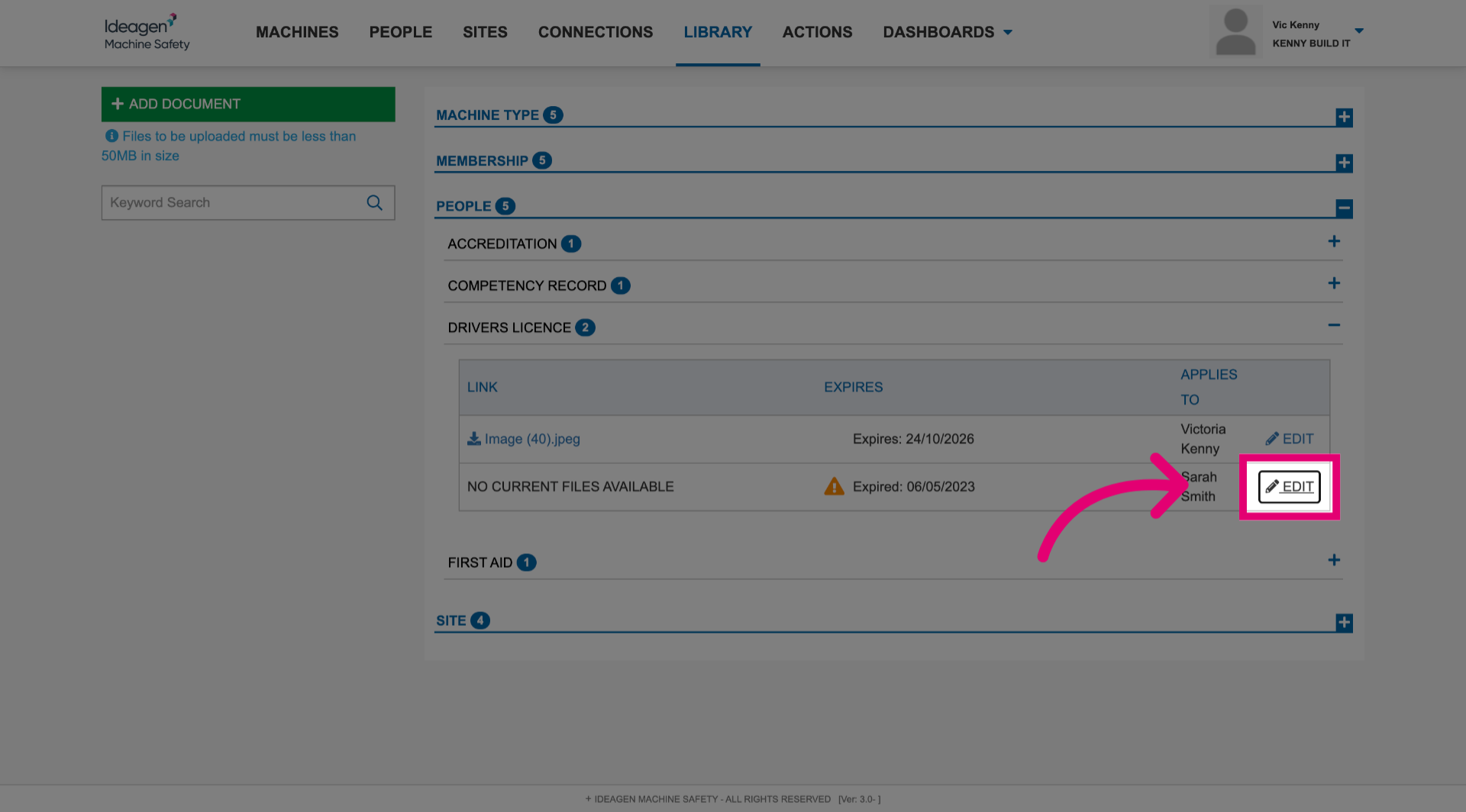
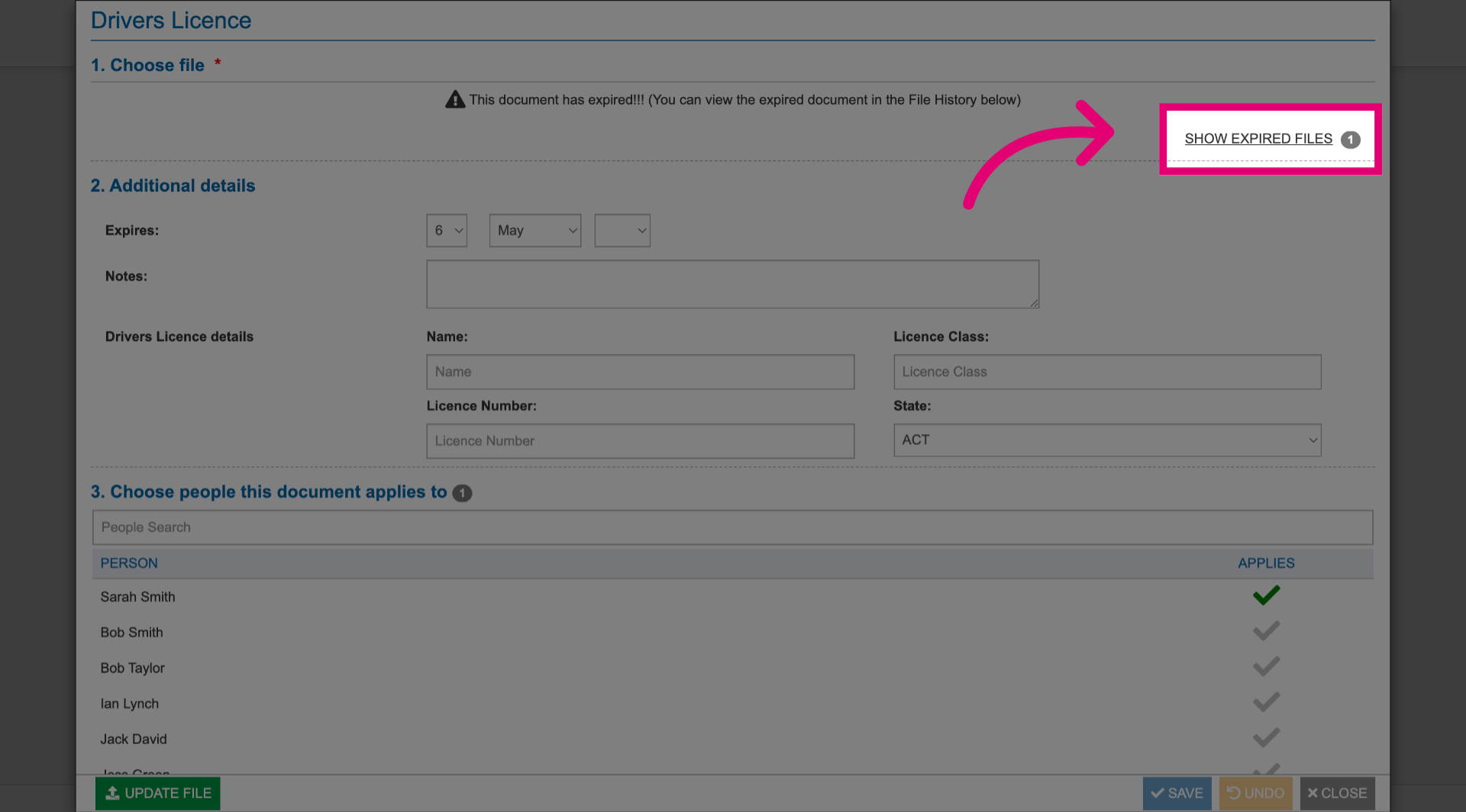
- Click Show expired files to view documents that are no longer current.
- Make changes as needed.
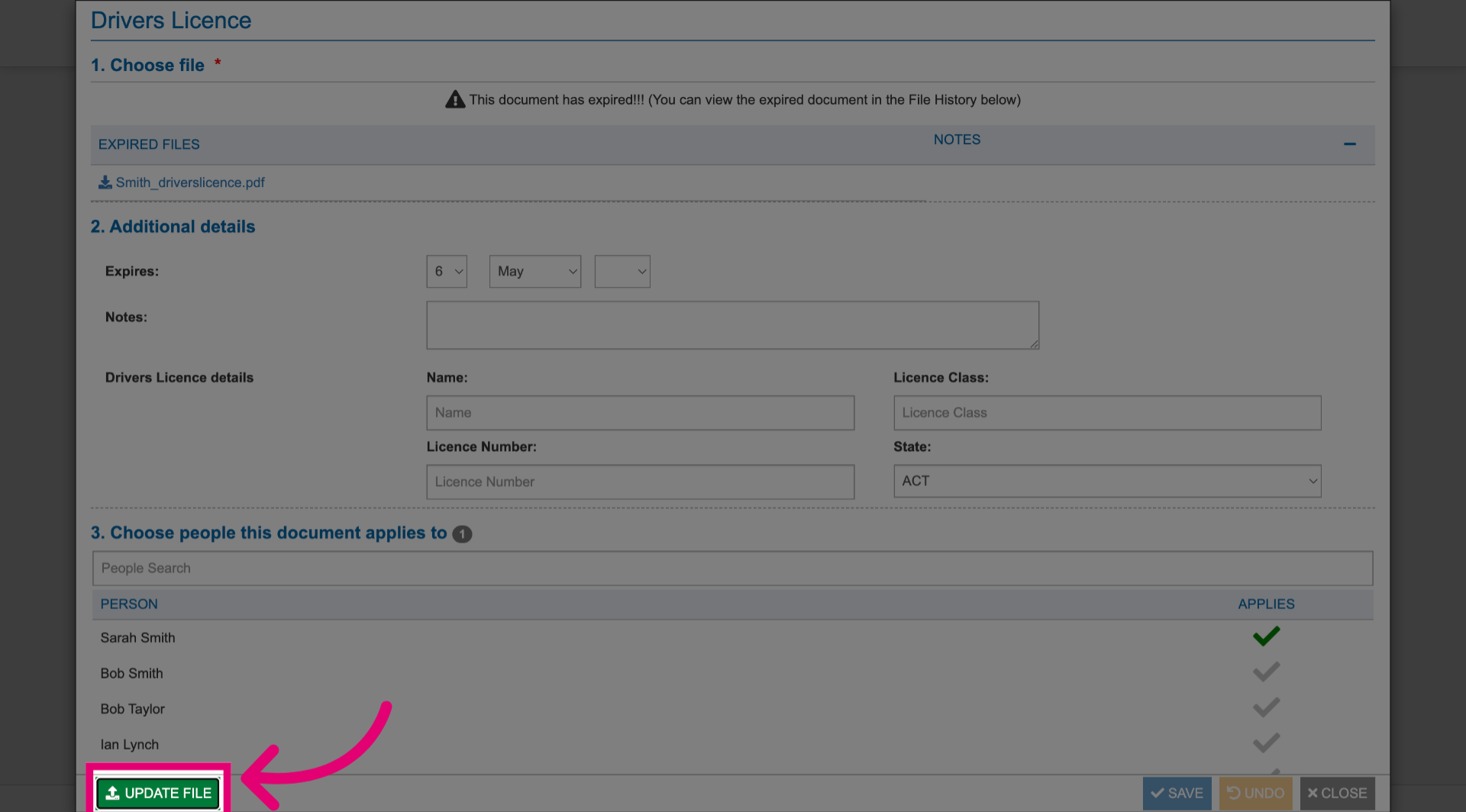
- Click Update file.
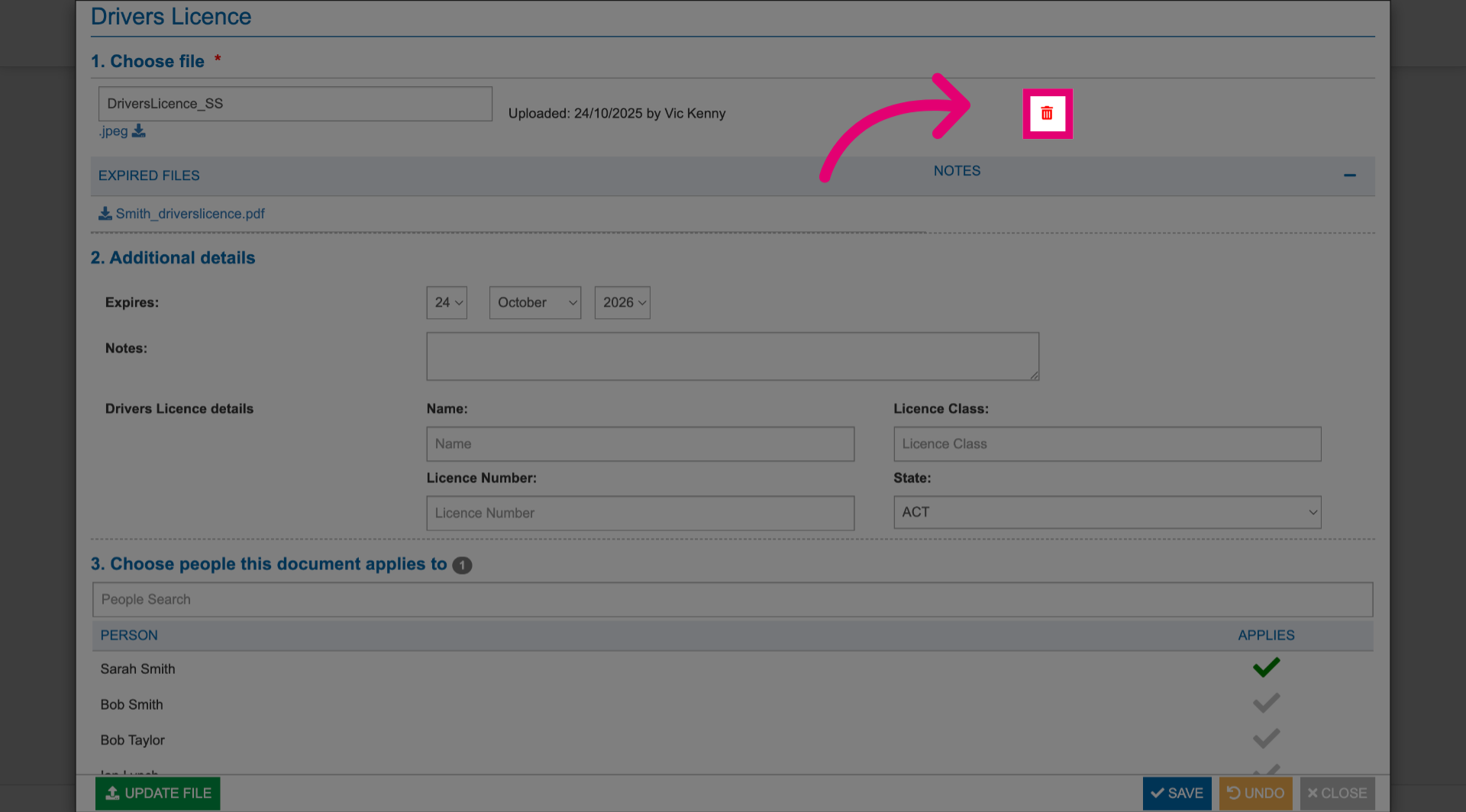
- Alternatively, click Delete to remove the existing document.
- Click Save.
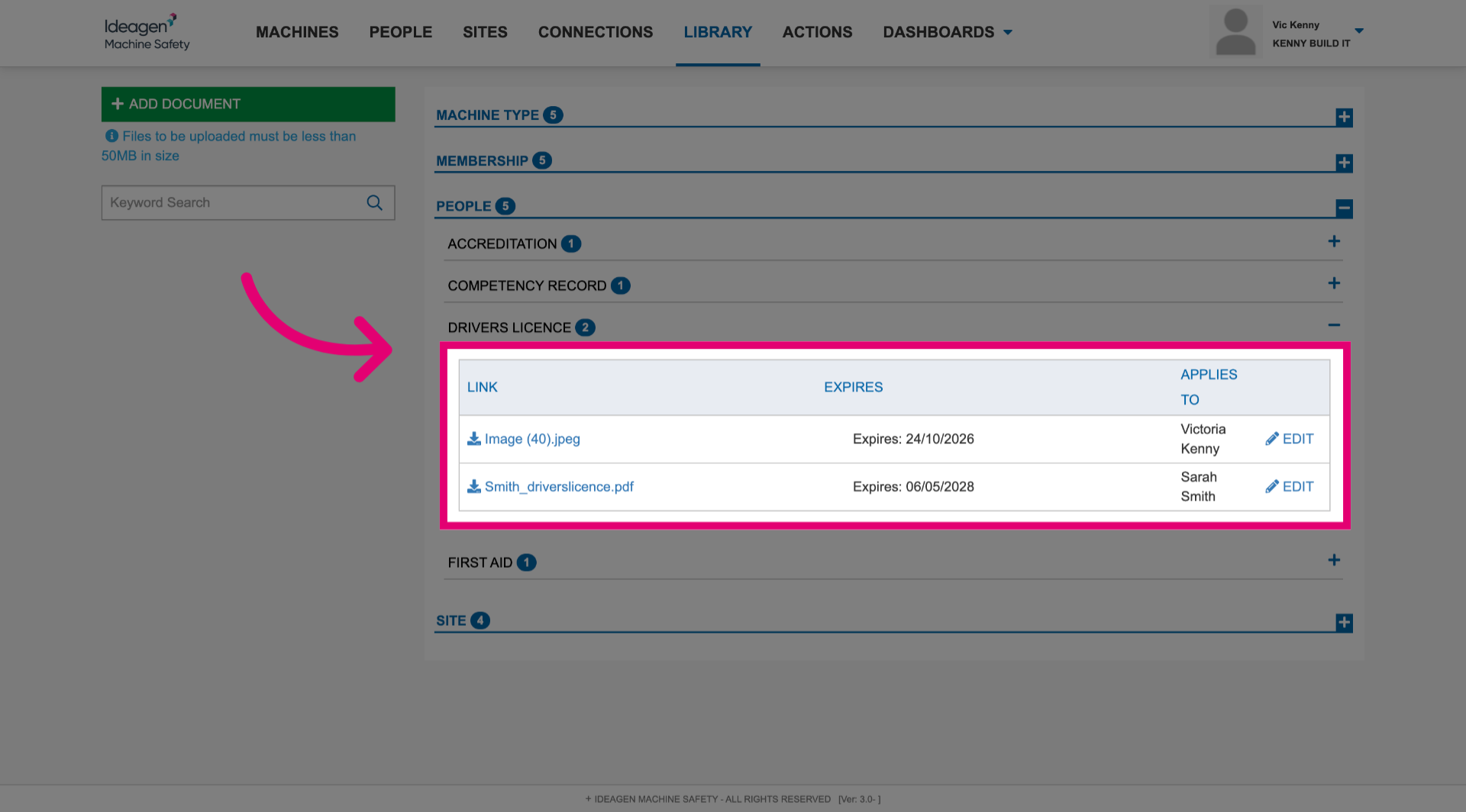
You can view the updated details in the document list.