


New article
Recently updated
Scheduling a risk assessment

Who is this article for?
Administrators responsible for machine management.
Manage machines permissions are required.
To ensure you satisfy all compliance requirements, it's important that you conduct regular risk assessments on your machines. Schedulilng gives you access to an Assessment dashboard where you can manage upcoming assessments.
This article walks you through the process of scheduling a risk assessment.
1. Scheduling an assessment
To schedule an assessment:
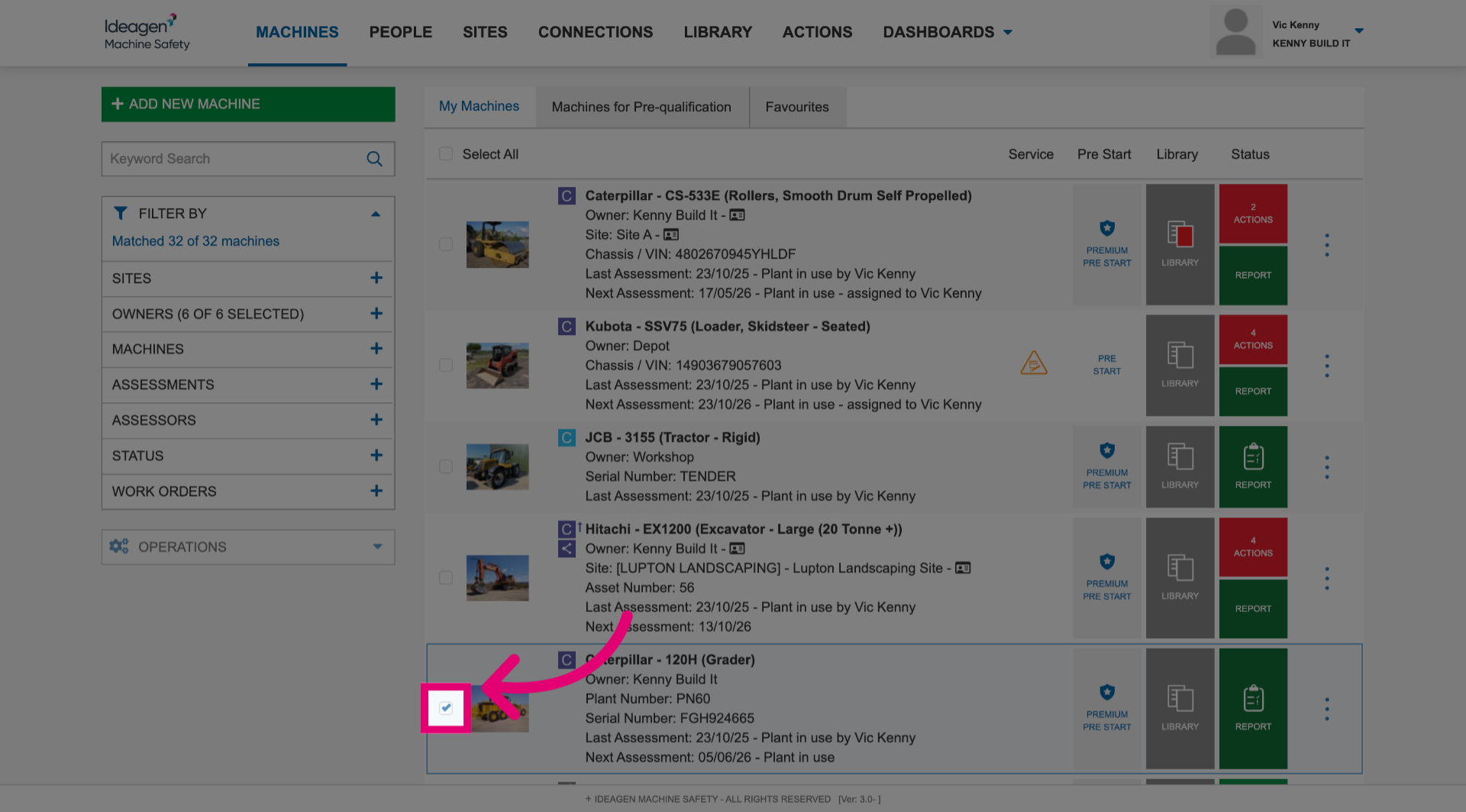
- Select machine(s).
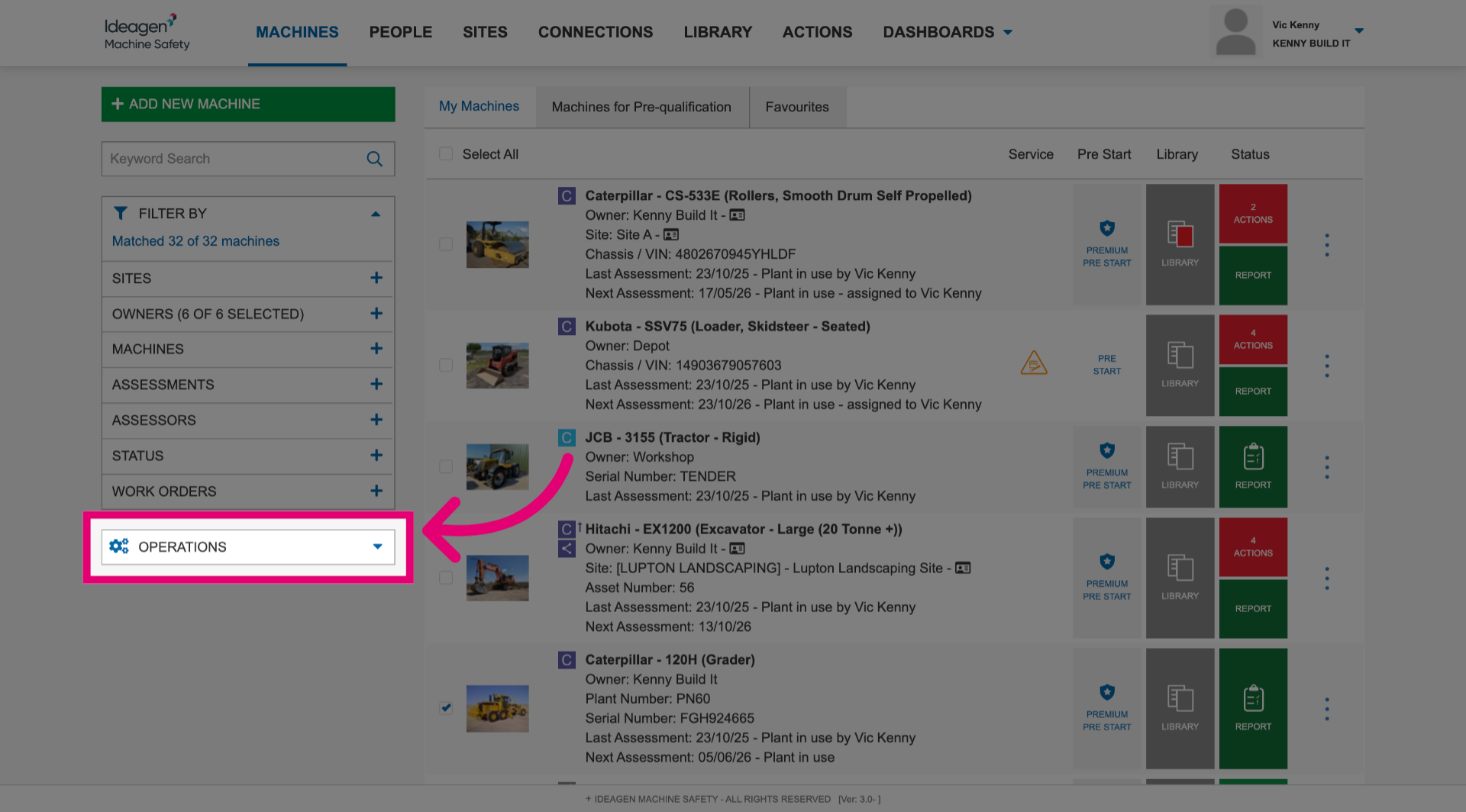
- Click Operations to open the menu.
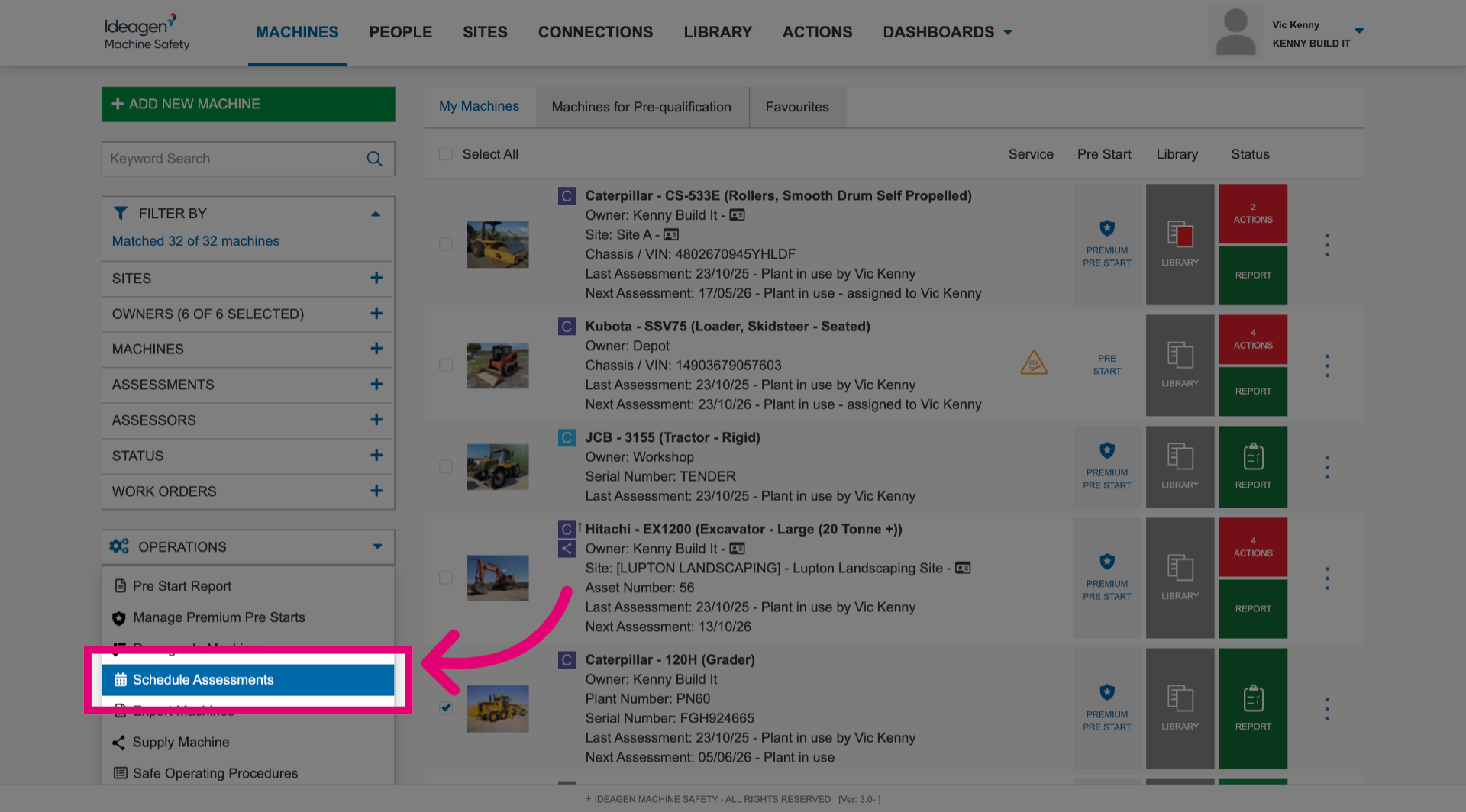
- Select Schedule Assessments.
This will bring up a pop up.
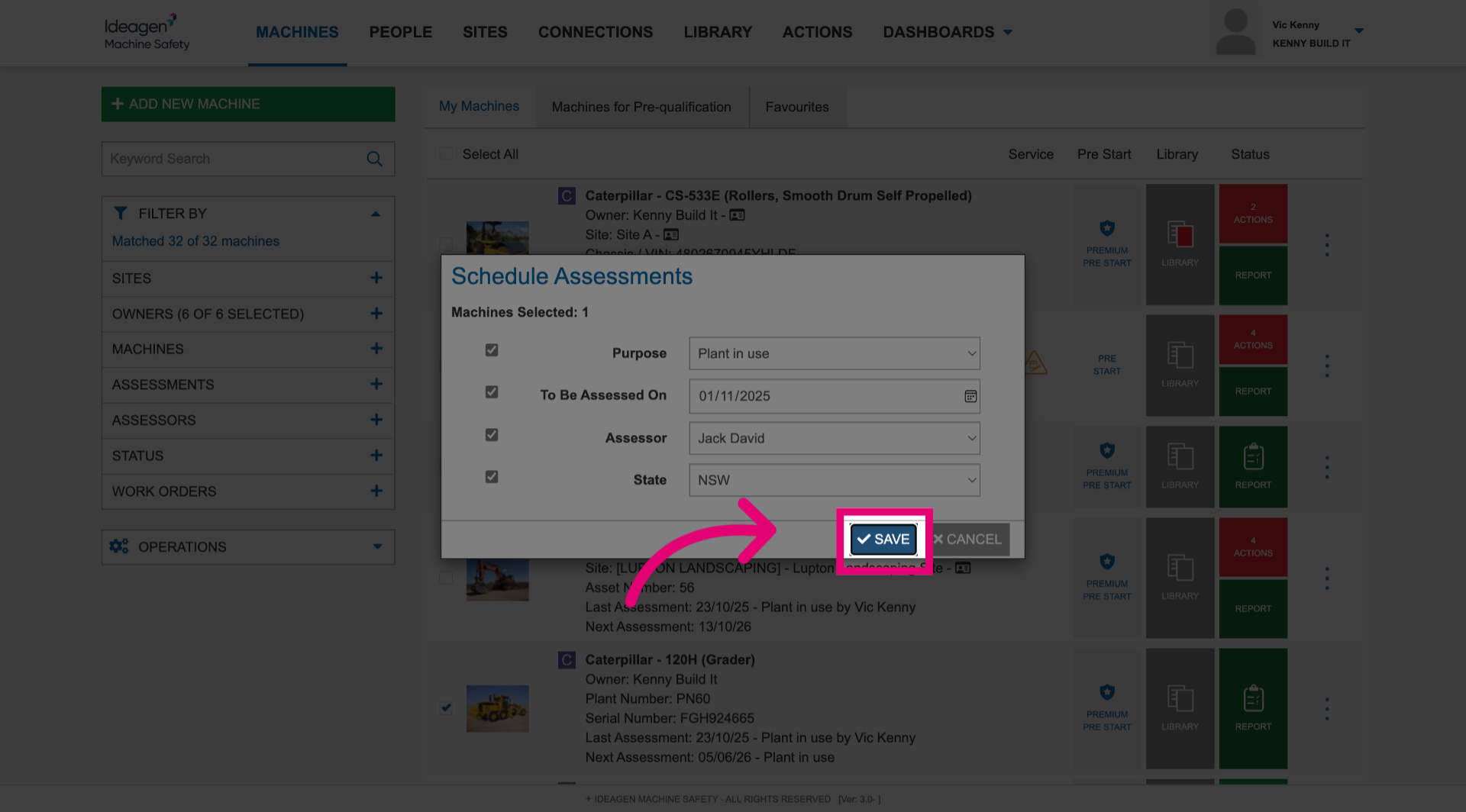
- Select the Purpose.
- Set To Be Assessed Ondate.
- Select a user from the Assessor dropdown.
- Select State if required.
- Click Save.
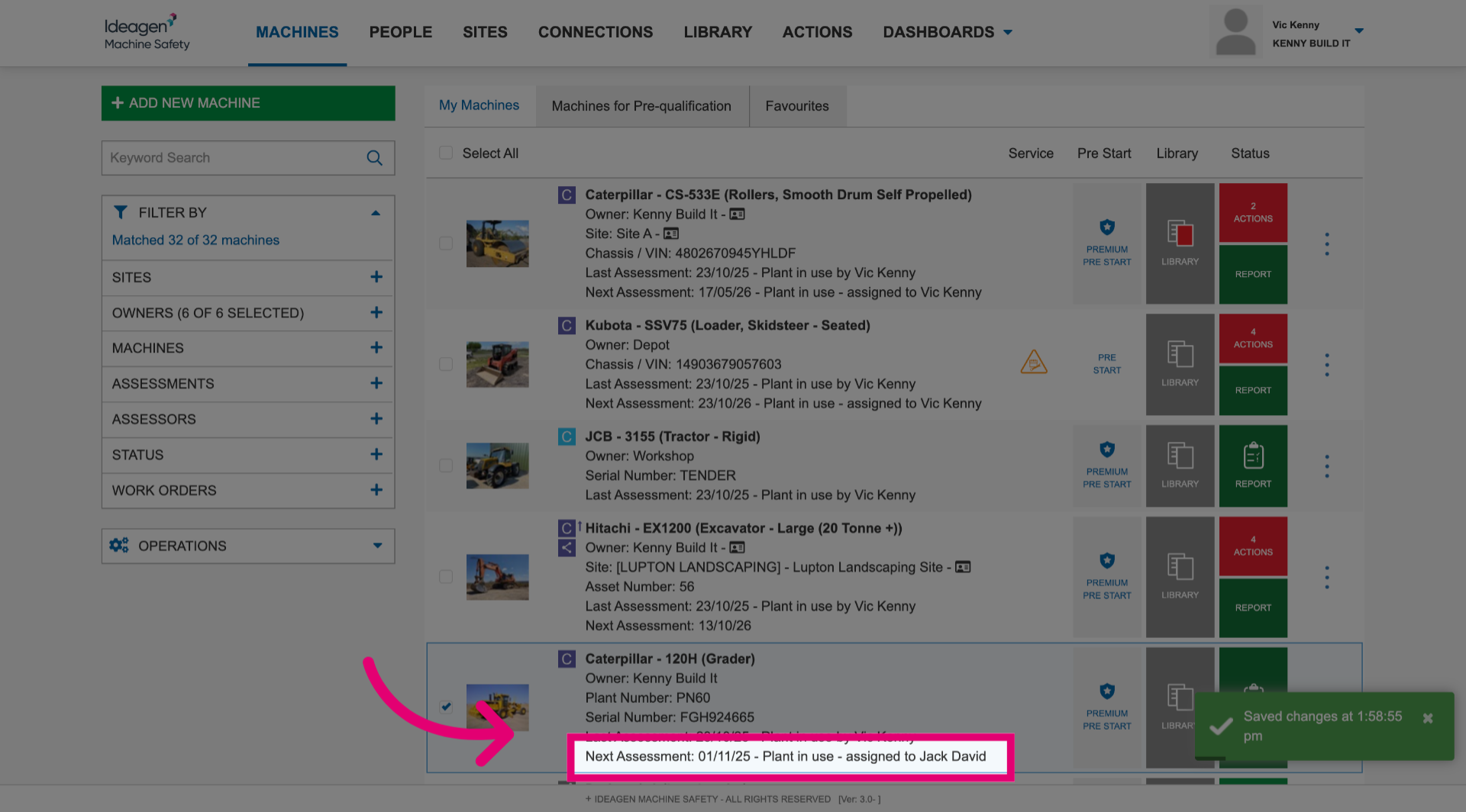
You can view the scheduled assessment details at the bottom of the machine details on the overview page.
2. Editing an assessment
To edit a scheduled risk assessment:
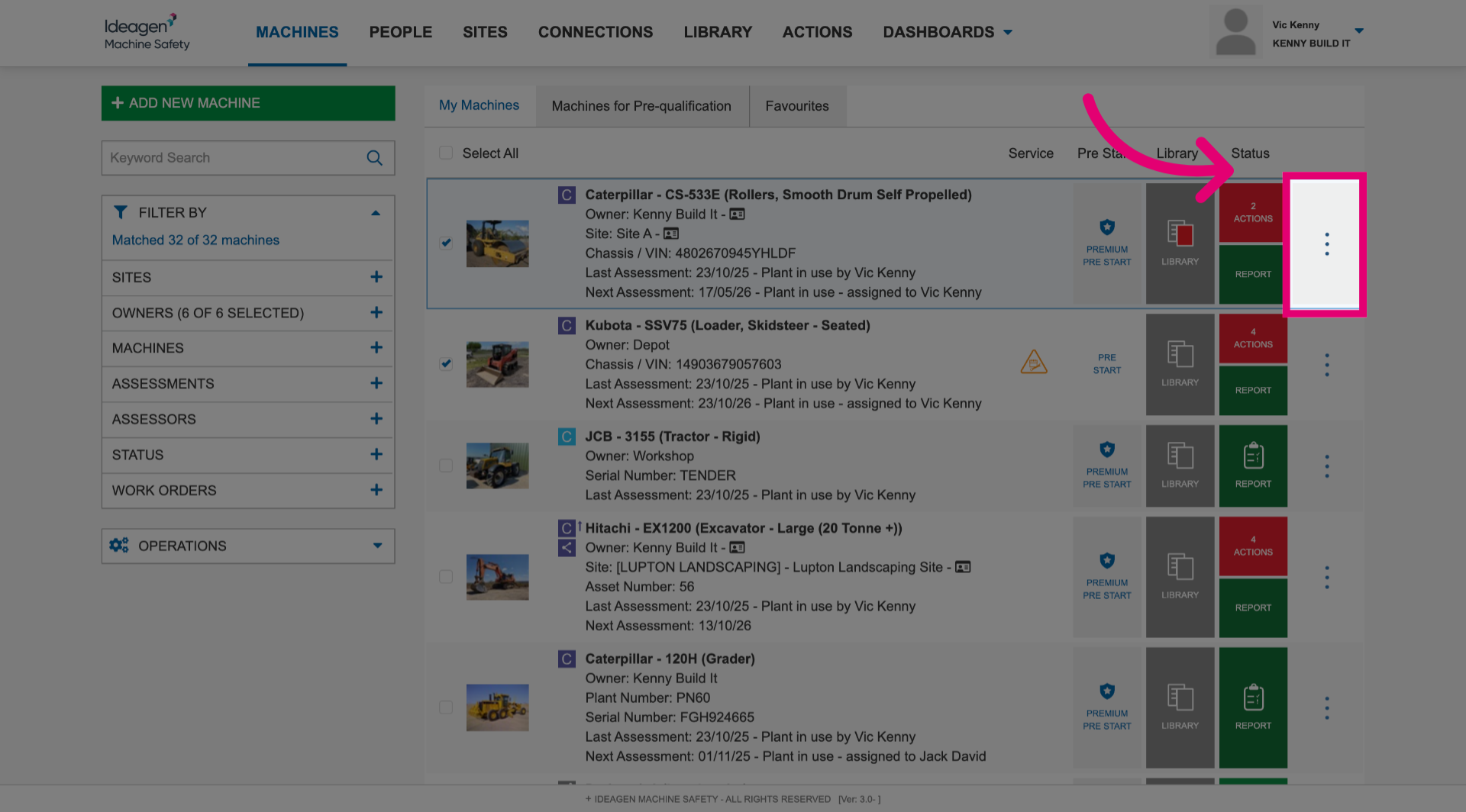
- Open the More menu.
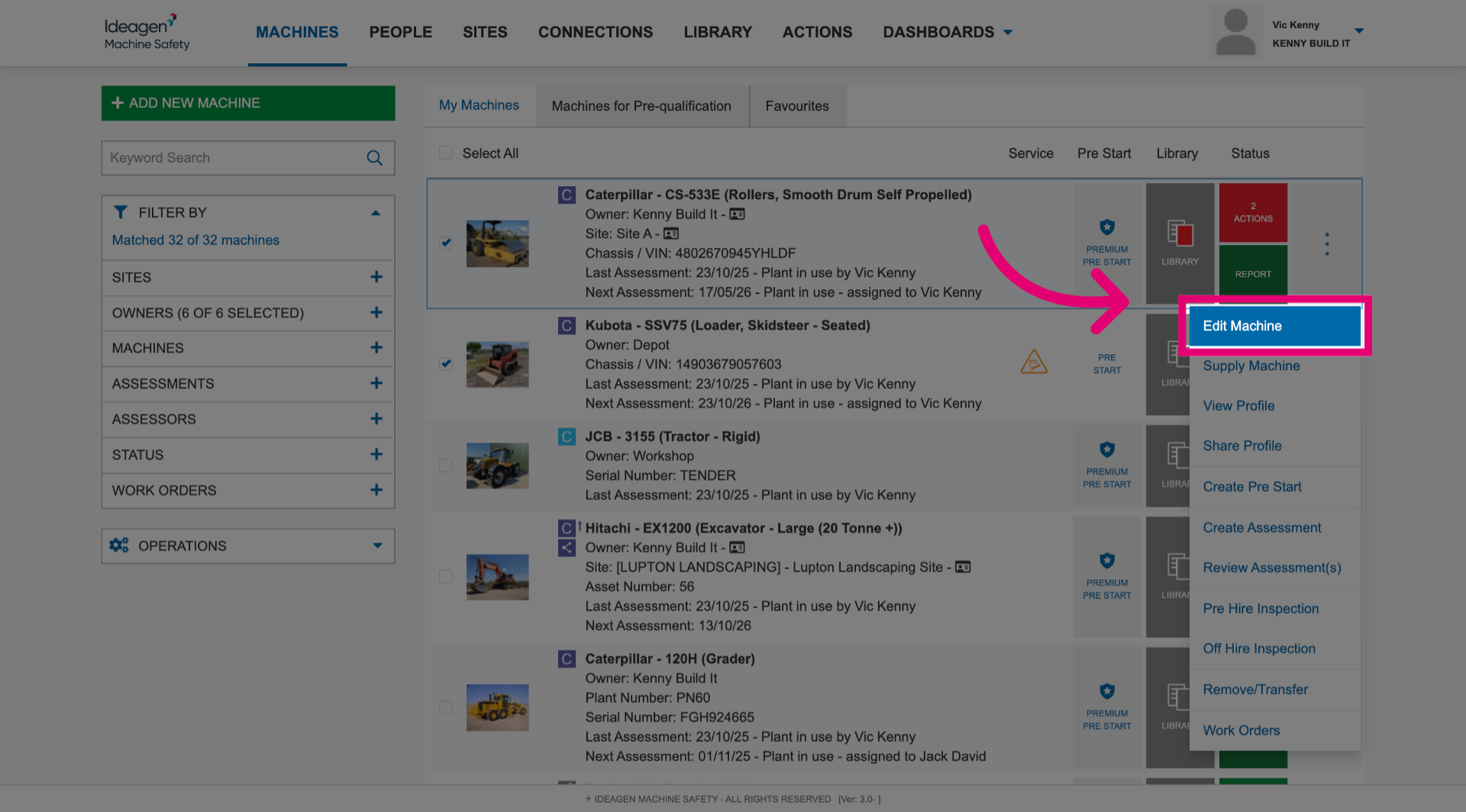
- Select Edit Machine.
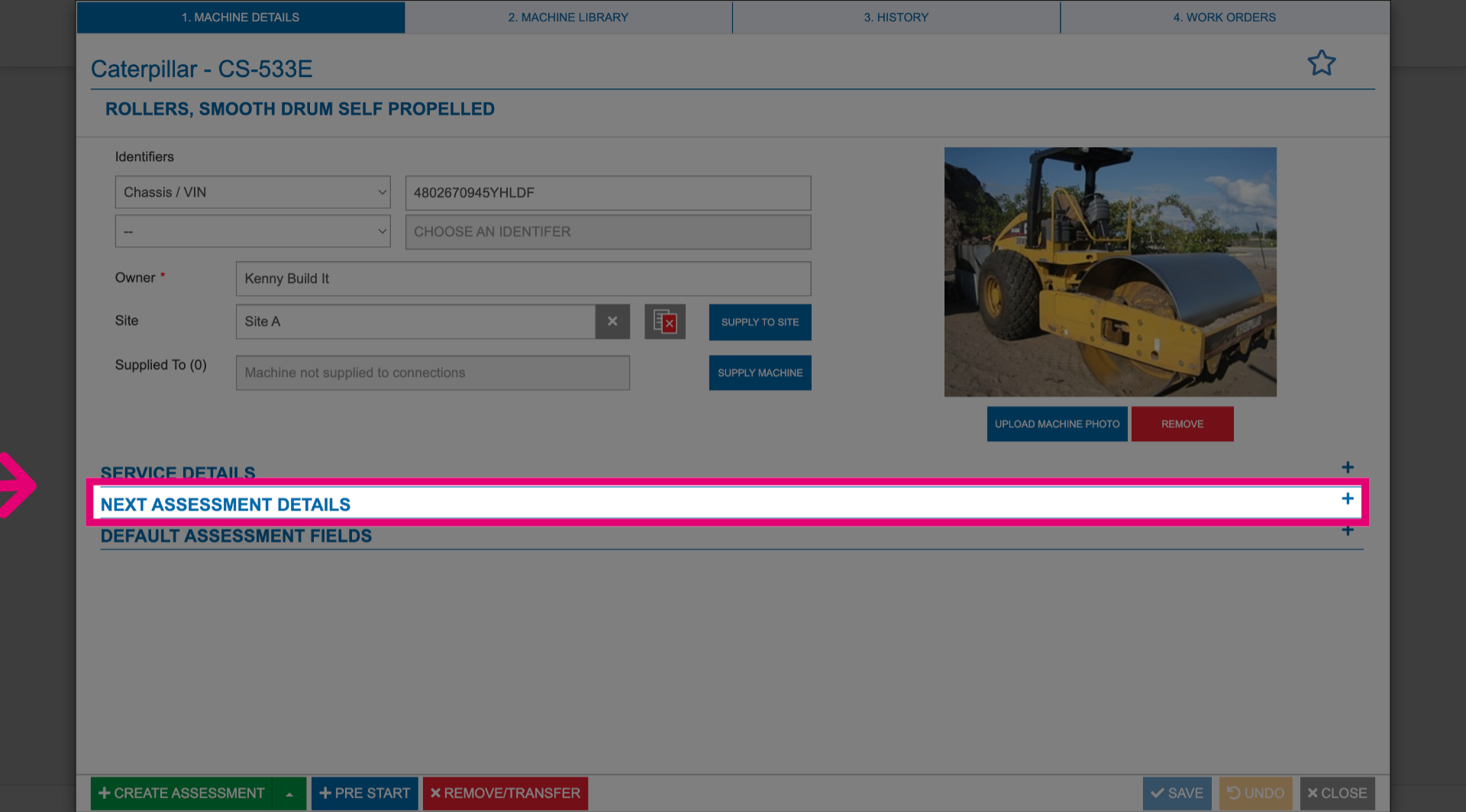
- Expand the Next Assessment Details section.
- Update the details as necessary
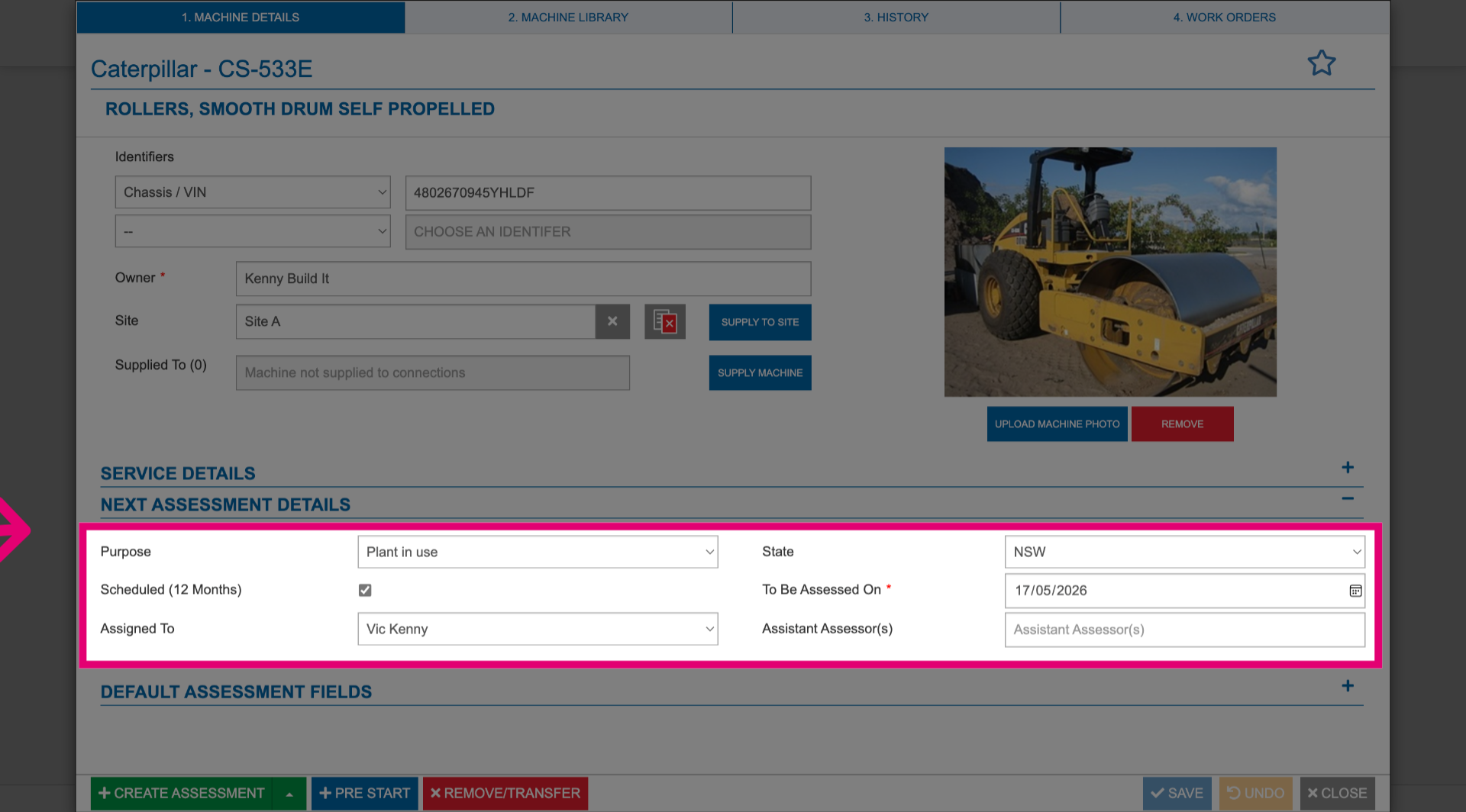
- Click Save to apply changes.