New article
Recently updated
Adding a site

Who is this article for?
Administrators responsible for machine management.
Manage machines permissions are required.
Adding a site can speed up the onboarding and pre-qualification process, as well as give you immediate insight into the status of all machines on the job.
This article walks you through the process of adding a site to your system.
1. Adding a machine
To add a machine:
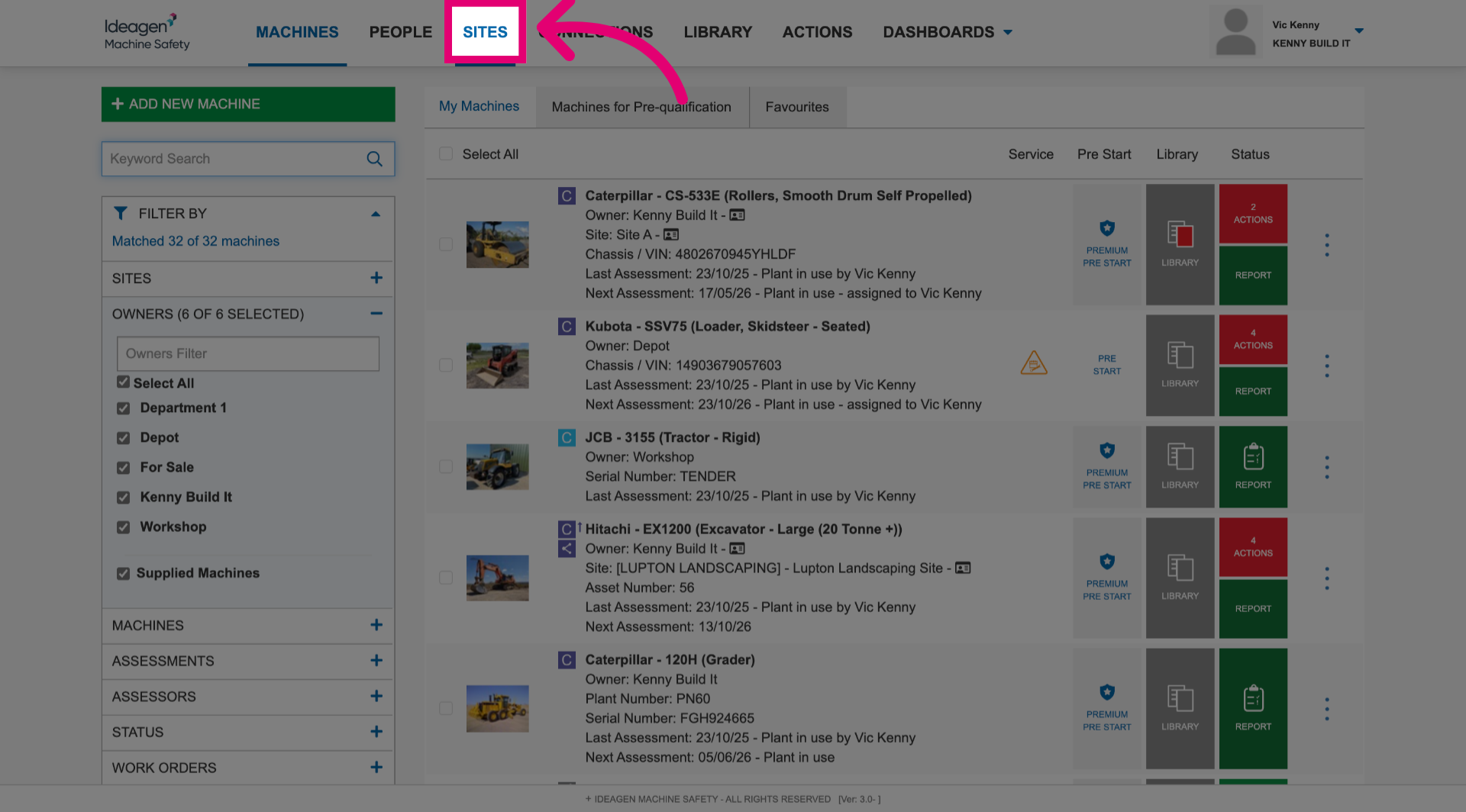
- Navigate to the Sites section.
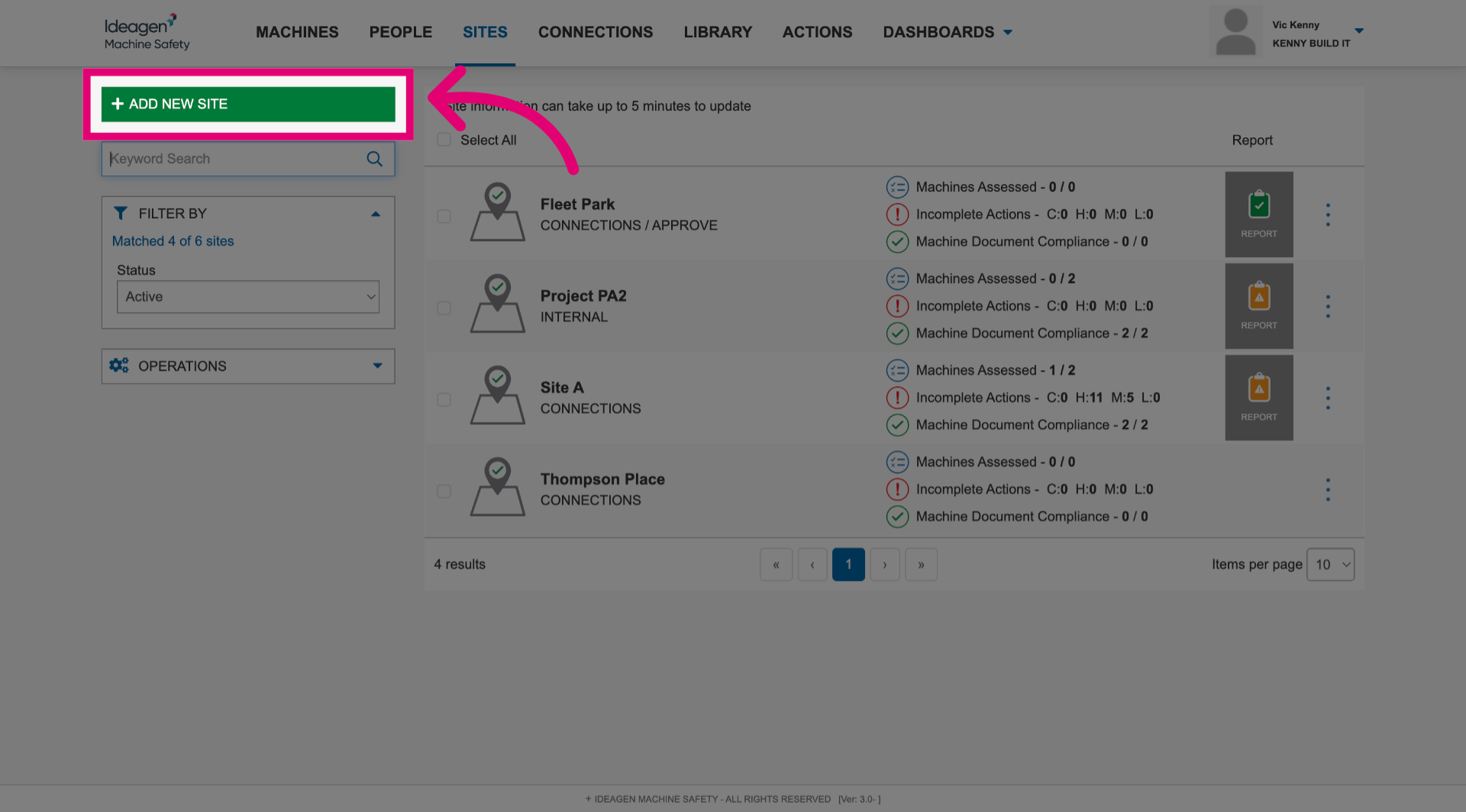
- Click Add New Site.
- Enter a Site Name.
- Tick Site Approval Number.
- Set a Site Approval Months To Expiry value.
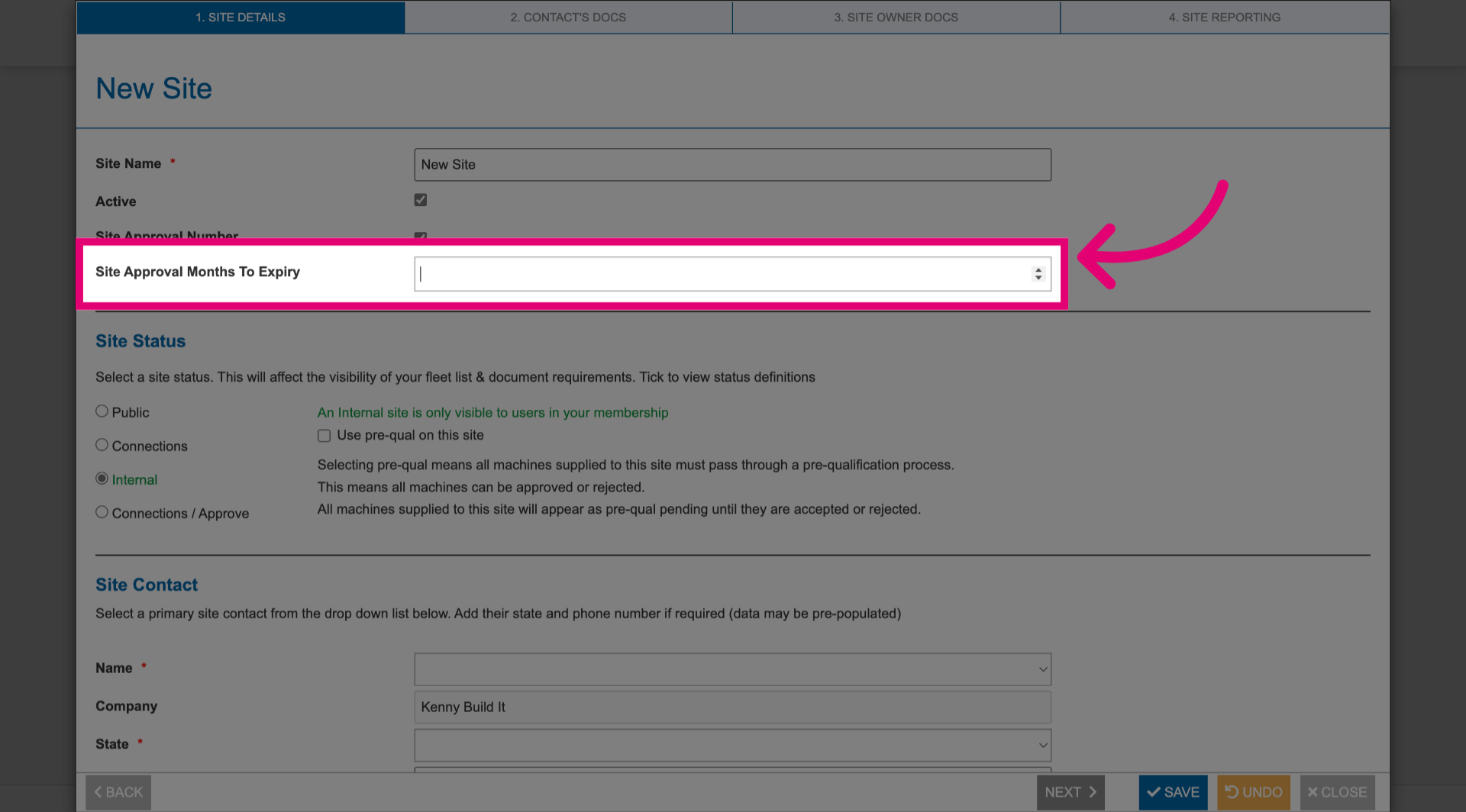
- Select a Site Status.
A tooltip will appear outlining what effect the selected status will have.
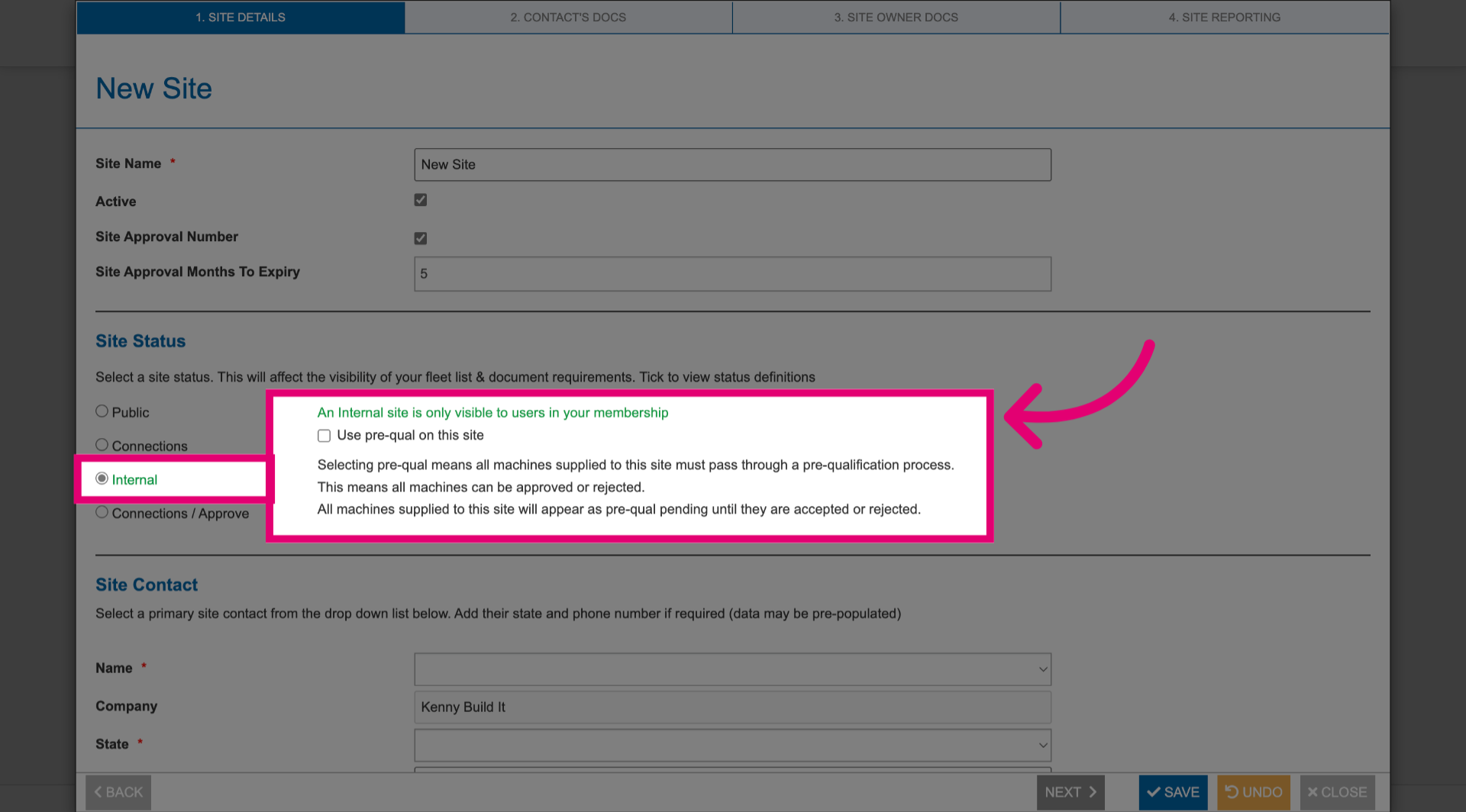
- Fill out Site Contact details.
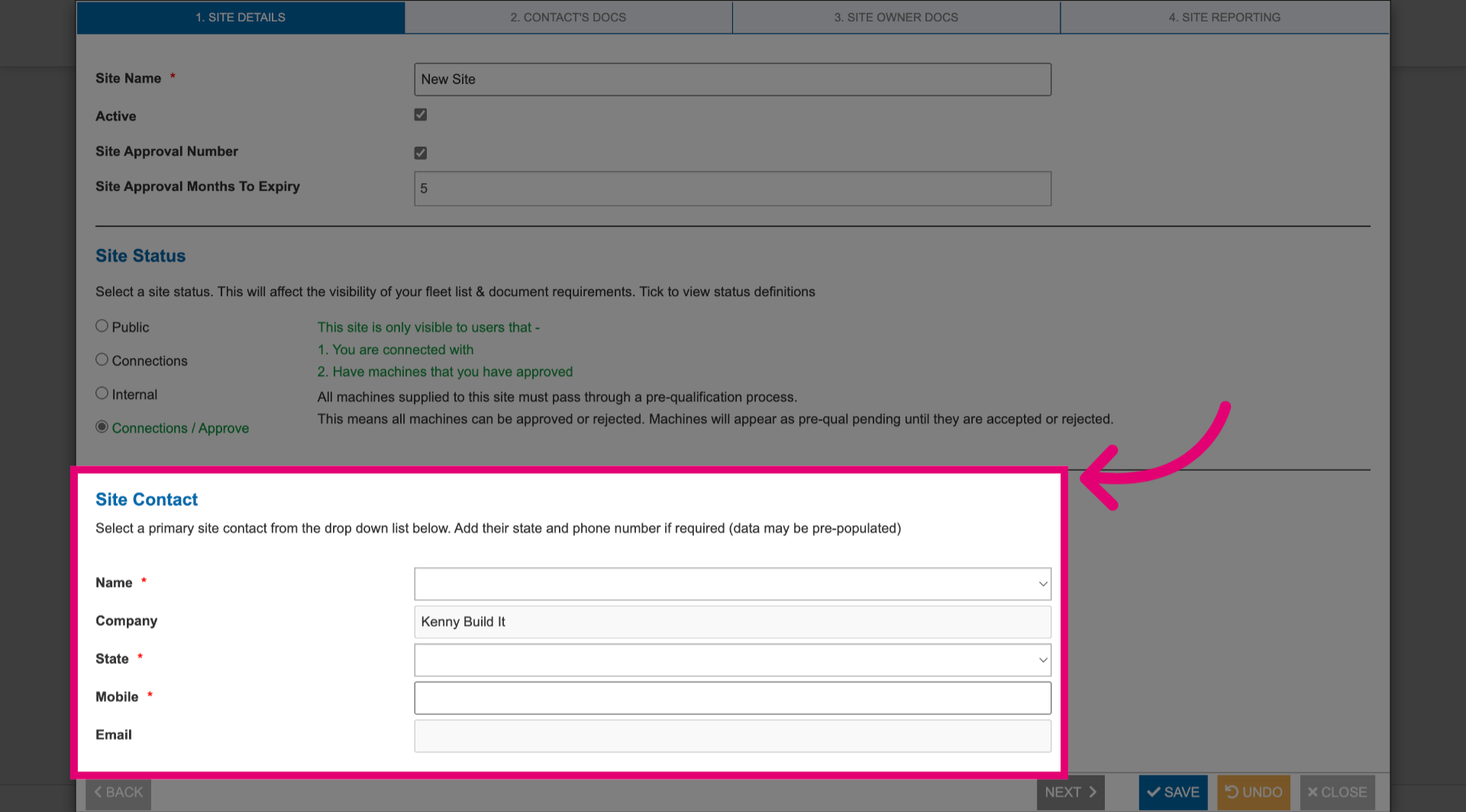
- Click Next.
- Expand each section to configure site documentation requirements.
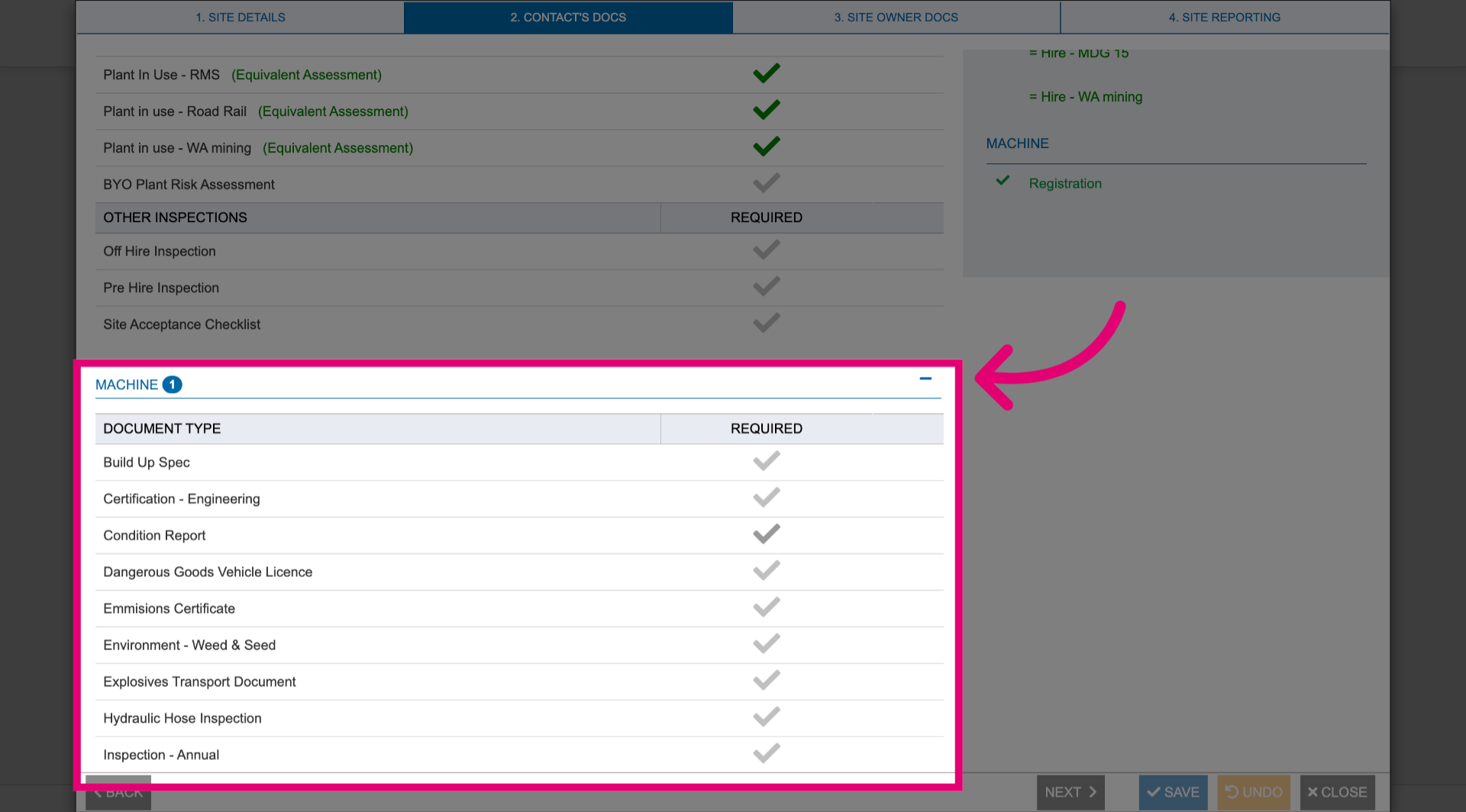
- Click Next.
- Click Add Document.
- Add all files you want the site owner to have access to.
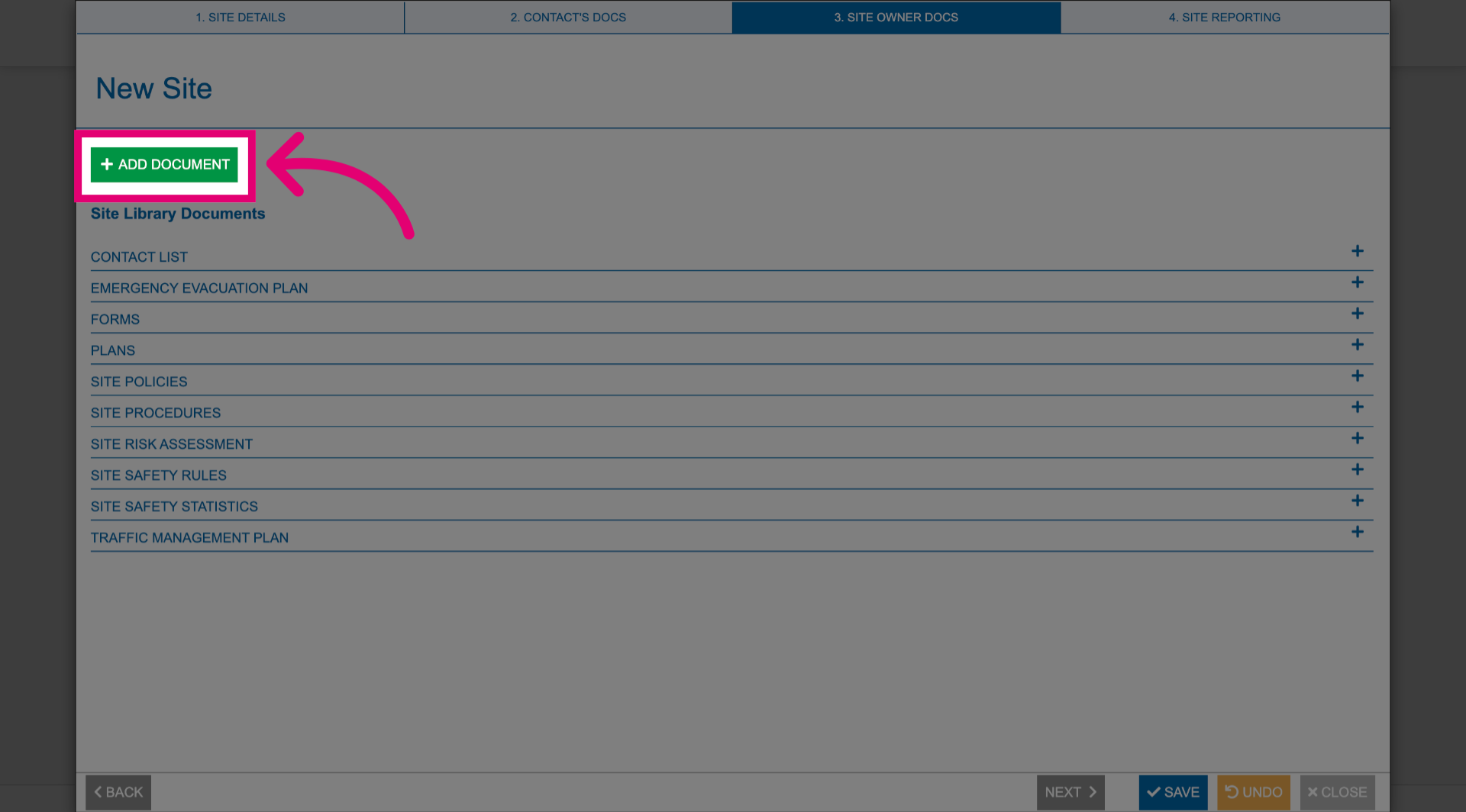
- Click Next.
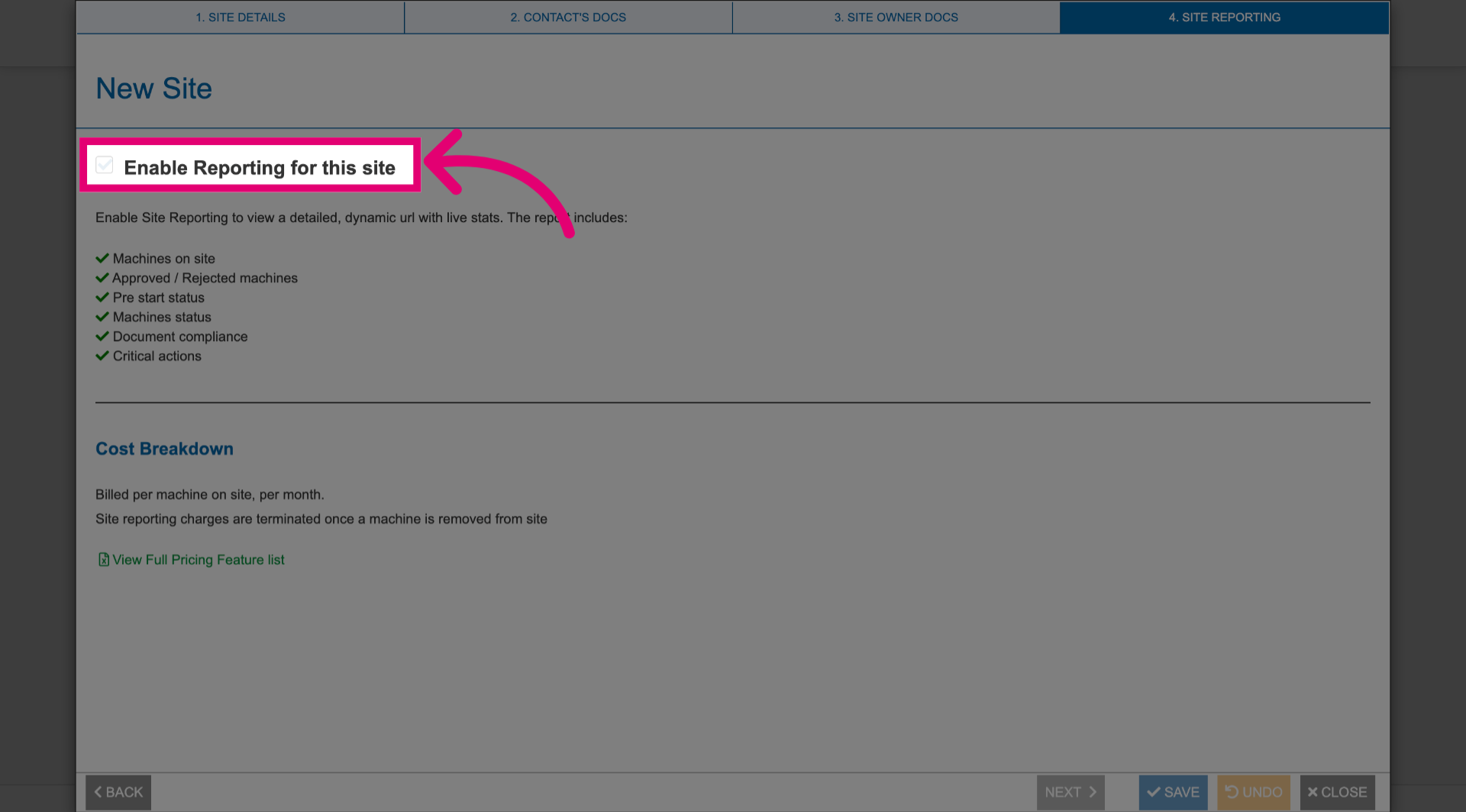
- Tick Enable Reporting for this site to gather live statistics for site reports.
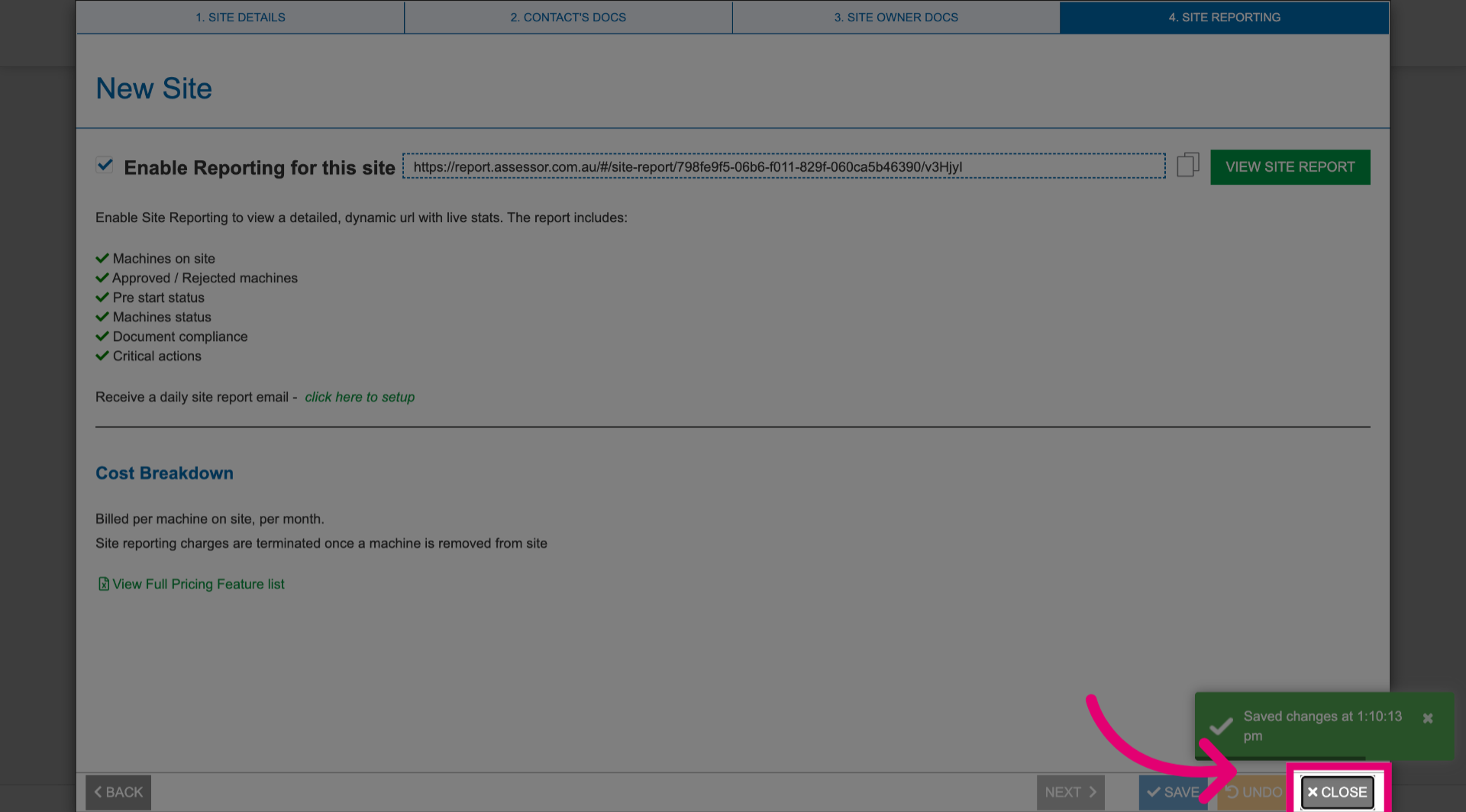
- Click Save to store the configuration details.
- Click Close.
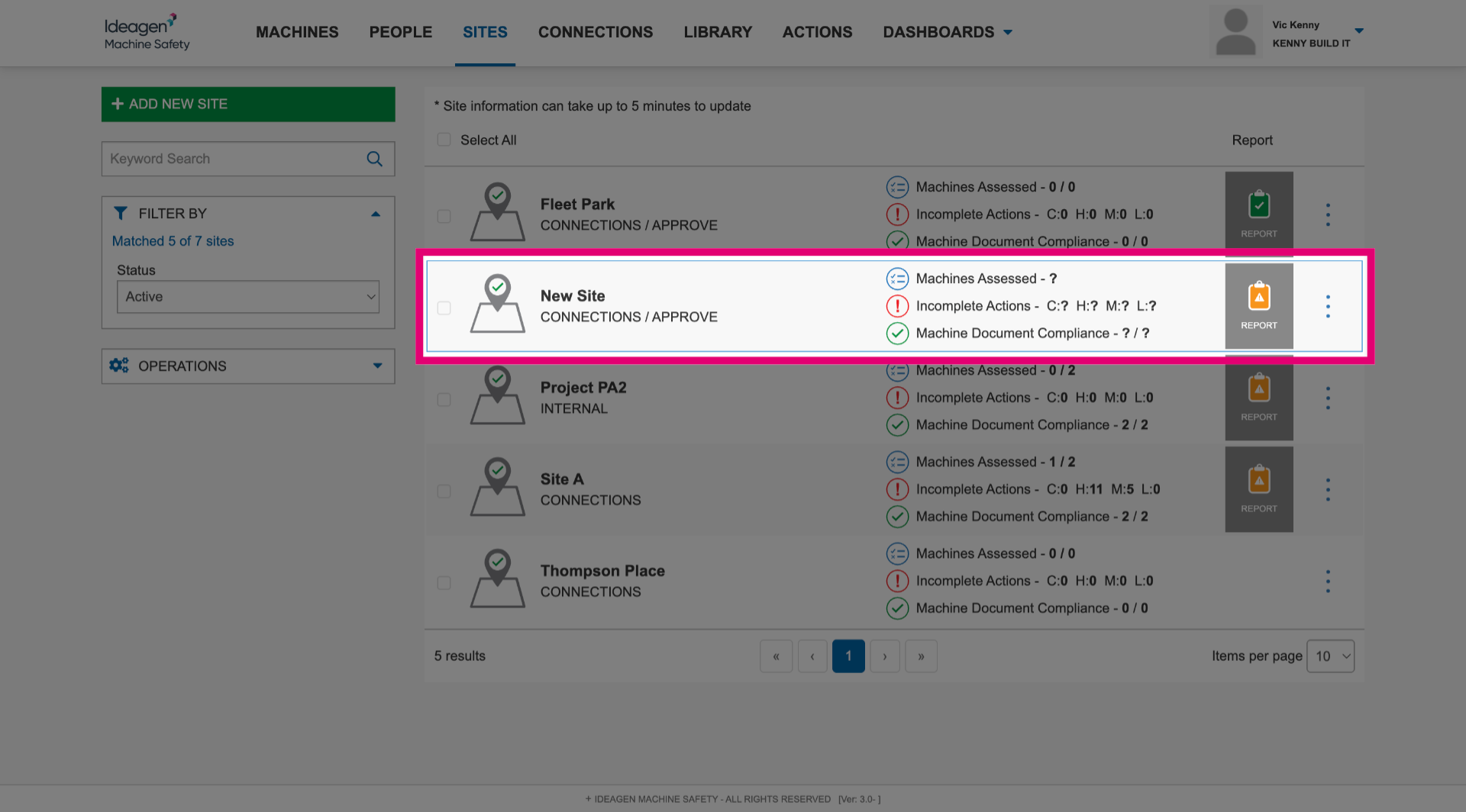
Your new site will appear in the Sites overview list.