


New article
Recently updated
Adding an owner

Who is this article for?
Administrators responsible for owner management.
Administrator permissions are required.
Owners allow you to categorise machines within your system. This is useful when your fleet is spread across departments as the owner can easily refine and report exclusively on the machines assigned to them.
This article walks you through the process of adding an owner to your system and assigning an owner to a machine.
1. Adding an owner
1.1 System
To add an owner to the system:
- Click the Account badge.
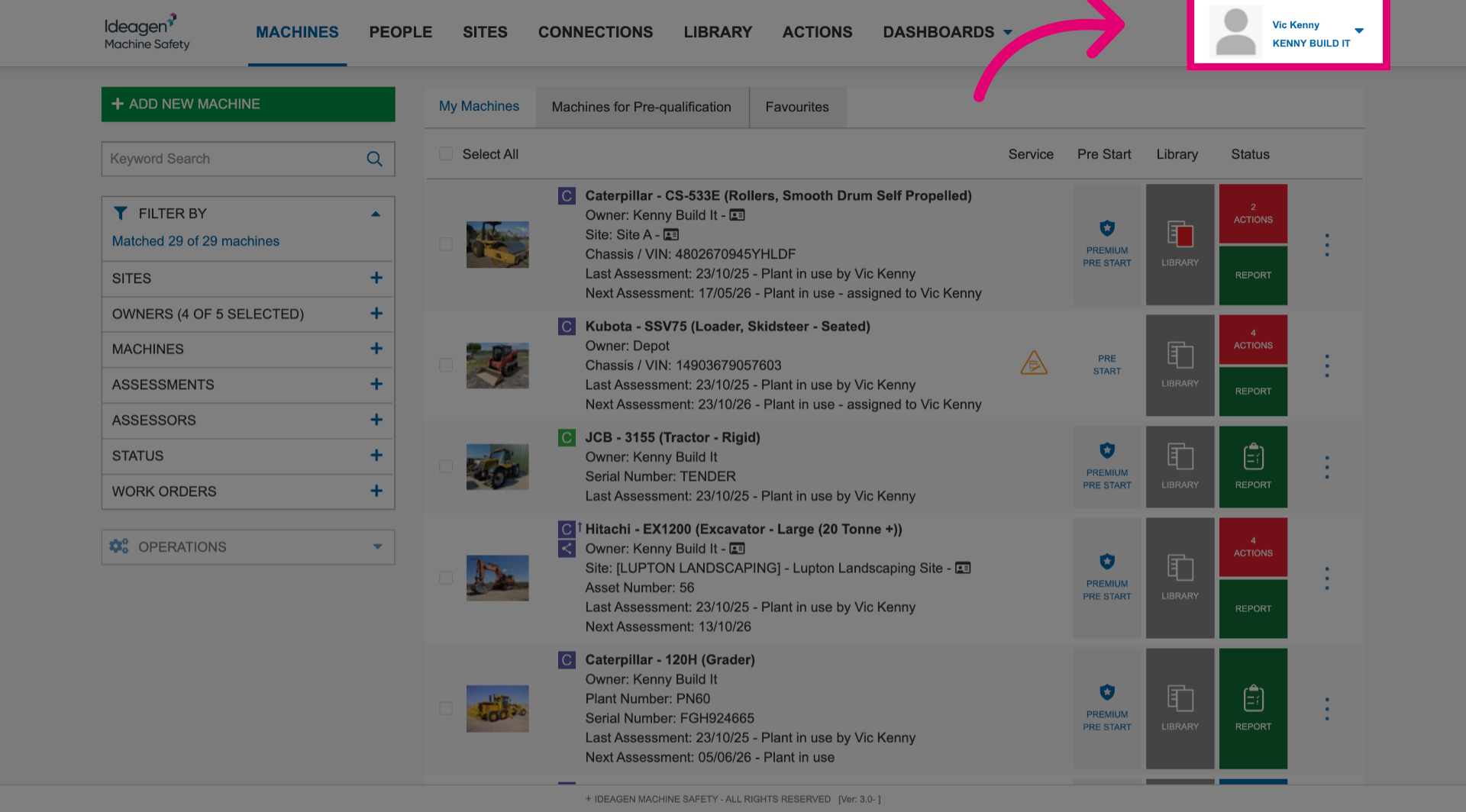
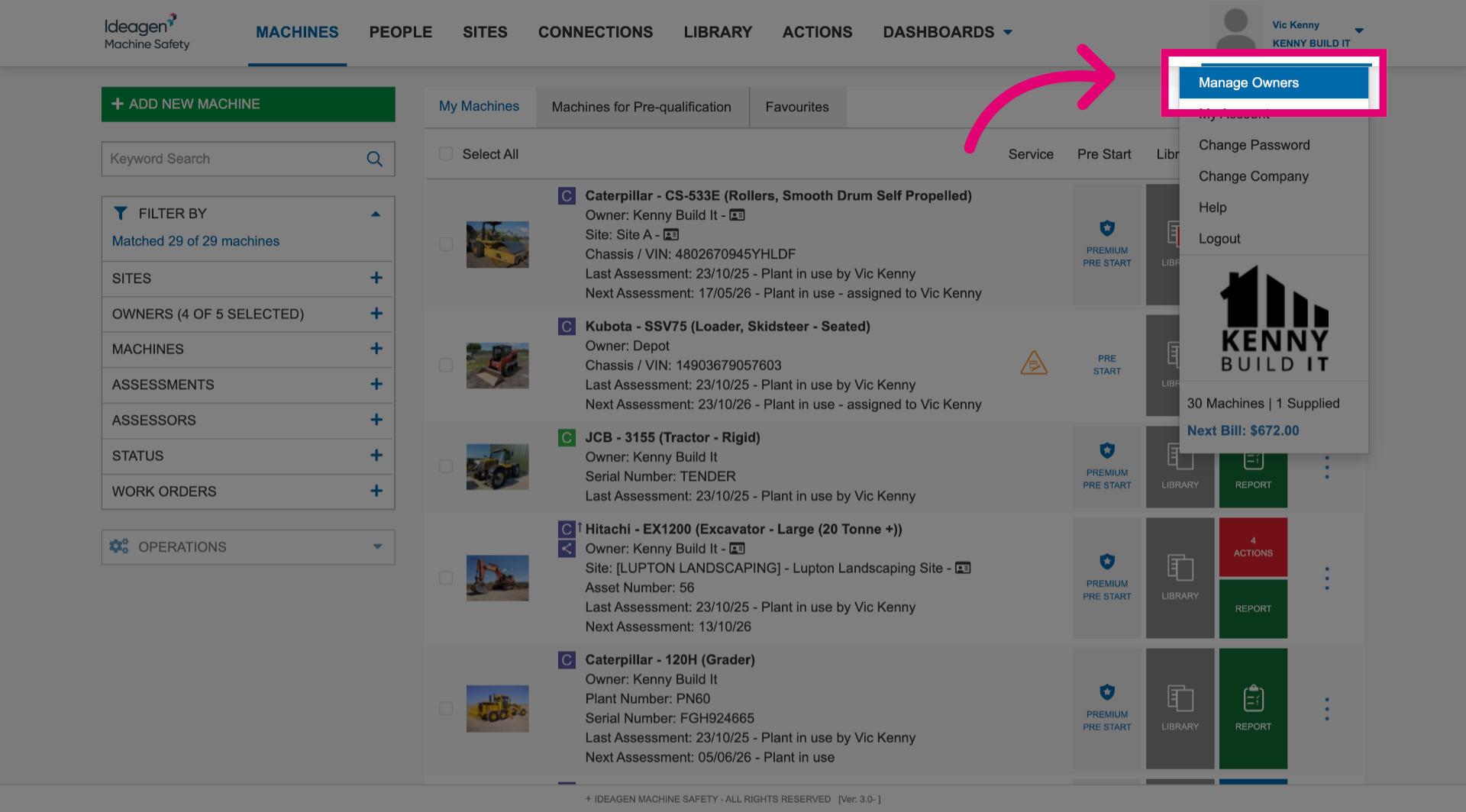
- Select Manage Owners.
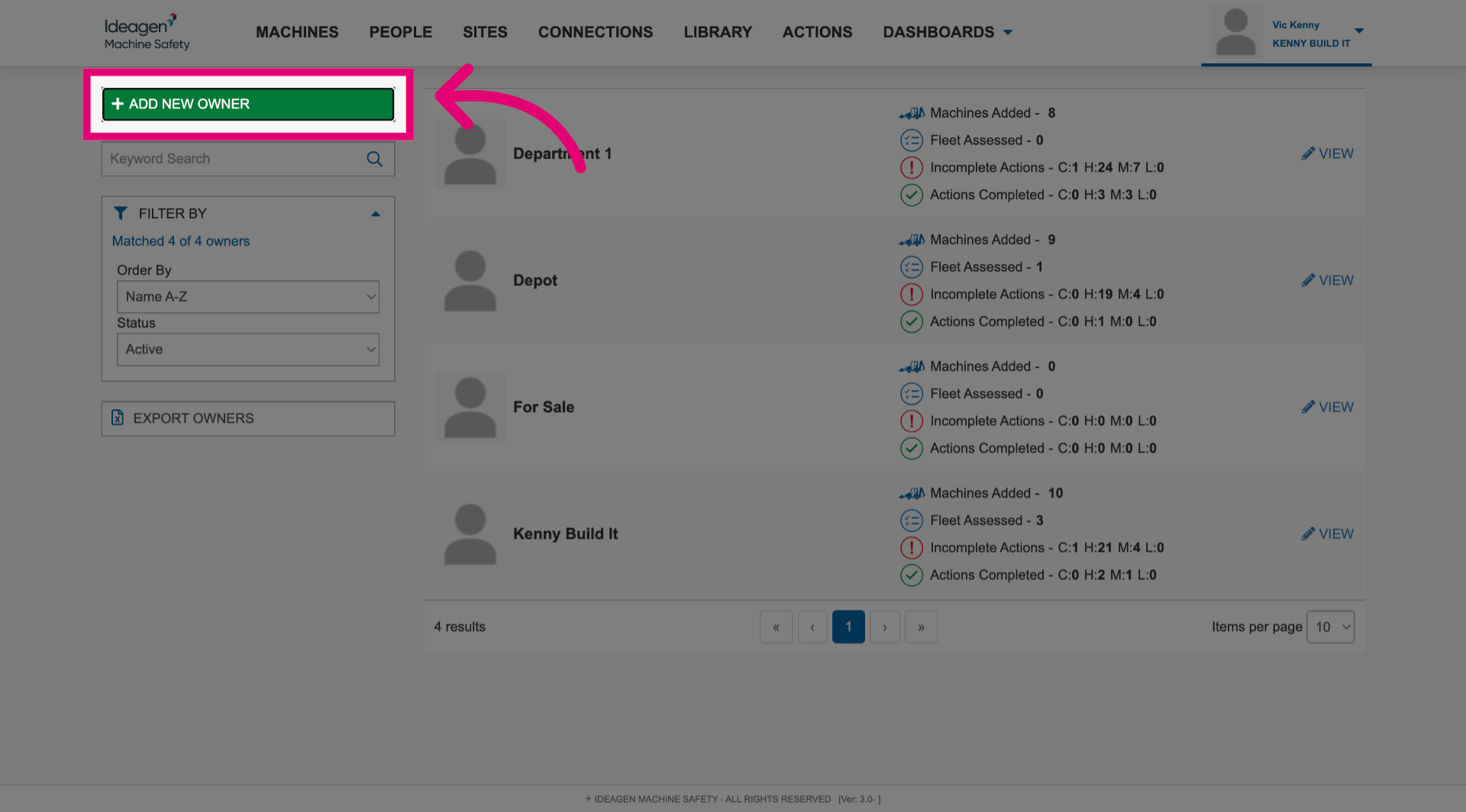
- Click Add New Owner.
- Enter an Owner Name.
This could be an individual person or a department name.
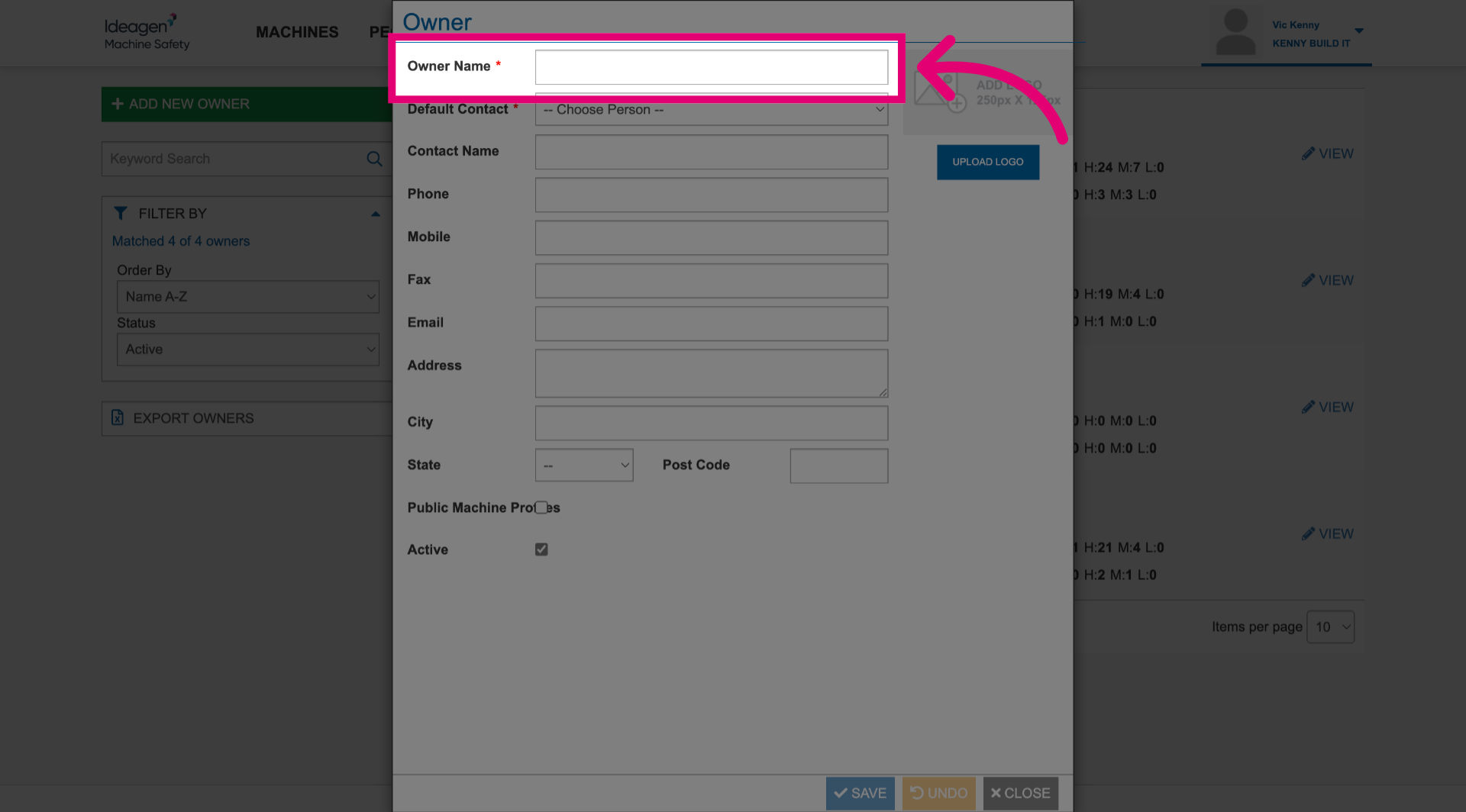
- Set a Default Contact.
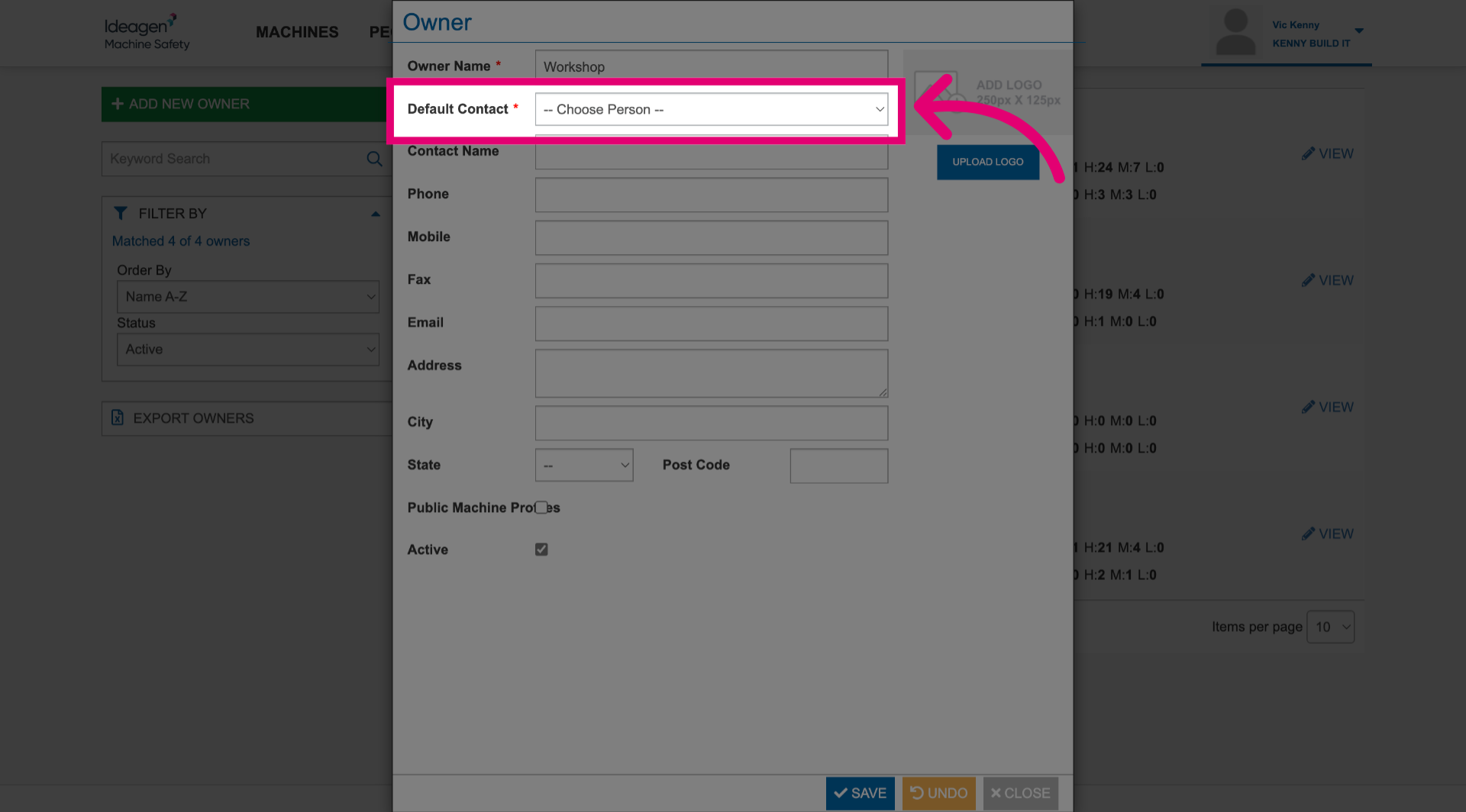
- Fill out as many contact details as needed.
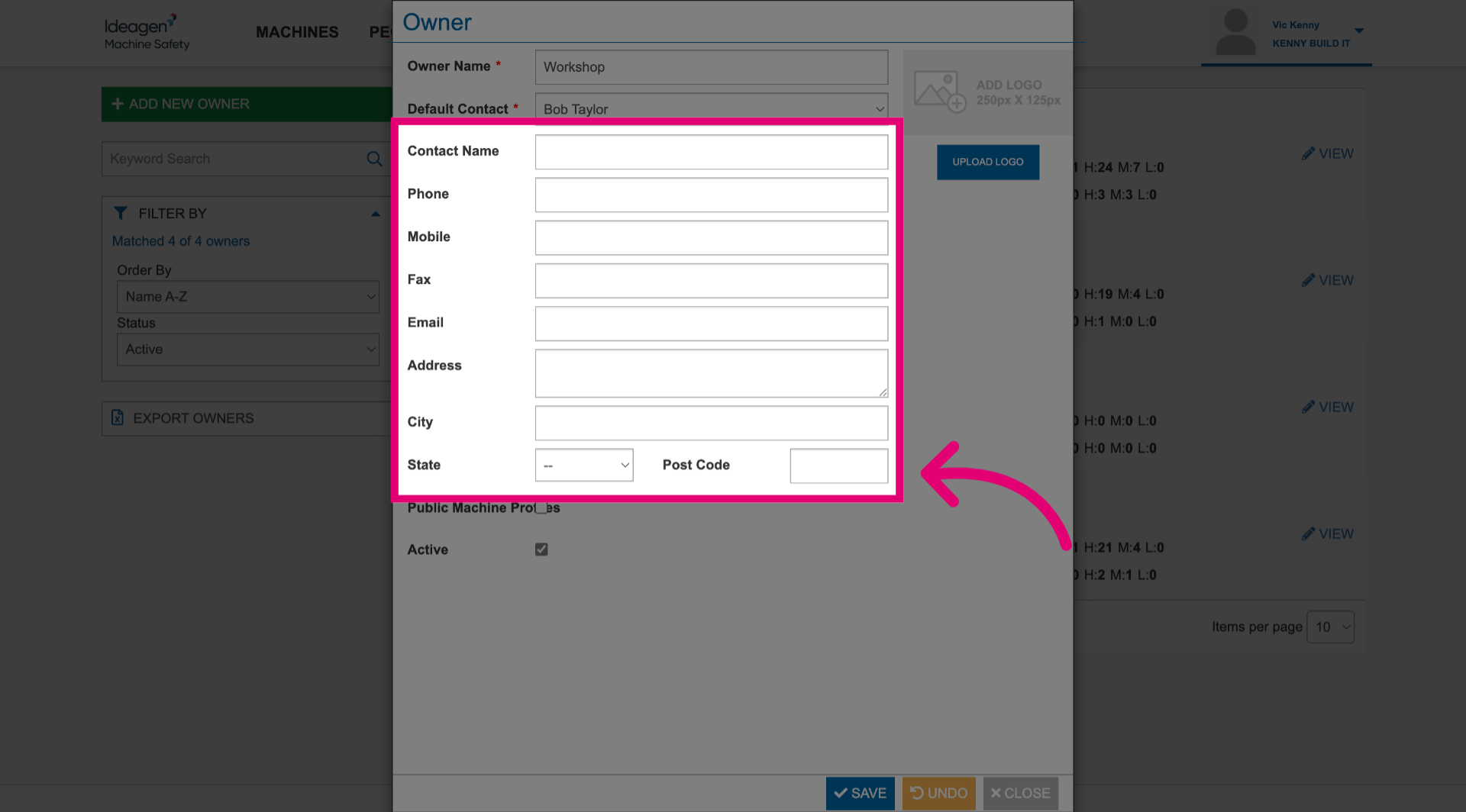
- Click Save.
1.2. Machine
To add an owner to a machine:
- Click More to open the menu.
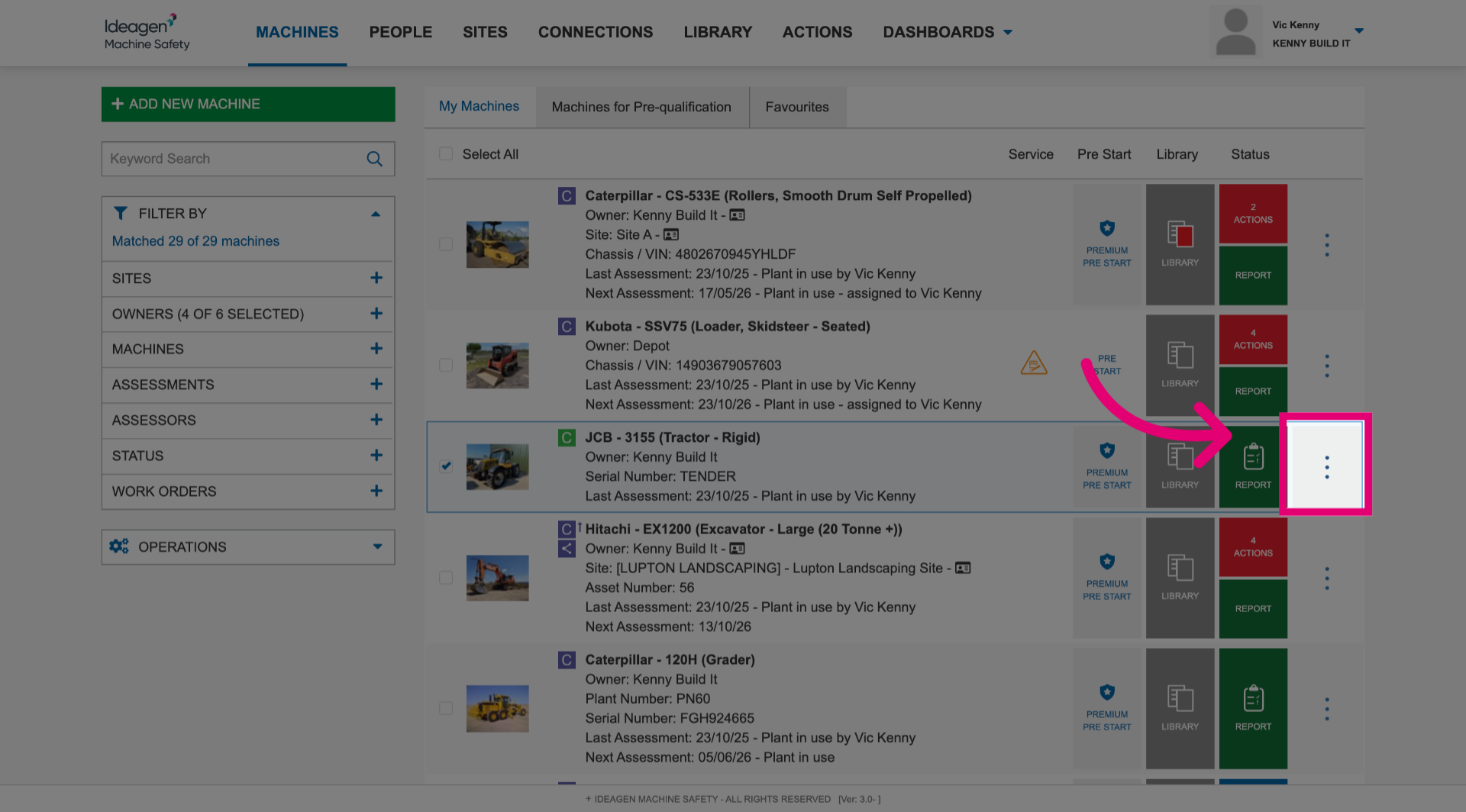
- Select Edit Machine.
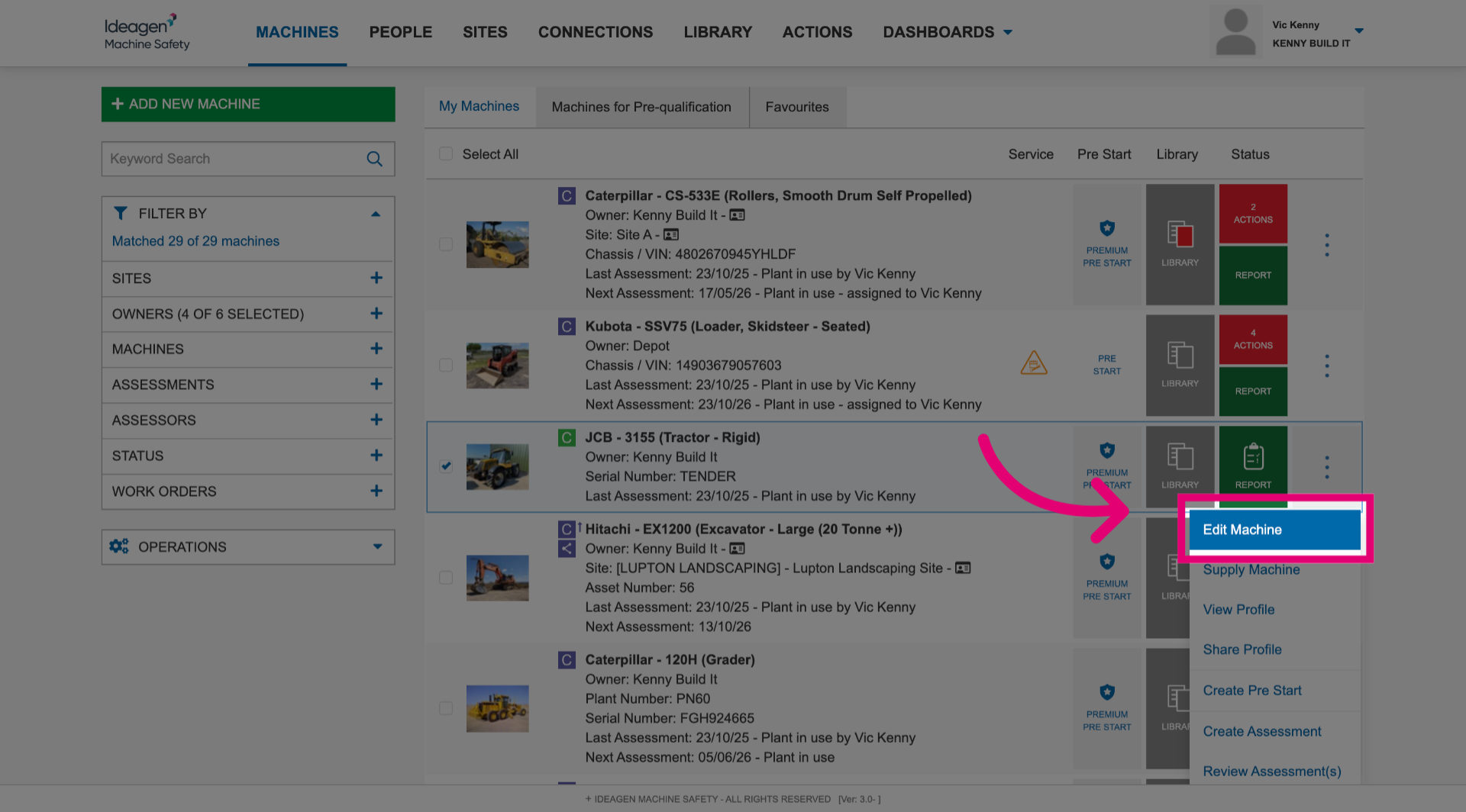
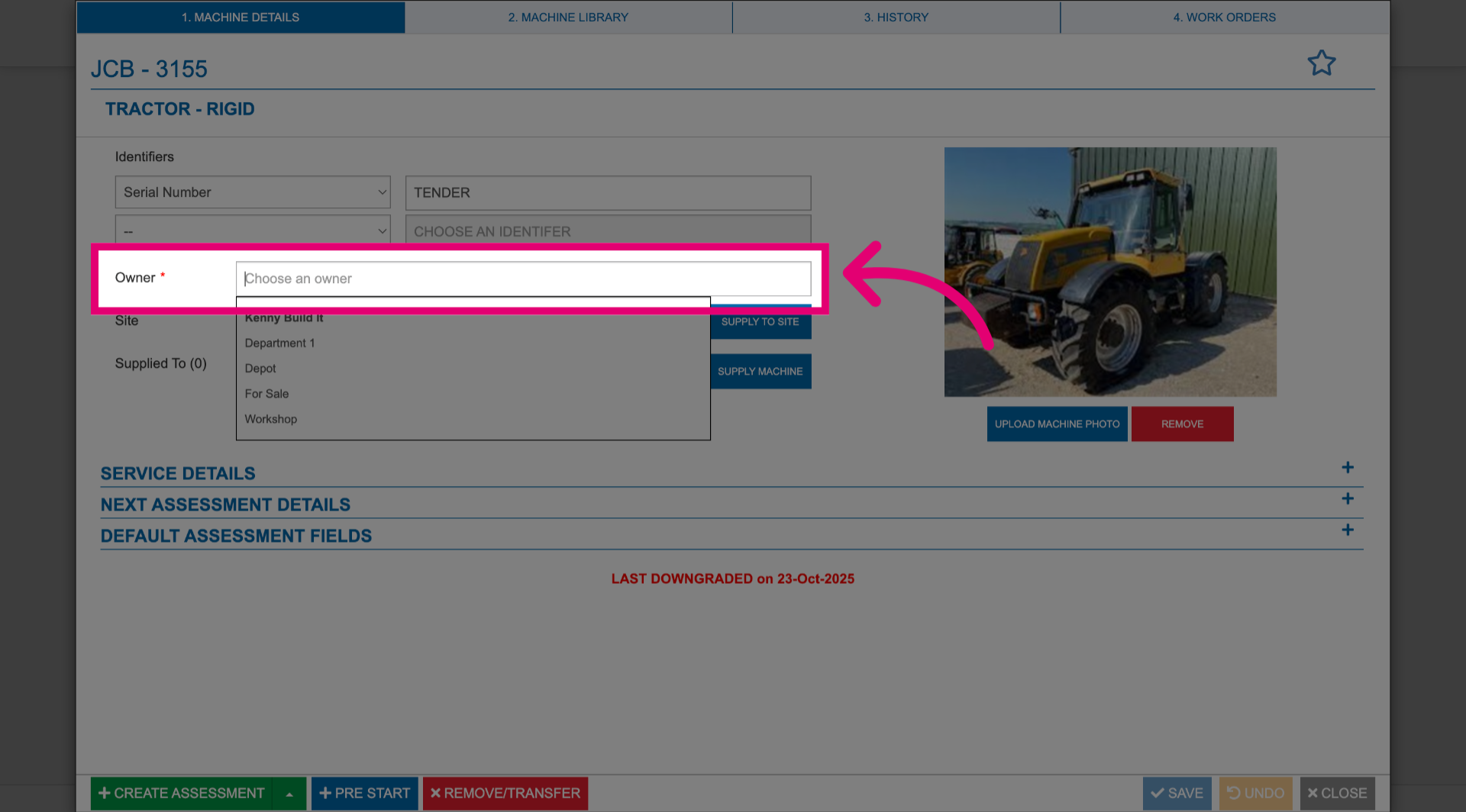
- Select the newly added Owner from the dropdown.
- Click Save.
- Click Close.