New article
Recently updated
Adding machine documents

Who is this article for?
Users responsible for document management.
Manage machines permissions are required.
Documents such as condition reports, insurances, photos, registration papers and maintenance records can be added to the machine so that they are always available to anyone with access to it.
These documents, in addition to all risk assessment surveys and pre-start reports conducted within the system are included when sharing the machine profile, unless public profiles have been enabled.
This article shows you how you can add documents to a machine.
1. Adding a document
To add a machine document:
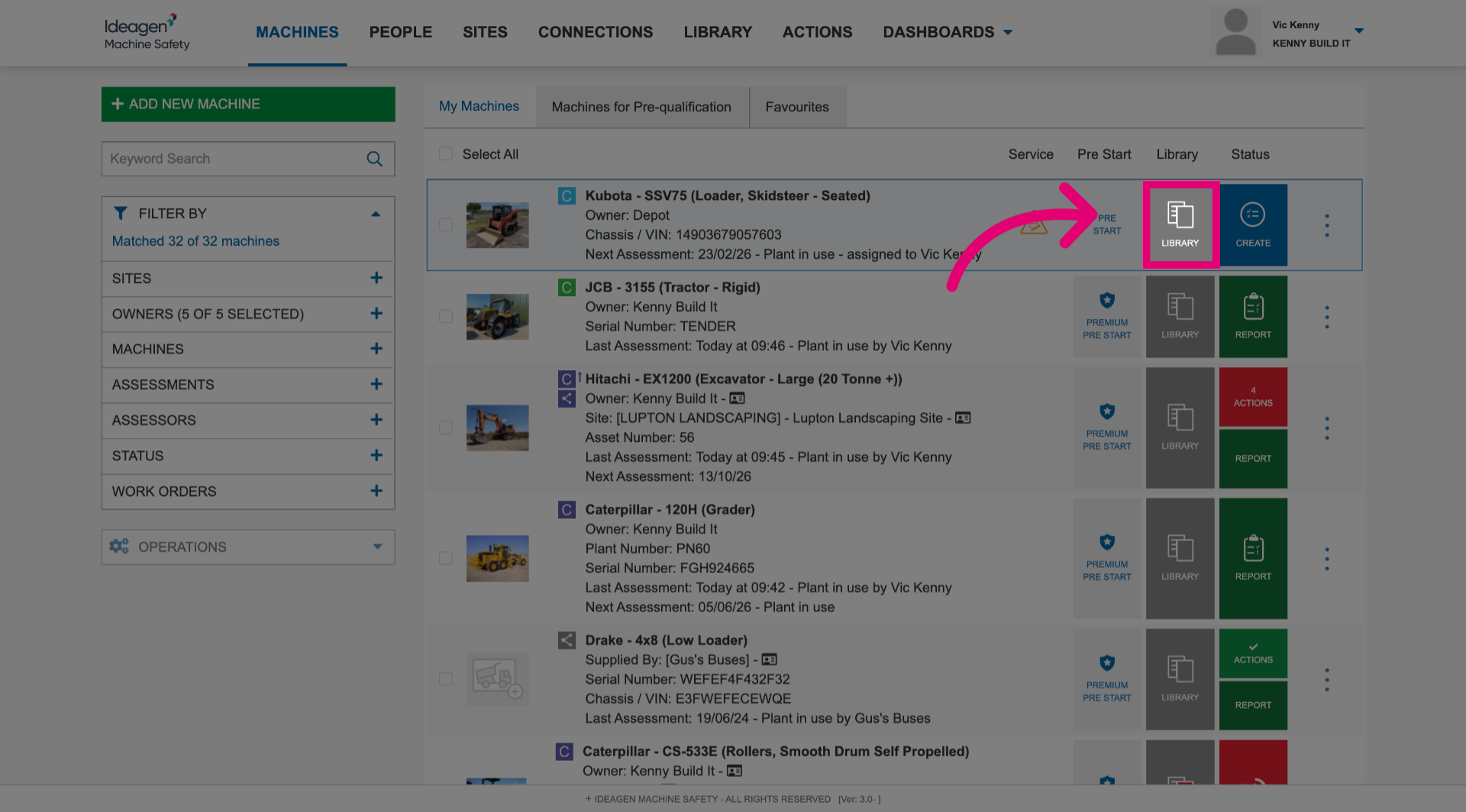
- Click Library next to the machine.
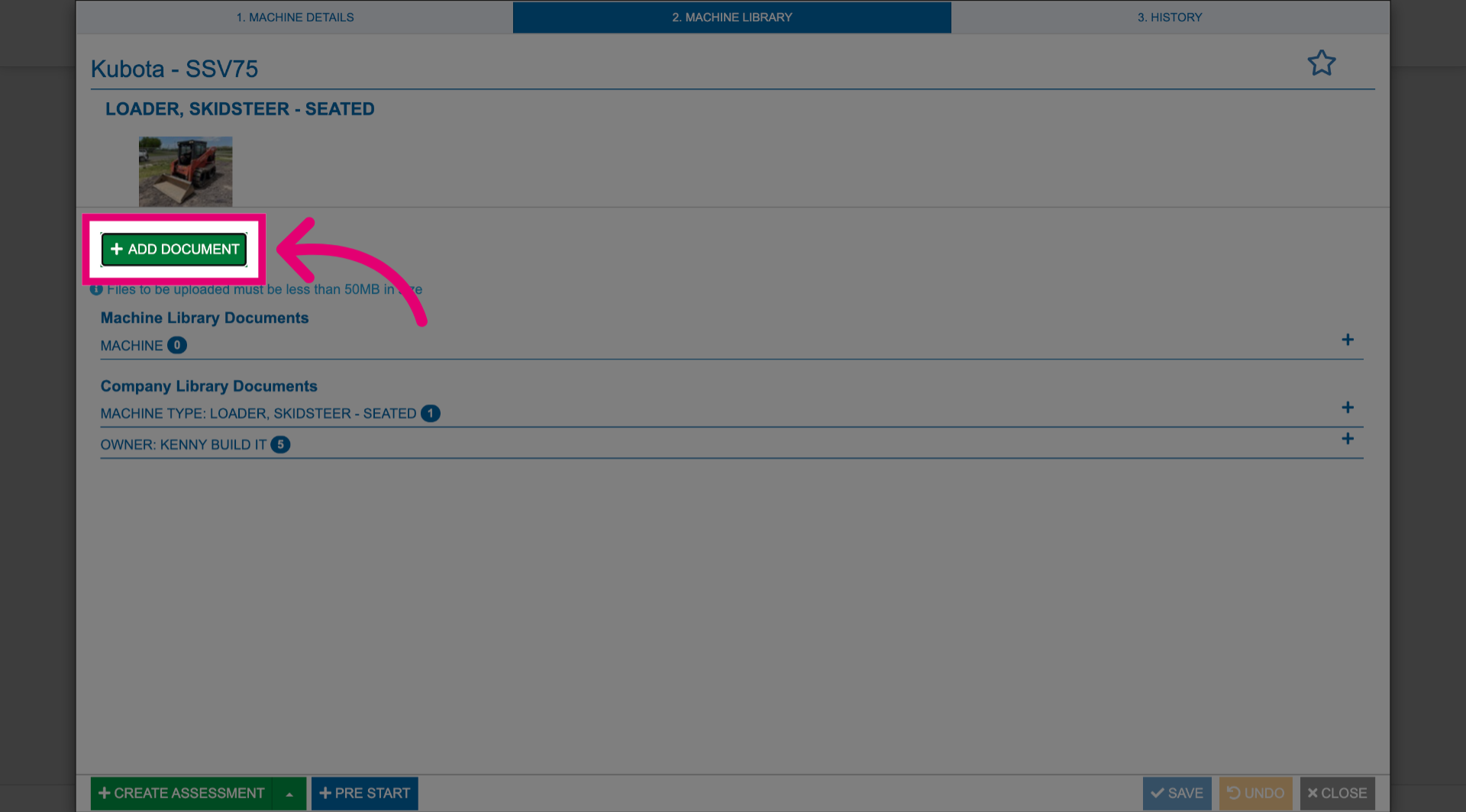
- Click Add Document.
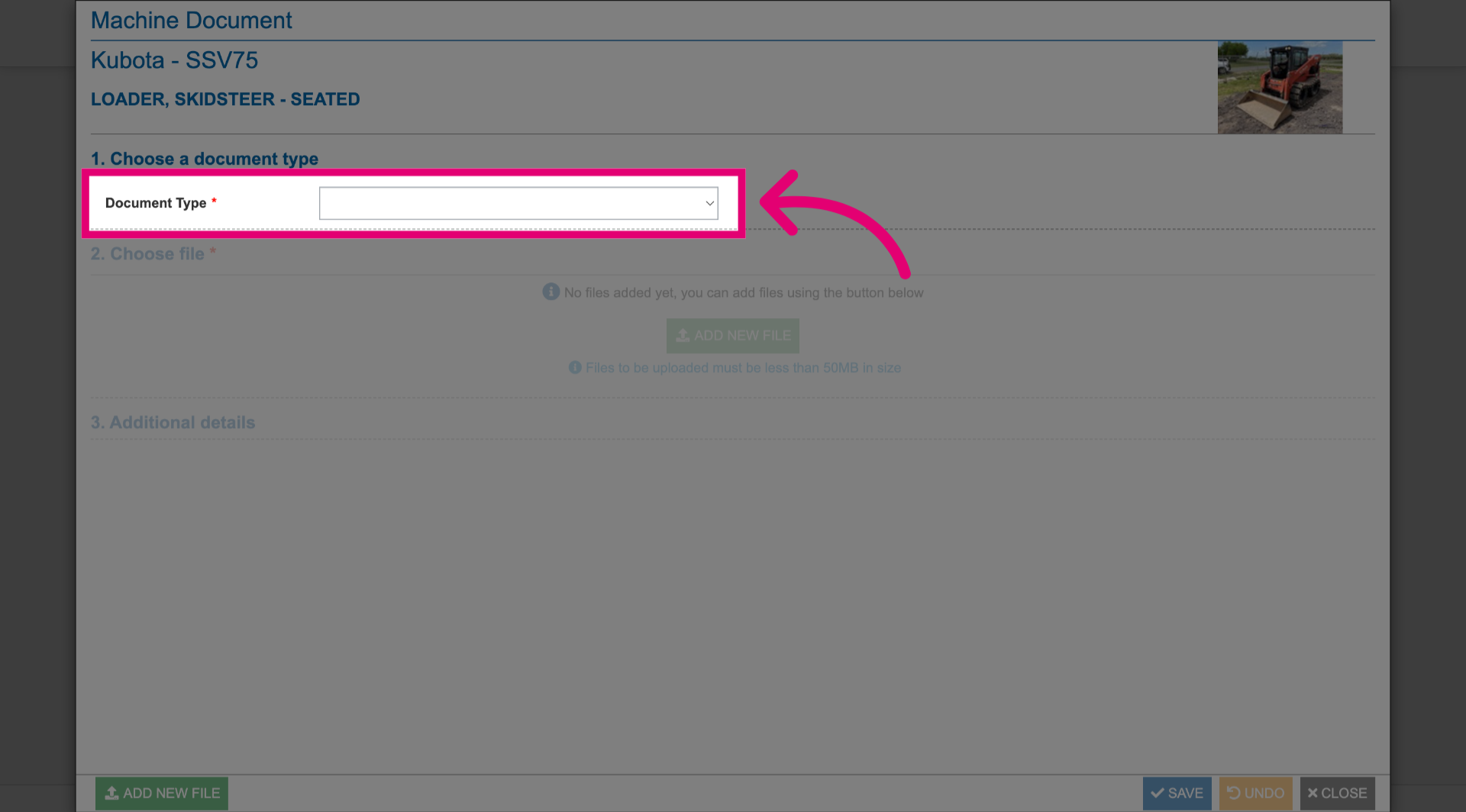
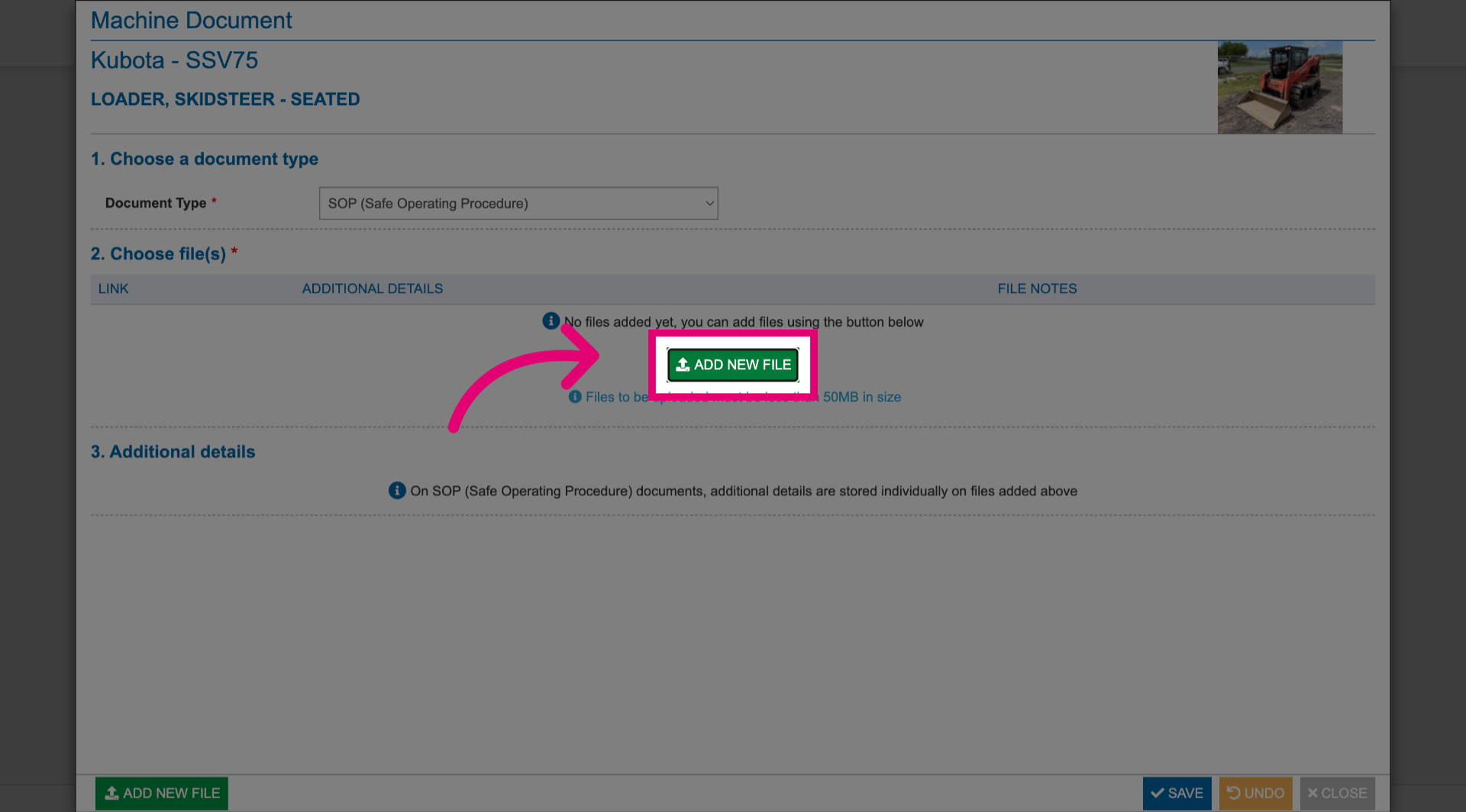
- Select Document Type.
- Click Add New File.
- Select a file from your computer.
- Click Save.
- Click Close.
Your document will be uploaded under the category you selected as a document type.
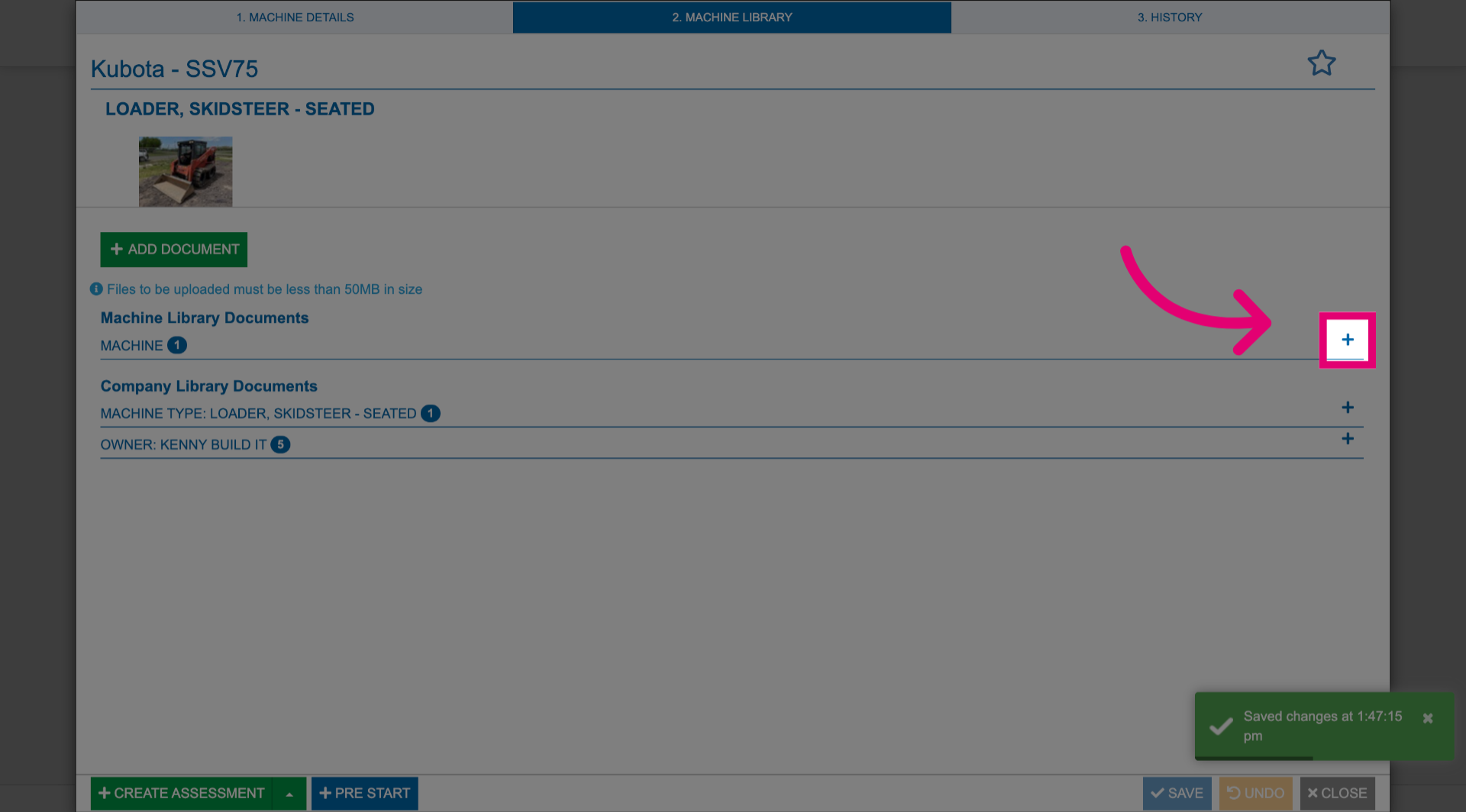
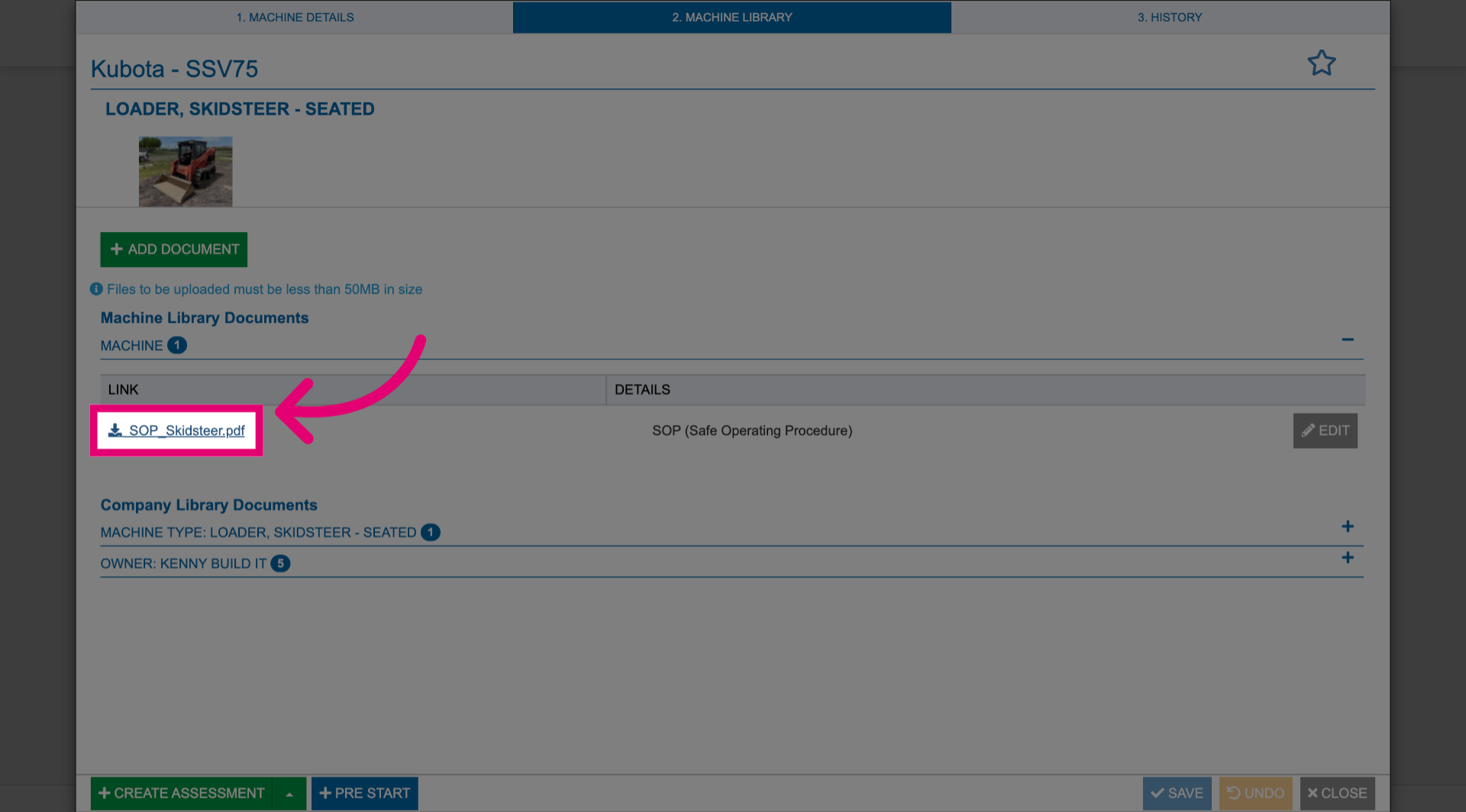
To download a local copy, click the title of the uploaded document.